From mapping your traffic-free route to work to planning your next holiday, AI is penetrating into new corners of our lives and streamlining how we work and live. While AI can’t come up with your next business idea, it can certainly help it get off the ground, because naming and building an app is easier than ever thanks to the revolutionary power of artificial intelligence. Have you got an app idea or a growing business that needs a user-friendly app to help it take off? Here’s how to name, build with nandbox App Builder and brand an app that’s sure to go viral.
Find Your Niche
You’re probably starting with a good idea of what you want your app to do, but it’s equally important to ask why it needs to do it. Apps become integral tools in the lives of their users, and when you’re building and branding an app, you need to understand who your users are, the problem you’re solving for them, and how they’ll feel when using your app.
lass=”yoast-text-mark” />>
This is as true for a simple, addictive, and diverting game as it is for a wellness app that seeks to aid users with stress, anxiety or sleep. How your app interacts with your users’ lives determines your brand identity: are you calm and reassuring, offbeat and silly, or innovative, sleek and luxurious?
These are the key questions to ask
- What is the purpose of this app?
- What makes my app stand out from competitors?
- Who is my audience: what are their age, economic circumstances, and values?
- What emotions do I want them to feel when interacting with the app?
<span style=”font-weight: 400;”>By understanding how your app connects to your customers’ lifestyle, values and emotions, you’ll be able to build a consistent experience that ensures they’ll keep coming back to tap it open. That experience, by the way, starts with a name.
Choosing Your App Name
<span style=”font-weight: 400;”>Your app’s name plays a huge role in attracting your users and ensuring they can find you in the app store. A great name puts a smile on customers’ faces and establishes your brand identity, while a bad or hard-to-spell name means customers might never click ‘Install.’
App Naming Trends in 2025
The best app names are simple, catchy, and hint at your app’s purpose, creating an instant connection with your audience. In recent years, we’ve seen a few trends in app naming:
- +a: Names like Strava, Canva, and Planta follow an easy pattern and sound great on the tongue.
- tyle=”font-weight: 400;”>+ly and +ify: The -ly and -ify suffixes have been firmly established as describing something as a tool or platform, and apps like Presently, Wealthify, and Spotify are instantly recognizable in their purpose.
- Compound Names: Compound names based on English words are easily remembered and create a sense of energy and movement. Apps like Snapseed, Snapchat and Splitwise leverage two short, relevant English words to stick in their audience’s minds.
<span style=”font-weight: 400;”>Atom.com recently surveyed customers on their favorite names for both AI brands and tech startups, and short, easily pronounced made-up words came out on top for both categories. These catchy names, such as Zopa and Vinted, are highly memorable and build a strong brand identity.
Brainstorming for an App Name
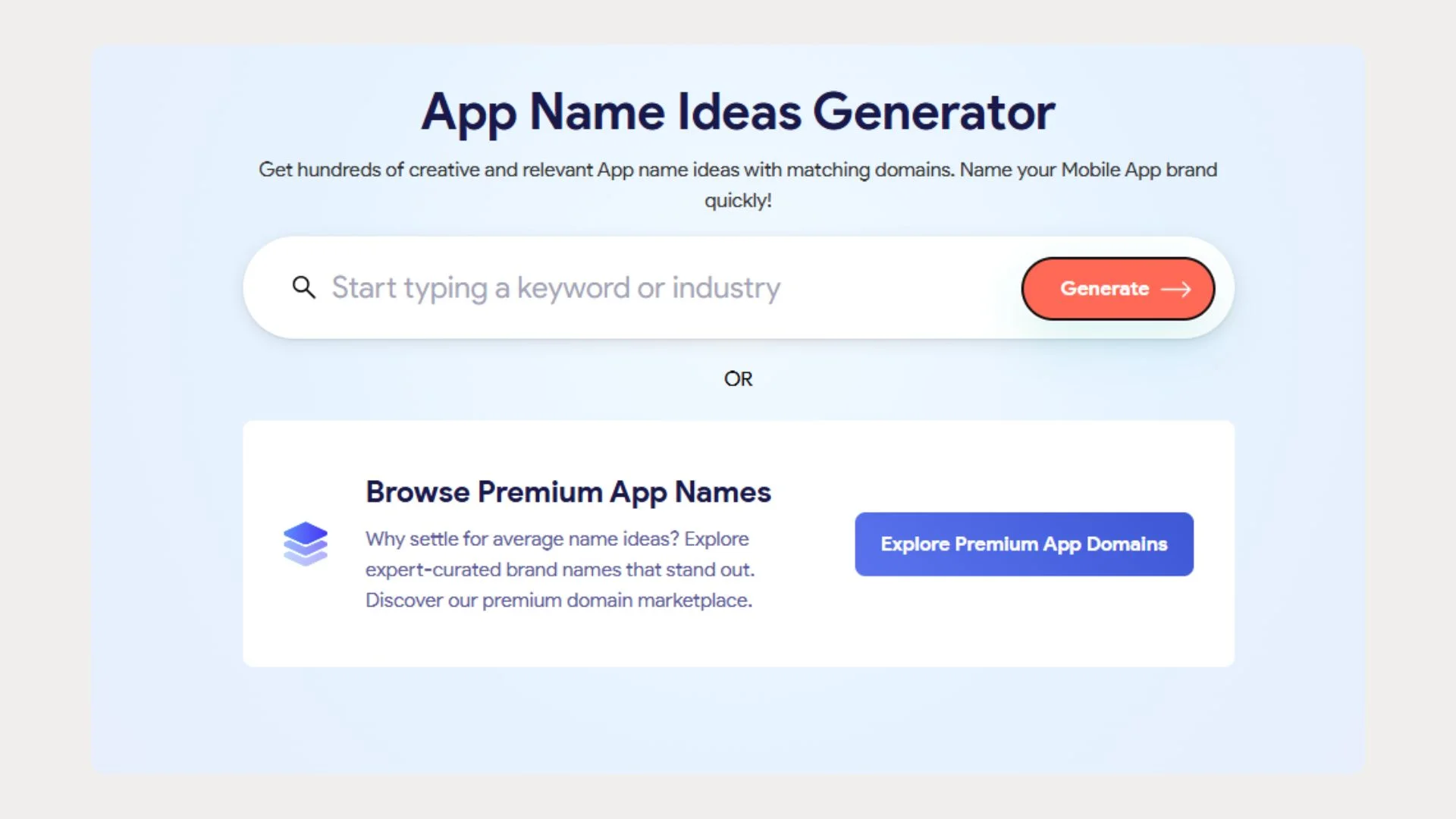
<span style=”font-weight: 400;”>While there are a few clear app naming trends to guide you, finding the perfect name can still be tricky, particularly as your name can be an entirely made-up word, such as Temu or Venmo.le=”font-weight: 400;”>
>
One great way to get started is to do some word association and write down any word you associate with your app’s purpose to get your creative juices flowing.</span> For example, if your app is a photo editor, then “dark room,” “snap,” “pic,” and “lens” might all go on the page. Immediately, Lensify, DarkRoom or Snappa might stand out as potential app names.
Or, since it’s 2025, you could let AI do the hard work for you. An AI-powered app name generator can take your app idea and brand positioning and come up with a great name based on real naming data.
Validate Your Name
Before deciding on your name, there are a few checks to make. First, your app name should be unique or, at the very least, there should be no apps with an identical name. Not only does this avoid confusion with customers, but it also means you’ll be able to trademark your name and protect your brand as it grows.
Next, decide whether your app needs a web domain or whether users will find you exclusively through the app store. App developers have one major advantage over other business founders. They can choose super short, elite names without requiring an expensive matching domain. However, you still need to check that there’s a relevant, available domain in a strong extension such as name+app.com or name.io.
Lastly, ensure your name abides by all naming rules for the App Store and Play Store. For example, both Apple and Google limit app names to 30 characters, but on Android operating systems, anything over 8-10 characters may be cut off on users’ home screens. A shorter name won’t just be easier to remember: it’ll be fully readable.
A longer name, such as ‘SoundCloud,’ may be cut off on some operating systems.
Build Your App
With your app idea fixed and a great name at hand, you can get to work building your app. In 2025, it’s easier than ever to build your app without writing a single line of code using nandbox app builder.
Top No-Code Platforms for Beginners and Entrepreneurs
Here are my recommendations for the best no-code app builders for entrepreneurs and app beginners.
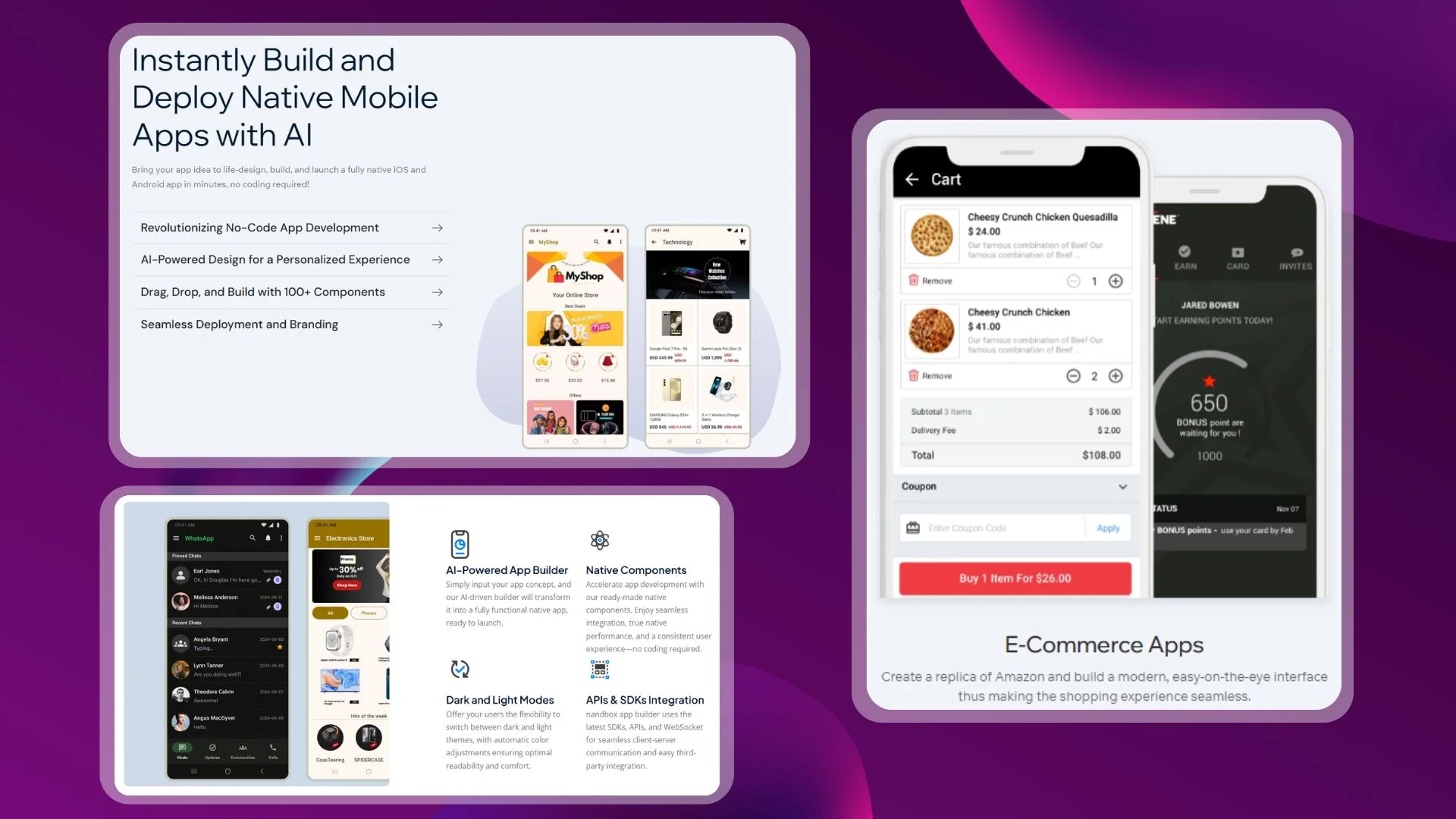
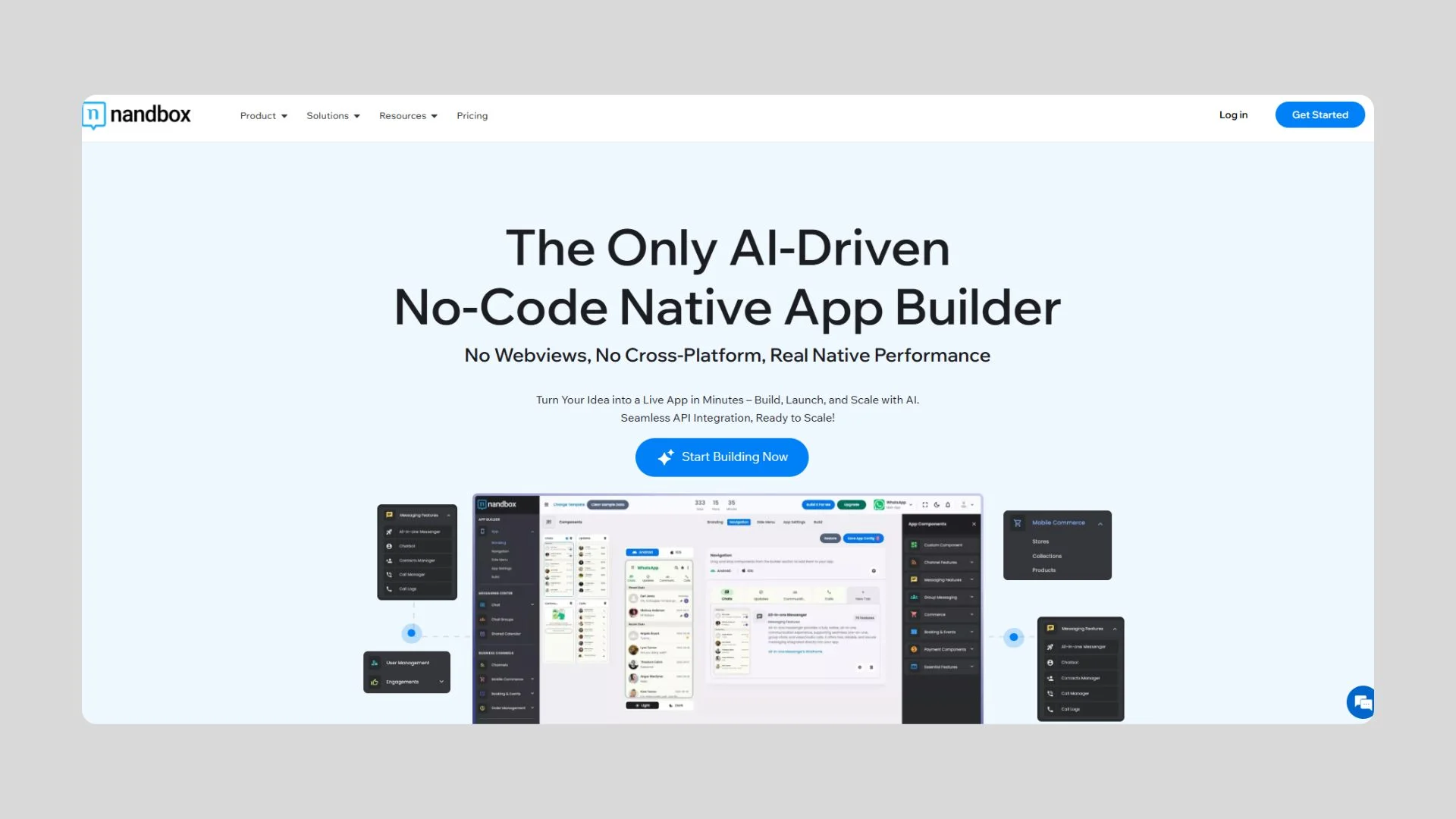
- nandbox App Builder: One of the most powerful AI app builders available today, Nandbox’s drag-and-drop editor is exceptionally easy to use and has a range of native components to accelerate your app development.
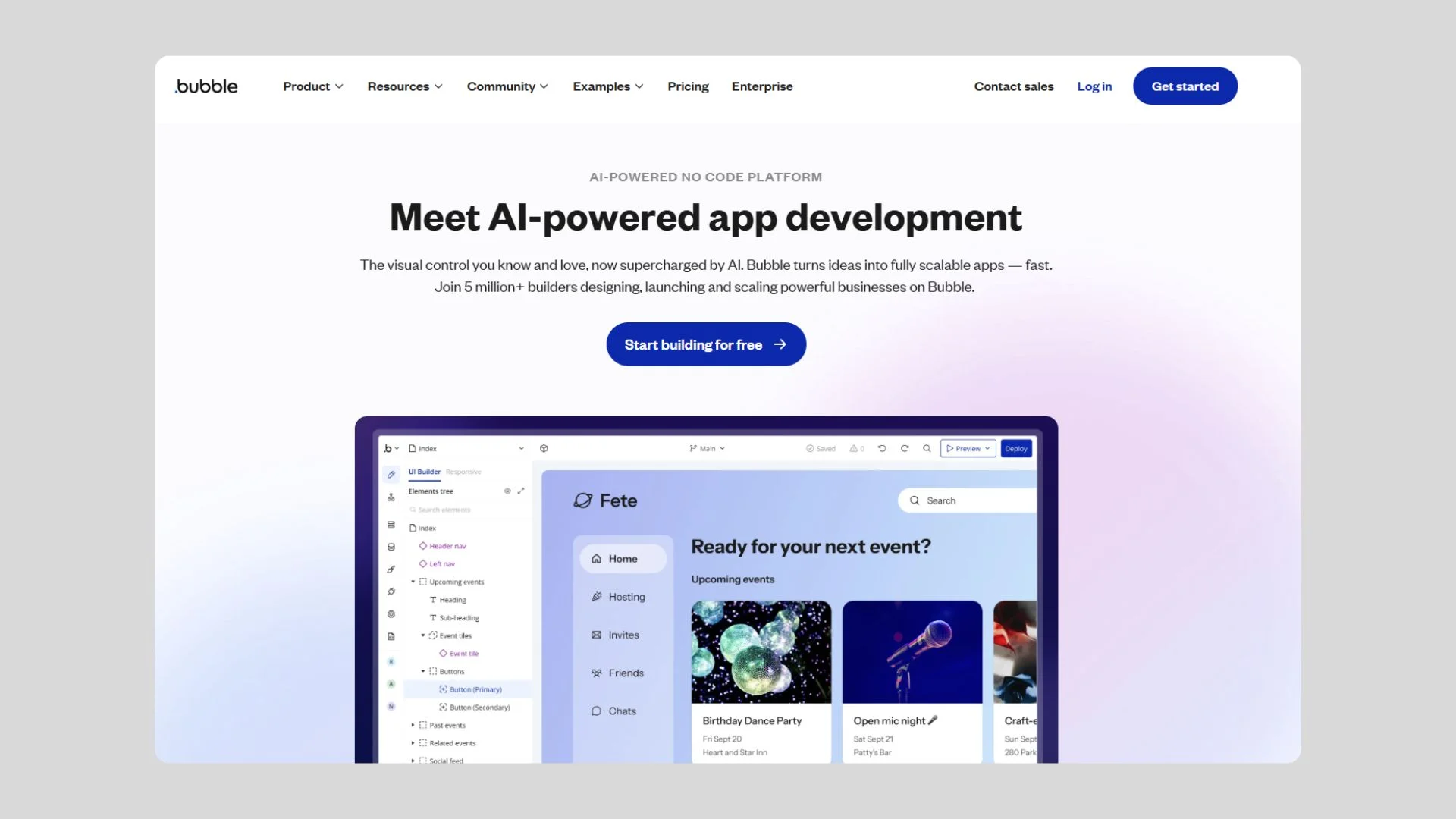
- Bubble: Bubble is another AI-powered app builder with a thriving community of developers. Bubble takes time to learn but gives developers huge flexibility to build an app their way.
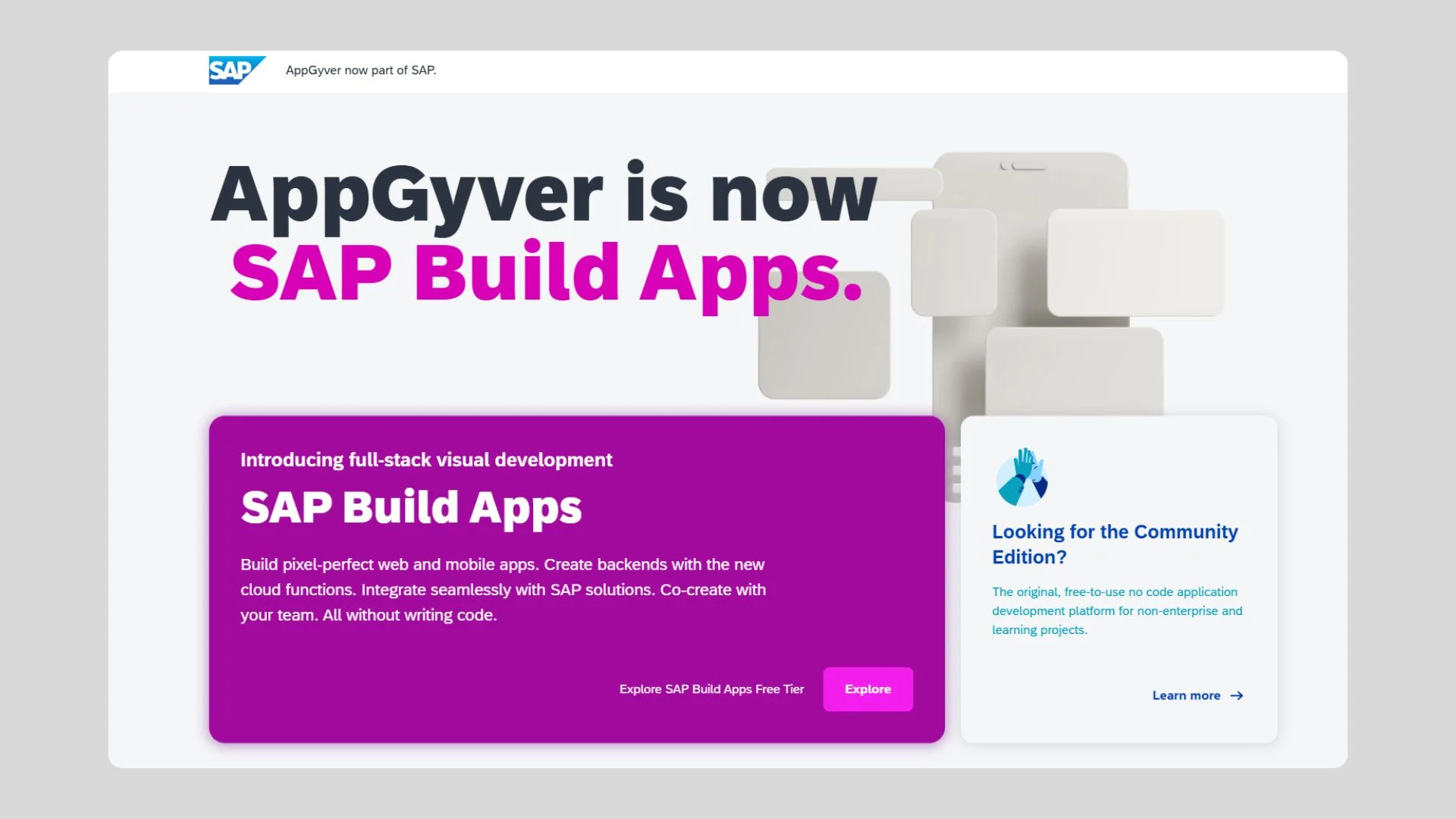
- AppGyver: AppGyver is a powerful app builder for those with some background in development. It allows for precision, complexity and a high degree of customizability, but it takes time to learn to use.
Tips and Pitfalls: What to Know Before Launching Your No-Code App
- Start with a Minimum Viable Product (MVP): Building and launching a minimum viable product accelerates your business by getting your app out there fast. Your real users are the best testers, so it will soon become clear which further features you need to add.
- Keep UI/UX Simple: For first-time app builders, focus on intuitive interfaces over flashy design. Use native components offered by the platform, and test usability with real people
- Compliance and Security Oversights: If you’re handling user data, especially passwords, emails, or payment information, know your legal responsibilities.
- Test Across Devices: Ensure your app works on different screen sizes and browsers. nandbox App Builder has integrated tools to enable you to test specific features on real-world devices.
Get Ready to Launch
If you want to create an app but don’t know how to code, then nandbox is your go-to solution. nandbox no-code native app builder allows you to create fully native iOS and Android apps with zero coding needed. On top of that, nandbox offers tons of pre-made app templates. These templates can help you create fully functional apps in just minutes with zero coding. So what are you waiting for? Sign up now and create native iOS and Android apps with no coding!
How to Create an App Using ChatGPT without Coding On a Budget
Ever wondered how to create an app using ChatGPT? With nandbox App Builder GPT, you can build both iOS and Android native apps using ChatGPT without coding. Just describe what you want in ChatGPT. Once you finish the conversation, the GPT instantly gives you a direct link to nandbox. On top of that, nandbox allows you to create fully functional native apps on a budget. Our Premium Plan is the best pricing plan to create native iOS and Android apps with all the essential features with zero coding.