Building a client-ready deck still devours a morning. We nudge text boxes until the clock passes lunch.
Recent benchmarks show AI slide builders cut that grind by roughly 70 percent—from five hours for a 20-slide deck to under 90 minutes—while keeping visual quality intact.
Yet many buyers still wonder, “Will an AI draft pass muster with leadership?”
We screened more than 30 contenders, stress-tested them with real briefs, and narrowed the field to five—each tuned to a different bottleneck. This focus on speed is similar to how nandbox pre-made app templates work, where you can create your dream app and customize it in just minutes, all with zero coding needed. Let’s see which presentation generator deserves your first pilot.
How we selected the shortlist
We cast a wide net and identified 33 AI-enabled slide builders through tech-blog write-ups, Product Hunt threads, and vendor press releases.
We then ran each tool through four non-negotiables:
- Cloud based (no local installs)
- Generates real slide content, not templates alone
- Offers a free tier or trial
- Shows visible product updates between January 2024 and January 2025 (changelog or release notes)
Any miss on those checkpoints meant instant disqualification.
Next came the practical tests you face on every deadline: How quickly can we reach a first draft? Does the copy feel substantive or light? Will layouts stay on brand? Can the file move smoothly into PowerPoint, Google Slides, or a shared workspace?
Finally, we spent two afternoons with each finalist, reading user forums, watching demo videos, and building a 12-slide deck from the same brief. Five products rose to the top. Each excels at a different bottleneck, so you can match the right tool to your specific pain point instead of hunting for a universal winner.
The same concept now applies for app creation, where solutions like nandbox App Builder GPT help you build both iOS and Android native apps using ChatGPT without coding. All you have to do is just describe what you want in ChatGPT, and once you finish the conversation, the GPT instantly gives you a direct link to nandbox, where your app is already generated and ready to be customized or published.
Find your best-fit tool at a glance
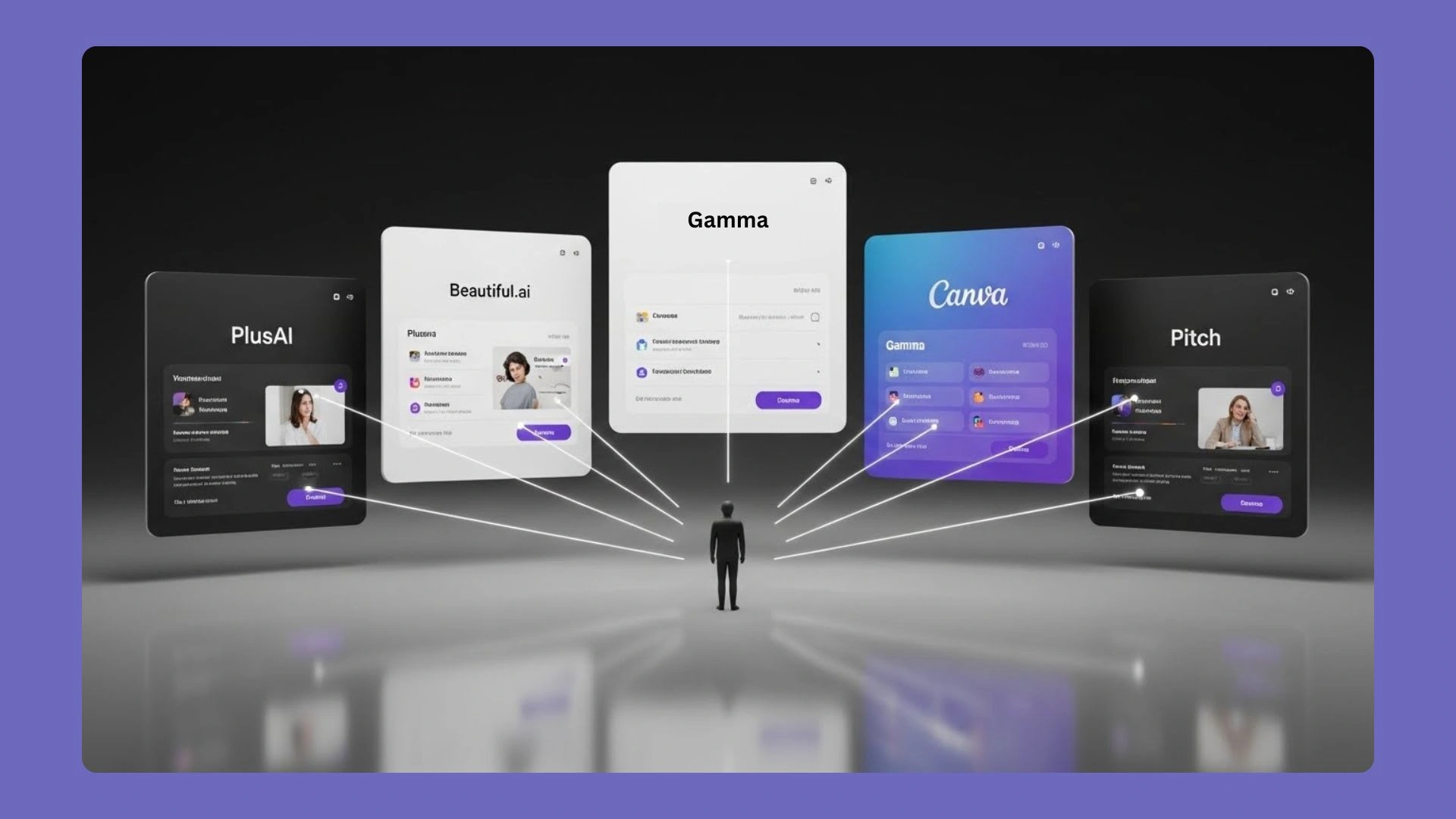
Before we dive into deep reviews, here is a quick matchmaking chart. Choose your main bottleneck, then see which platform meets the need.
| Pain point (what matters most) | PlusAI | Beautiful.ai | Canva | Gamma | Pitch |
| Stay inside PowerPoint or Google Slides | Strong | Moderate | Moderate | Weak | Weak |
| Keep every slide on-brand | Moderate | Strong | Strong | Moderate | Moderate |
| Draft a first version in under 60 seconds | Moderate | Moderate | Moderate | Strong | Moderate |
| Real-time co-editing for multiple teammates | Moderate | Moderate | Strong | Moderate | Strong |
Legend: Strong = best in class, Moderate = usable, Weak = limited or missing (ratings based on our hands-on tests and vendor feature documents published January 2025).
Two takeaways stand out. First, no single tool leads in every column, so pick the platform that solves your biggest hurdle. Pricing also matters at this stage, especially when you’re comparing tools or planning for long-term use. That’s why nandbox app builder helps you create native apps on a budget. nandbox Basic Plan allows you to discover, customize, and create native apps, all for less than $100.
Second, workflow fit beats broad AI claims, and the clearest proof is adoption: the AI presentation maker PlusAI crossed the one-million-install mark across PowerPoint and Google Slides in May 2024. If your company lives in PowerPoint, start with Plus AI; if the brand team flags every inconsistent font, Beautiful.ai should be your first test; and when pure speed matters, Gamma feels fastest. Keep the chart handy as we unpack each pick.
PlusAI: AI inside the slides you already use
Why PlusAI stands out
PlusAI lives inside Google Slides and PowerPoint, so there is no new platform to learn. After installing the add-on, open a deck, choose Extensions → Plus AI → Edit with PlusAI, and an assistant panel appears beside the canvas. From there, you can:
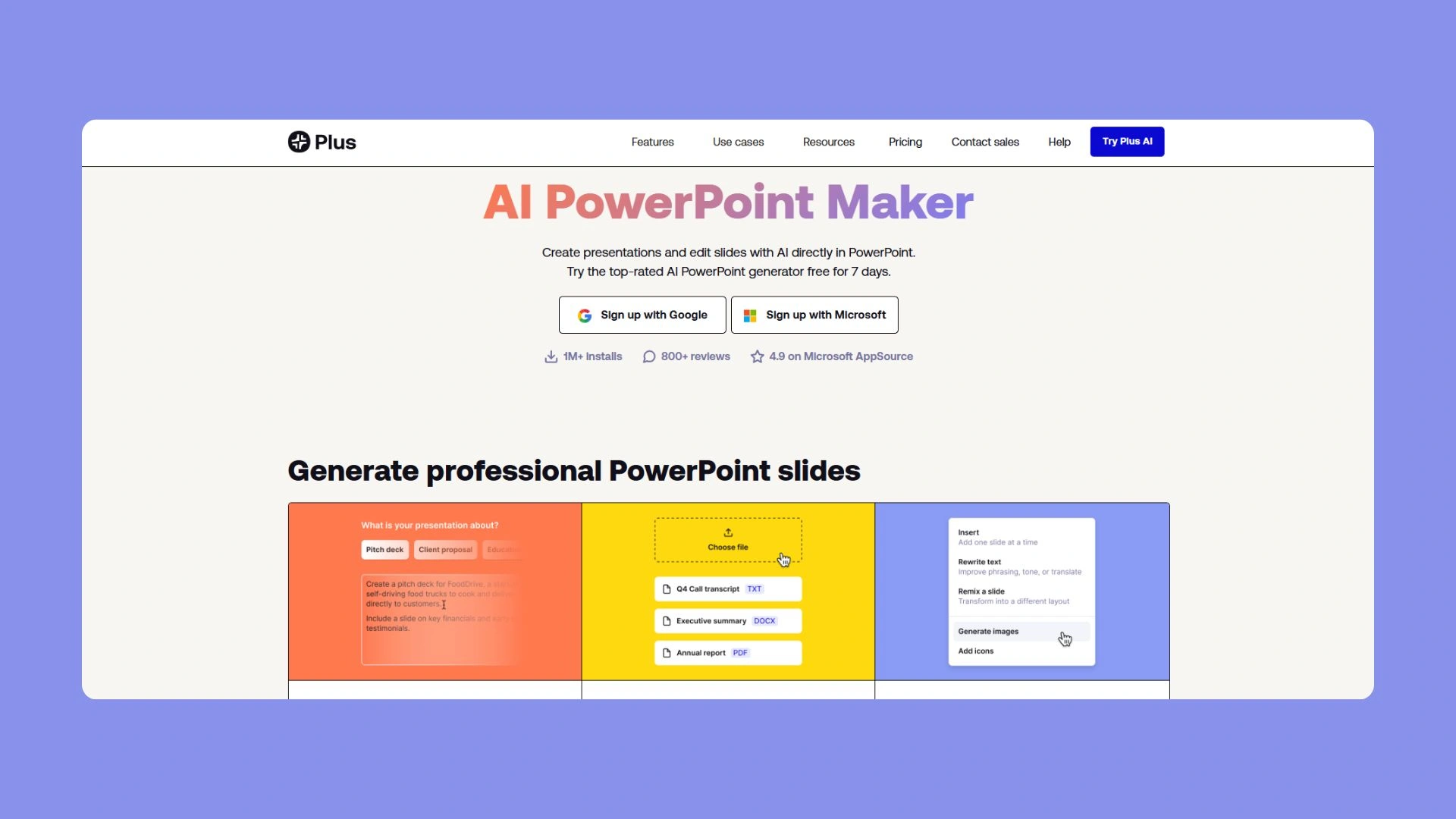
- Draft a new slide or a full 10-slide outline in one click.
- Rewrite clunky bullets, shorten paragraphs, or remix a layout without breaking slide masters, comments, or speaker notes.
- Keep production within the current limit of 30 AI-generated slides per batch to avoid size creep (see the PlusAI troubleshooting guide).
PlusAI is rated 4.7/5 from more than 500 marketplace reviews and reports serving over one million users who create a finished deck in roughly two minutes on average, according to aiforgoogleslides.com.
Because the tool works in small bursts, it feels like a co-pilot instead of a factory line. That rhythm suits teams that already have a slide workflow yet want extra speed and polish.
Beautiful.ai: design polish on autopilot
Why Beautiful.ai stands out
Beautiful.ai works like a brand guardian for every slide. Drop in raw content and its smart templates snap text, charts and images into perfect alignment while locking colors to your approved palette.
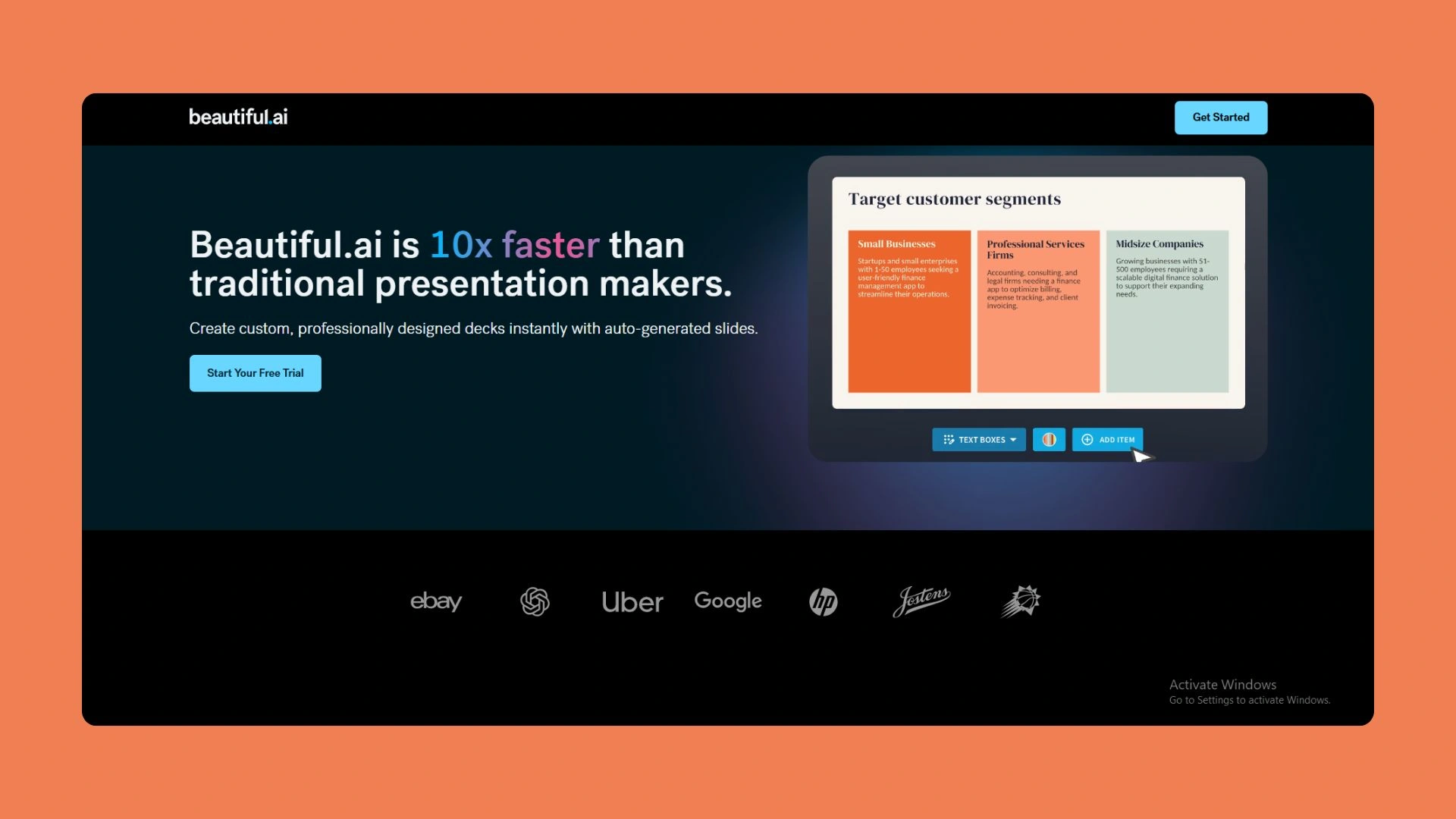
According to a 2025 in-product survey of 550 customers, the median time saving is three hours per week and the average is 5.6 hours. Presentationailist.com reports the platform processed 160 percent more AI-generated decks in 2024 than 2023 and now supports more than 100 000 paying teams worldwide.
A 14-day free trial lets you stress-test the brand controls before committing to the Pro plan, currently $15 per user per month when billed annually. If layout polish and on-brand speed top your wish list, Beautiful.ai belongs at the front of your queue.
Canva (Magic Design): the Swiss-army platform
Why Canva stands out
Chances are your team already opens Canva for social posts or one-pagers. Turning on Magic Design for Presentations drops decks into that same workspace, so no extra subscription is needed.
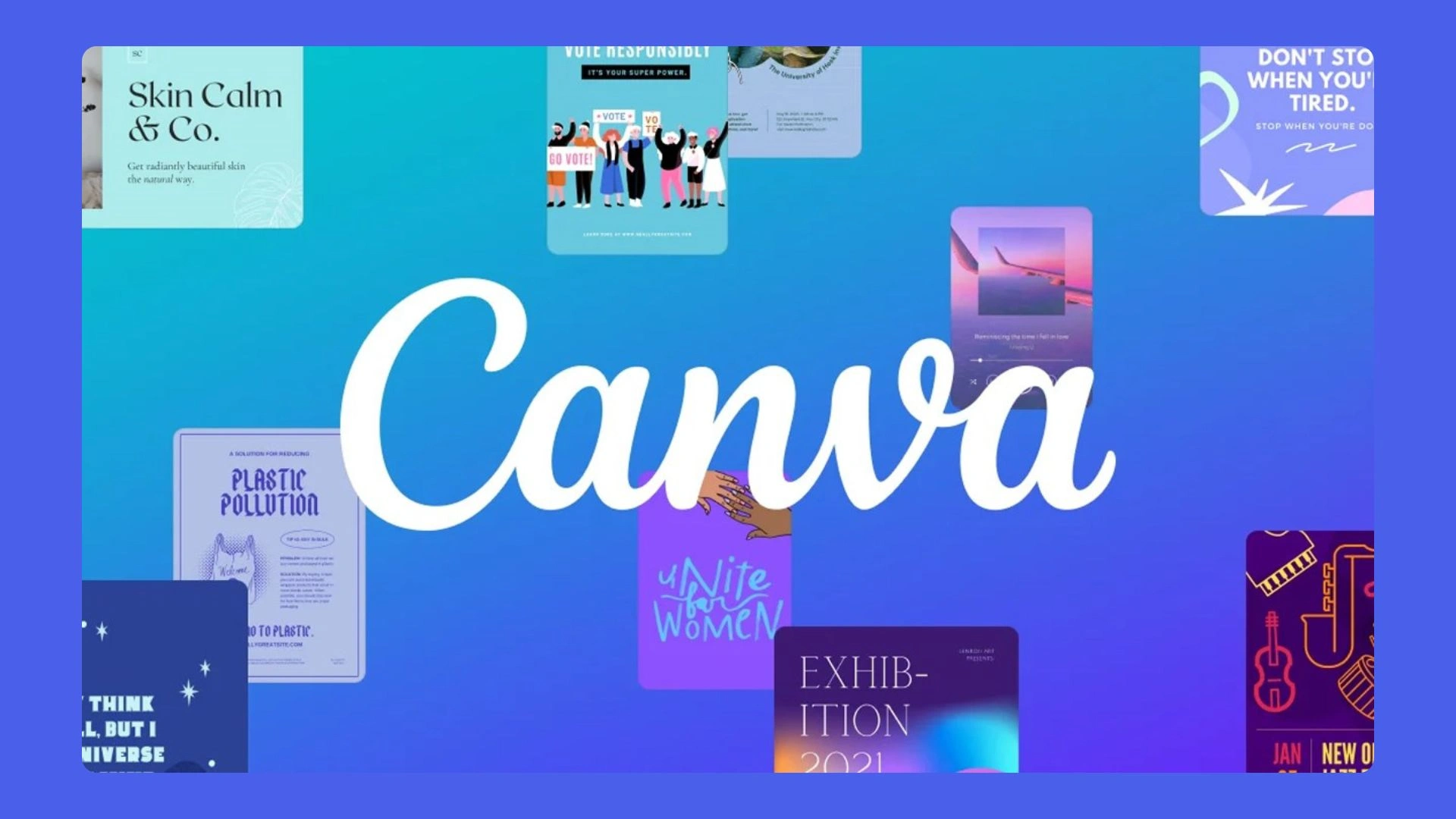
Type a topic, pick audience and tone, and Magic Design builds a multi-slide deck filled with stock imagery and on-brand fonts. Because the AI taps into Canva’s library of more than 250 000 templates and 100 million design elements, you can swap any slide detail in seconds. The bot drafts roughly 80 percent of the deck, and the drag-and-drop editor handles the polish.
Canva states it reached 260 million monthly active users in 2025 and $3.5 billion in annual revenue. A free tier lets you test Magic Design with limited credits, while Canva Pro unlocks unlimited templates and brand kits at $14.99 per user per month (annual billing).
If your marketing stack values “one tool, many outputs,” Canva’s expanding AI suite can replace several separate tools while keeping your brand kit consistent.
Gamma: speed and storytelling in one scroll
Why Gamma stands out
Gamma’s promise is straightforward: type a prompt, wait about 45 seconds and a polished, scrollable deck appears, according to ravenlewis.firmsuggest.com. The output feels like a single-page website; headings breathe, images span the gutter, and viewers scroll rather than click “Next.” That modern layout makes demos and concept walk-throughs look less corporate and more product-launch landing page.
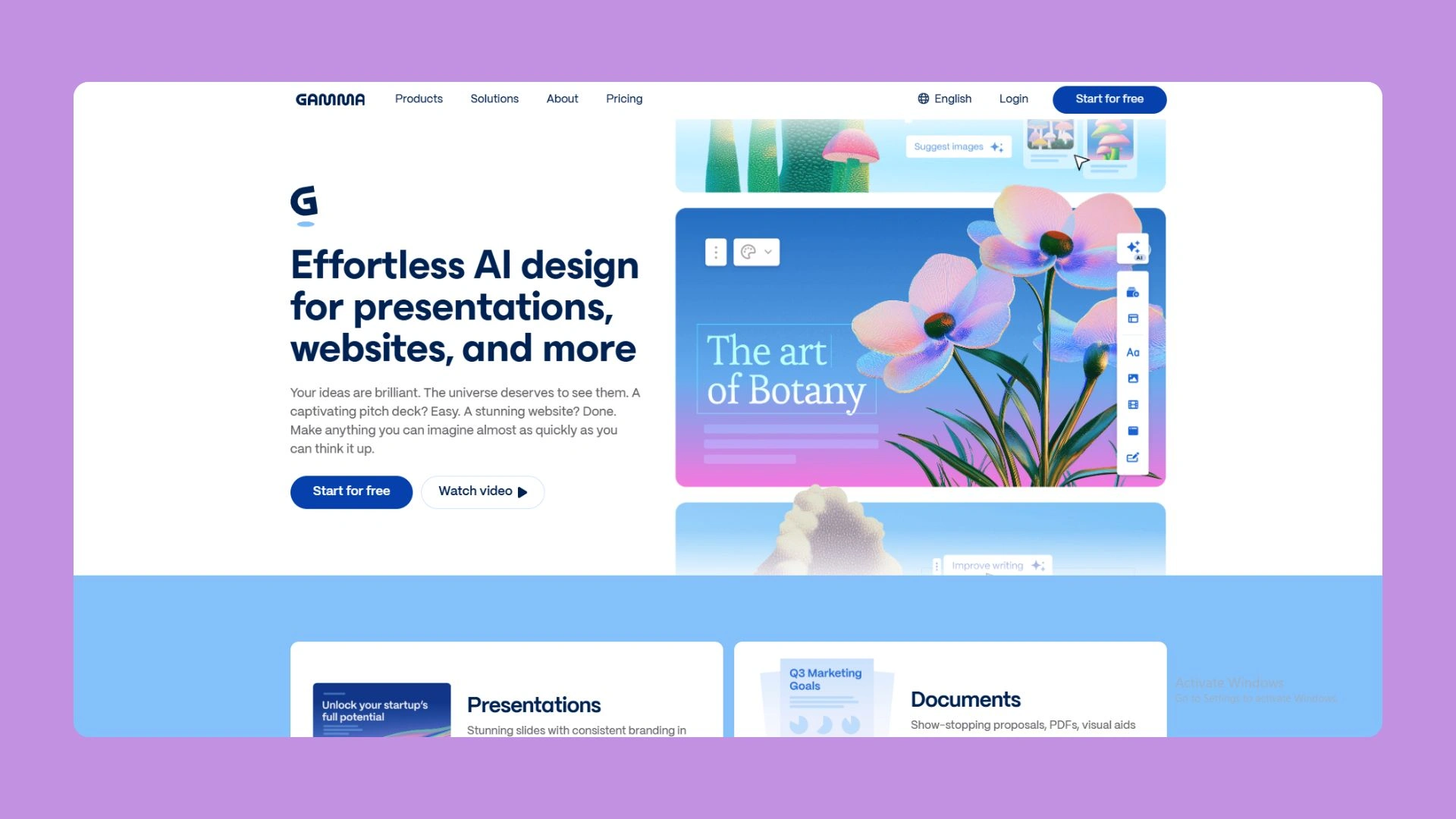
Design choices stay fixed, so you will not battle rogue fonts or misaligned charts. If tweaking layouts frustrates you, the rigid “card” system is a relief.
What it costs
- Free tier: one-time 400-credit pool; each 10-card deck uses 40 credits, notes 24slides.com.
- Plus: $10 per seat per month (or $8 billed annually); removes Gamma branding and raises the limit to 20 cards per deck.
- Pro: $20 per seat per month (or $15 billed annually); adds 60-card decks, custom fonts and analytics.
Gamma reports that creators have built more than 250 million presentations on the platform.
Where it shines (and slips)
Speed is the headline, depth is not. Expect to tighten copy and add nuance. Exporting to PowerPoint works, but you will lose some spacing fidelity, so it is often best to present from Gamma or a PDF. For founders, educators or marketers who need a link-based deck in under a minute, few tools move faster.
Pitch: collaboration built into every slide
Why Pitch stands out
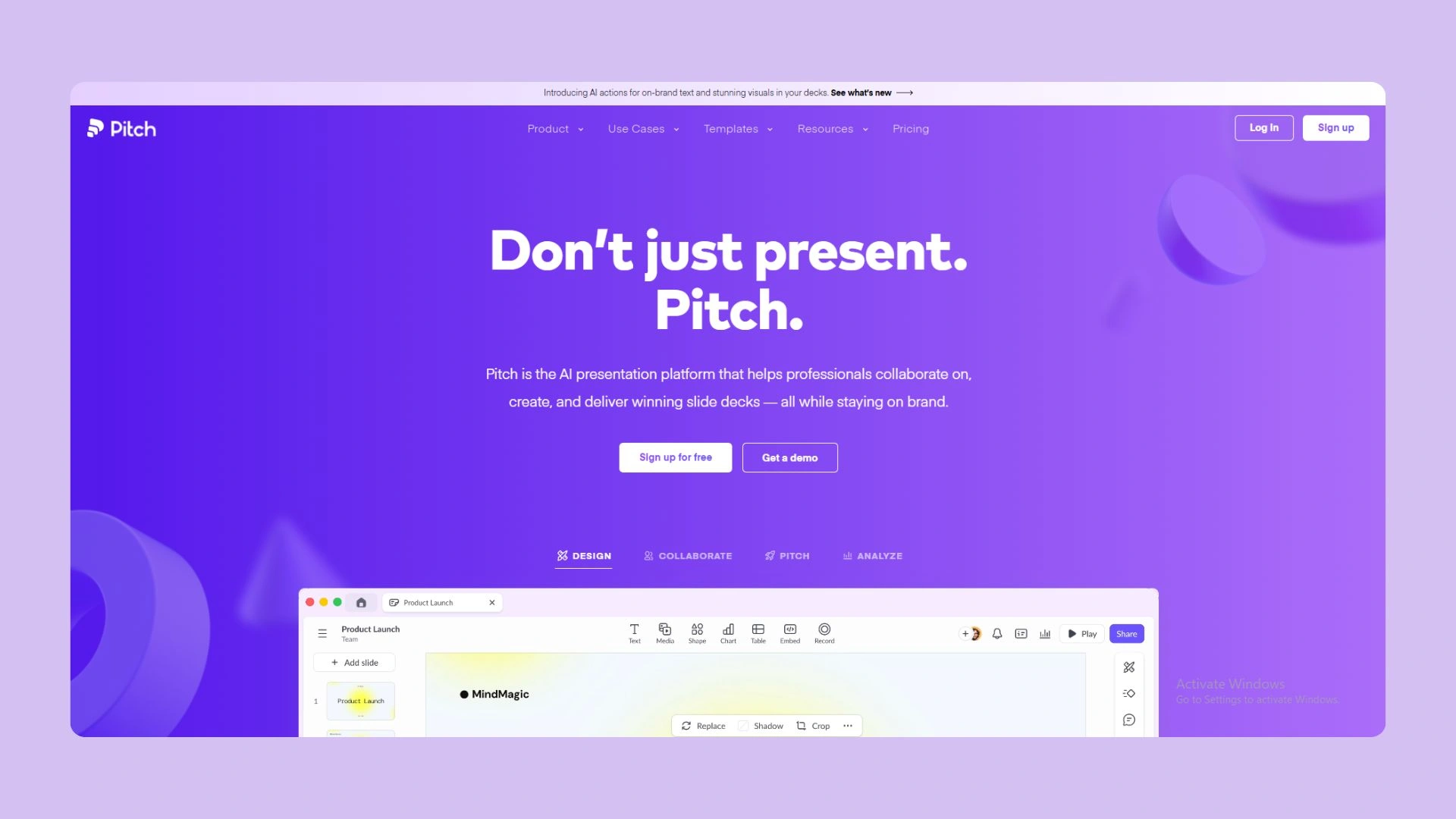
Pitch is built for decks that move between product, sales and leadership. Open a workspace and you will see live cursors, threaded comments and a rewindable version history—more Figma than PowerPoint—which ends the “final_v12_FINAL” shuffle.
How the AI generator works
Click Generate with AI, add a prompt (“Series A investor deck for an AI fintech”) and Pitch builds a slide outline with starter copy in about 15 seconds, according to pitch.com. Teammates can then edit together, embed live charts from Google Sheets, or refine text with AI Actions, all without locking the file.
Plans and limits
- Free – up to five workspace members, unlimited presentations and a one-time pool of 100 AI credits.
- Pro – $8 per seat per month (annual billing) and 500 recurring AI credits per seat monthly, plus granular permissions.
- Business – $16 per seat per month (annual billing) and 750 credits per seat monthly, plus advanced analytics and SSO.
Traffic-tracking site Hypestat estimates Pitch.com records about two million visits per month, showing steady interest in its “presentation work OS” approach.
Trade-offs to note
Pitch exports to PPTX, but animations flatten and some layouts shift. Keep key stakeholder reviews inside Pitch’s web viewer or PDF for pixel-perfect fidelity. If your board needs native PowerPoint edits, PlusAI or Canva may suit you better.
What’s still missing and what comes next
AI slide tools can draft decks in seconds, but they are not yet full research assistants. Most generators rely on large language models without live data links or citation chains, so subject-matter experts still spend time fact-checking and enriching each key slide.
Security is the other hurdle. Gartner predicts that 90 percent of SaaS procurement requests will start with a verified SOC 2 badge by 2027. Today, only two of the five tools we tested—Beautiful.ai and Pitch—publicly list SOC 2 Type II on their trust pages (checked June 2025). The rest route prompts through third-party LLM APIs with limited disclosure, so regulated teams keep sandbox walls up. For a deeper look at how leading slide builders stack up on SOC 2, SSO and DLP controls, see this enterprise-compliance scorecard that ranks PlusAI, Gamma and five other tools on a 100-point security rubric.
Progress is on the horizon. Microsoft began rolling out PowerPoint Copilot to commercial tenants worldwide in May 2025, and Google says Duet AI for Slides will exit preview by Q4 2025. Both promise identity-aware access to company knowledge bases, something point solutions cannot match yet. Indie vendors are also moving quickly: PlusAI added slide-level source citations in April 2025, and Gamma shipped end-to-end SOC 2 logging in June.
Expect the line between design aid and research copilot to blur fast. The winners will be the tools that can cite, secure and style without adding extra clicks.
Try it yourself: a 30-minute pilot plan
Block 30 minutes on your calendar and open a real presentation due this week. Nothing exposes friction like working on live stakes.
- Minute 0–5 – Launch two tools from our shortlist. Import or paste your outline, then step back and let the AI shape a raw draft.
- Minute 5–15 – Start a stopwatch. Note the exact time each platform needs to reach a “good-enough” draft. Log any hiccups: missing brand fonts, slow image loads or awkward exports.
- Minute 15–25 – Share each deck with one colleague for instant feedback. Ask whether the story flows and label design tweaks as minor, moderate or show-stopping.
- Minute 25–30 – Compare notes. Which tool produced a draft in under 10 minutes? Which required the fewest edits? Record both numbers in a simple scorecard so you can repeat the test next quarter.
Conclusion
AI presentation generators have crossed a meaningful threshold; they’re must-have apps for students. They no longer just decorate slides—they compress hours of drafting, layout, and iteration into minutes. Our testing confirms the headline claim: when used correctly, these tools can cut deck production time by roughly 70 percent without sacrificing baseline quality.
That said, there is no universal winner. Each platform excels at removing a specific friction point. PlusAI shines when PowerPoint or Google Slides are non-negotiable. Beautiful.ai enforces brand discipline with minimal effort. Canva rewards teams that want one design ecosystem for everything. Gamma delivers unmatched speed and modern storytelling, while Pitch turns decks into a collaborative workspace instead of a file.
The smartest path forward is not a company-wide mandate, but a focused pilot. Match the tool to your most painful constraint—speed, brand control, collaboration, or platform lock-in—then measure results against a real deadline. As security, sourcing, and enterprise integrations mature, AI slide builders will move from “nice to have” to standard infrastructure. The teams that start experimenting now will set the bar for how fast and polished presentations can be.
Frequently Asked Questions (FAQ)
1. Are AI-generated presentations good enough for executive or client meetings?
Yes—with human review. All five tools we tested can produce a solid first draft suitable for internal reviews or early client conversations. However, leadership-level decks still benefit from light editing for nuance, accuracy, and emphasis. Think of AI as a fast junior collaborator, not a final approver.
2. How much time do these tools realistically save?
In our tests, teams reduced creation time from roughly five hours for a 20-slide deck to 60–90 minutes. The biggest gains come from outline creation, slide structuring, and initial design—not from eliminating review cycles.
3. Which tool is best if my team lives in PowerPoint?
PlusAI is the best fit. It works directly inside PowerPoint and Google Slides, preserving slide masters, comments, and existing workflows. If exporting fidelity matters, this is the safest starting point.
4. Can these tools keep presentations on brand?
Yes, but with variation. Beautiful.ai and Canva offer the strongest brand controls through locked templates and brand kits. PlusAI respects existing slide masters, while Gamma and Pitch prioritize consistency over deep customization.
5. Do AI presentation tools replace designers?
No. They replace blank slides, not creative judgment. Designers still add the most value at the storytelling, data visualization, and final polish stages—especially for high-stakes decks.
6. Are the facts and data generated by these tools reliable?
Not entirely. Most tools rely on general language models without live data connections or citation guarantees. Subject-matter experts should still fact-check key claims, metrics, and references before sharing externally.
7. How secure are AI presentation platforms?
Security varies. As of mid-2025, only Beautiful.ai and Pitch publicly list SOC 2 Type II compliance. Regulated teams should review trust pages carefully and consider sandbox testing before uploading sensitive content.
8. Can I export decks to PowerPoint or Google Slides?
All five tools support exports, but fidelity differs. PlusAI and Canva offer the smoothest transitions. Gamma and Pitch exports may lose spacing or animations, making web or PDF presentation preferable in some cases.
9. What’s the best way to evaluate a tool quickly?
Run a 30-minute pilot using a real deck due this week. Measure time to first draft, number of edits required, and export friction. Real deadlines expose weaknesses faster than demos.
10. Will Microsoft Copilot or Google Duet AI replace these tools?
Eventually, they may cover similar ground—especially for enterprise users. In the near term, specialized tools still move faster and offer sharper workflows. Many teams will use both side by side for the next few years. When it comes to 5 Automated Presentation Generator SaaS Tools Worth Testing, the nandbox App Builder stands out as a flexible platform for SaaS providers and entrepreneurs who want to make their own productivity or presentation apps without having to code. Automated presentation tools are all about speed and efficiency. Nandbox, on the other hand, lets artists make custom mobile apps that include AI capabilities, content management, collaborative tools, and real-time updates—all in a safe, scalable space. With its no-code flexibility and enterprise-grade infrastructure, nandbox gives organizations the tools they need to turn new ideas into fully working apps that improve productivity and provide smooth user experiences. Sign up now and create native iOS and Android apps in just minutes with zero coding needed.