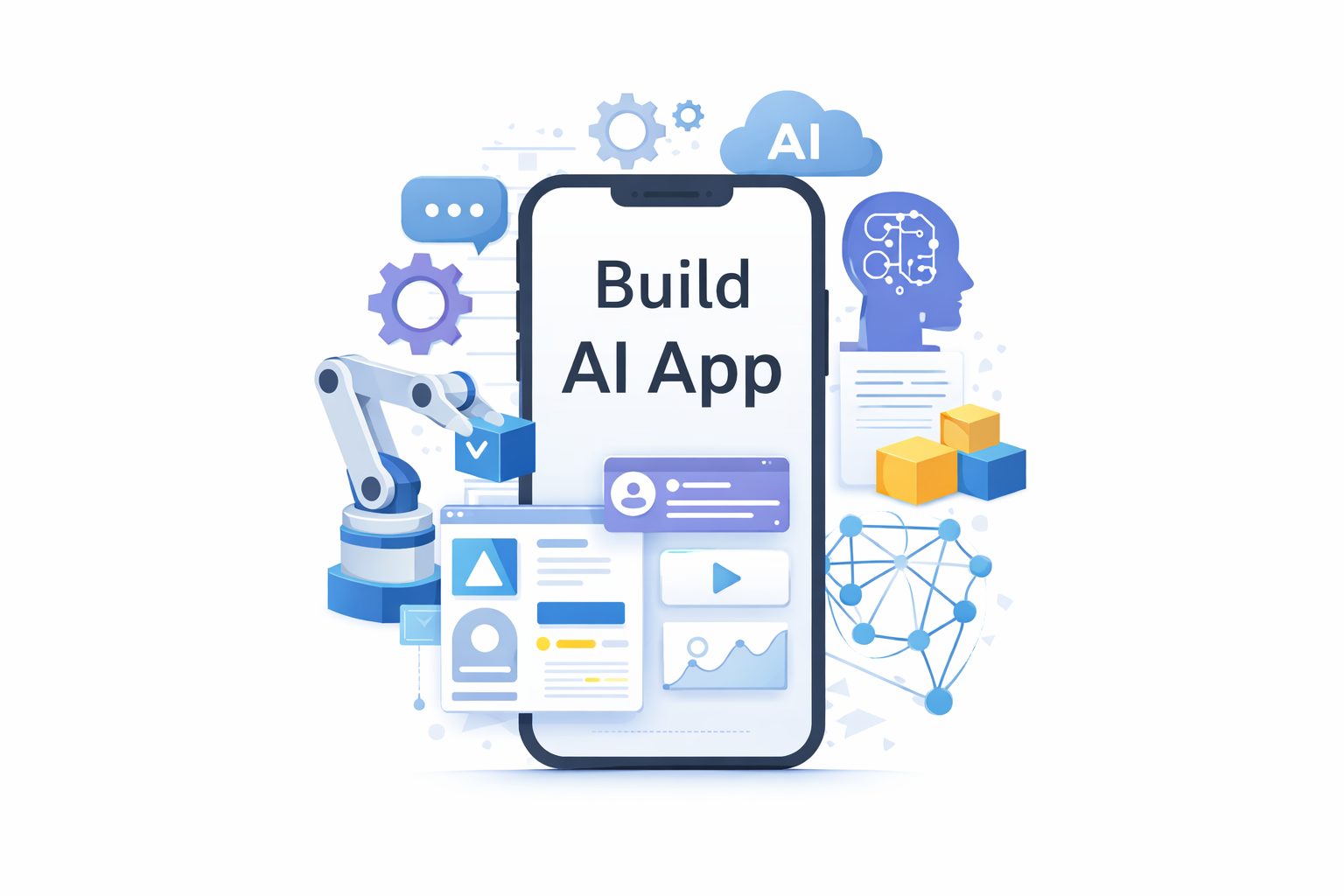
In today’s fast-paced digital world, artificial intelligence (AI) is revolutionizing how we conceive, develop, and interact with applications to build an app. From enhancing productivity to personalizing user experiences, AI offers a transformative edge that can redefine what applications can achieve. Notably, the advent of AI-powered no-code platforms enables users to build applications without extensive coding knowledge. Unlike traditional coding-based development, which demands technical expertise and a deep understanding of programming languages, AI-native app builders streamline the development process, allowing anyone to create robust applications efficiently. Whether you’re aiming to develop with AI, build an Android app with AI, or create AI software from scratch, understanding the intricacies of AI-powered apps can set you on the path to innovation. This comprehensive guide will delve into how to build AI applications, design AI-driven solutions, and even create a wellness plan to build an app with journaling features—all without breaking the bank.
Summary
Overview of AI-Powered Apps
This guide explains how to plan, build, and launch AI-powered apps that personalize experiences, automate tasks, and deliver data-driven insights.
The Importance of AI in App Development
Enhancing User Experience
AI’s ability to personalize and predict user needs is transforming how apps interact with users. With the integration of AI technologies, applications are now capable of delivering tailored recommendations, enabling intuitive communication, and optimizing user satisfaction.
The Core AI Technologies
- Machine Learning: This technology identifies patterns in data and can forecast outcomes to enhance application functionality.
- Natural Language Processing (NLP): NLP enables applications to understand and respond to human language, facilitating chatbots and voice assistants.
- Computer Vision: This technology allows apps to interpret and analyze visual information, useful in tasks such as image recognition.
- Predictive Analytics: By analyzing historical data, predictive analytics forecasts user behavior, helping to enhance user engagement.
Step-by-Step Guide to Building an App with AI
1. Defining Your App’s Purpose
The cornerstone of any successful app is a well-defined purpose. Start by identifying the core problem your app aims to solve or the primary need it intends to fulfill.
2. Understanding the Competitive Landscape
Before diving into development, it’s essential to understand the competitive landscape. Analyze existing apps in your chosen domain to identify gaps and opportunities.
3. Selecting the Appropriate AI Technology
Choosing the right AI technology is pivotal to your app’s success. Consider the specific functionalities your app requires, such as NLP for voice interaction or computer vision for image-related tasks.
4. Designing an AI Application
The design of your application should prioritize user experience. Create wireframes and prototypes to visualize the user journey and ensure seamless navigation.
5. Development Process
During development, choose programming languages and frameworks that align with your platform and AI technology choices. Focus on writing clean, efficient code.
6. Incorporating AI Features
Integrate AI features into your app by setting up machine learning models and training them with relevant datasets, ensuring ethical considerations are addressed.
7. Testing Your Application
Conduct thorough testing to identify bugs and validate AI feature performance. User feedback is crucial for refining your app’s functionality.
8. Launching Your App
After successful testing, deploy your app to app stores while ensuring compliance with platform guidelines. Monitor its performance and iterate continuously based on user feedback.
Tools and Platforms for AI App Development
AI App Builders
AI app builders offer user-friendly, drag-and-drop interfaces for creating apps with AI capabilities. These platforms, ideal for beginners, simplify development with pre-built templates.
Development Frameworks
- TensorFlow Lite: A lightweight solution for integrating AI into mobile apps, optimized for mobile devices.
- Core ML: This framework provides seamless integration with Apple’s ecosystem for AI functionalities.
Leveraging AI APIs and Cloud Services
Services like Google Cloud AI, Microsoft Azure AI, and IBM Watson offer scalable solutions for natural language processing and machine learning, enhancing app capabilities without the need for heavy infrastructure.
Build an AI App Without Coding
In recent years, no-code AI platforms have emerged as a transformative solution for individuals and businesses looking to develop applications without the need for programming skills. These user-friendly platforms empower users to create apps by utilizing visual interfaces, drag-and-drop functionalities, and pre-built templates, significantly lowering the barriers to entry for app development.
No-code AI platforms can generate different types of applications, with some focusing on web apps while others, like nandbox, provide the capability to create true native iOS and Android applications. This versatility allows users to choose the platform that best fits their target audience and project needs.
One of the key advantages of using no-code AI platforms is the accelerated launch timeline. By eliminating the need for extensive coding, users can bring their ideas to market much quicker than traditional development methods. Additionally, this approach often incurs lower costs, making app development accessible to a wider range of creators. Furthermore, no-code platforms facilitate easier iteration, allowing developers to make updates and enhancements quickly based on user feedback. This adaptability ensures that applications can evolve in alignment with user needs and market trends, fostering long-term success.
Creating an AI-Powered Wellness App
Mood Tracking Features
AI can revolutionize mood tracking by analyzing user data to identify patterns, providing insights into emotional well-being.
Journaling Capabilities
Incorporating journaling features allows users to log their thoughts and feelings, creating a valuable record that AI can analyze for meaningful trends.
Personalized Health Recommendations
AI-driven data analysis can offer users personalized tips on exercise, mindfulness, and nutrition based on their unique needs.
Conclusion
Developing an app with AI is an exciting venture that opens doors to endless possibilities. By following a structured process and leveraging AI technologies, you can create innovative solutions tailored to your audience’s needs.
Q&A
Can I build an app using AI without coding?
Yes, you can build an app using AI without coding by utilizing no-code AI platforms. These platforms, such as nandbox, offer user-friendly interfaces that allow you to create applications visually, using drag-and-drop functionalities. With no coding required, you can develop both web apps and true native iOS and Android applications. This approach empowers individuals and businesses to bring their ideas to life quickly and cost-effectively, making app development accessible to a broader audience.
What is the easiest way to create an AI-powered mobile app?
The easiest way to create an AI-powered mobile app is by using AI-powered native app builders like nandbox. These platforms provide a simple interface that allows users to build apps without writing code. They offer pre-built templates and drag-and-drop features, enabling faster development and iteration. This streamlined process allows you to focus on designing user experiences while seamlessly integrating AI features, making mobile app creation both efficient and accessible.
Which AI technologies should I consider for my app?
Choose AI technologies based on the problem you’re solving: machine learning for predictions, NLP for chatbots, computer vision for image tasks, and predictive analytics for user behavior insights.
What’s the end-to-end process for building and launching an AI-powered app?
Start with a clear purpose, conduct market research, select suitable AI technologies, design an intuitive UX, develop and integrate AI features, test thoroughly, and monitor post-launch performance.
What tools and platforms can help me build faster and on a budget?
Utilize no-code/low-code app builders for rapid prototyping, TensorFlow Lite and Core ML for mobile AI, and cloud services like Google Cloud AI for scalable AI development.
How do I integrate AI features responsibly while keeping the app usable?
Prioritize user value by making prototypes early to ensure that AI-driven flows enhance rather than complicate the interface. Continuously test and adjust based on user feedback.
How would an AI-powered wellness journaling app work in practice?
Users would journal their thoughts and track their mood, while AI analyzes entries for emotional patterns, providing personalized insights and recommendations for mental health improvement.
This structured format, with clear headings and body content, enhances readability and SEO effectiveness by clearly delineating the various topics and guiding readers through the article.