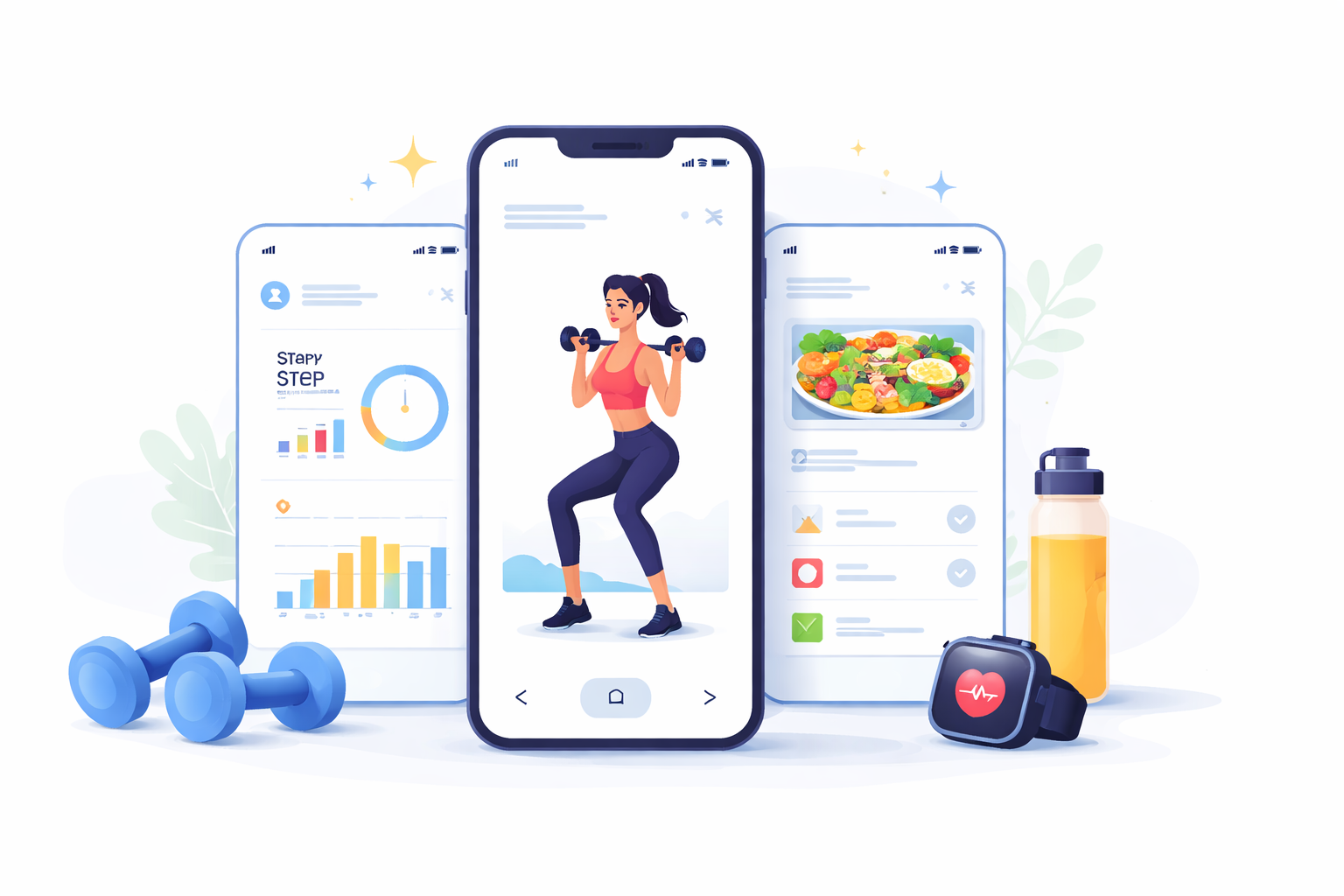
In today’s fast-paced world, staying fit and healthy is a top priority for many. Building a fitness app is a convenient way to track workouts, monitor progress, and stay motivated. Whether you’re a fitness enthusiast with a unique workout routine or an entrepreneur looking to tap into the growing fitness market, to build a fitness app could be a rewarding venture.
But how do you go about creating a fitness app? Let’s break down the process into manageable steps, with a focus on using no-code tools to make development accessible to everyone.
 Understanding the Basics of Fitness App Development
 Understanding the Basics of Fitness App Development
Before diving into the development process, it’s important to understand the basics of building a fitness app. These apps can range from simple workout trackers to comprehensive platforms offering personalized workout plans, diet tracking, and community features.
Types of Fitness Apps
- Workout Apps: These apps focus primarily on providing users with a variety of workout routines and tips. They can range from simple lists of exercises to interactive experiences with video demonstrations and virtual personal trainers. The goal is to cater to different fitness levels and preferences, ensuring that users find workouts that are engaging and effective.
- Fitness Tracking Apps: These applications allow users to track their physical activity, steps, calories burned, and other metrics. They often integrate with wearable devices like fitness bands and smartwatches to provide real-time data and insights. Users can set goals, track their progress over time, and receive feedback to stay motivated.
- Diet and Nutrition Apps: These apps help users maintain a healthy diet by tracking calorie intake, offering meal plans, and even providing recipes. Some advanced apps also offer features like barcode scanning for food items, macronutrient tracking, and personalized nutrition advice based on user preferences and dietary restrictions.
- Comprehensive Fitness Platforms: These platforms combine workouts, tracking, and nutrition features in one app. They offer a holistic approach to fitness, allowing users to manage all aspects of their health in a single place. These apps often include community features, enabling users to connect with others, share achievements, and participate in challenges.
Key Features of a Fitness App
- User Profile: Allows users to create and manage their personal information and fitness goals. This feature often includes sections for tracking weight, body measurements, and fitness milestones. A personalized profile enhances user engagement by tailoring content and recommendations to individual needs.
- Workout Plans: Offers pre-made or customizable workout routines. Users can select plans based on their fitness level, goals, and preferences. Advanced apps provide features like video tutorials, progress tracking, and the ability to schedule workouts, ensuring that users stay on track with their fitness journey.
- Progress Tracking: Enables users to track their activities and progress over time. This feature can include detailed graphs, statistics, and the ability to set and achieve fitness milestones. By visualizing progress, users can stay motivated and make informed decisions about their fitness routines.
- Social Sharing: Provides features for users to share their achievements and connect with friends. Social sharing can include integration with popular social media platforms, in-app communities, and the ability to participate in group challenges. These features foster a sense of community and competition, driving user engagement.
- Notifications: Sends reminders and motivational messages to keep users engaged. Notifications can be personalized based on user preferences and behavior, ensuring that they are timely and relevant. By keeping users informed and motivated, notifications help maintain consistent app usage.
Steps to Build Your Fitness App
 Steps to Build Your Fitness App
Step 1: Define Your App’s Purpose and Features
Start by defining what your app will do and what features it will offer. Consider your target audience and what they might need from a fitness app. Are you targeting beginners, seasoned athletes, or a specific niche like yoga enthusiasts?
To effectively define your app’s purpose, conduct surveys or interviews with potential users to gather insights into their needs and preferences. This research will help you identify gaps in the market and determine which features are essential for your target audience. Additionally, consider the unique selling proposition of your app—what will make it stand out from the competition?
Step 2: Research and Plan
Research existing fitness apps to identify gaps in the market or areas for improvement. Plan your app’s features and design, keeping user experience in mind. Create wireframes or sketches to visualize the app’s layout and functionality.
In-depth research involves analyzing competitors’ strengths and weaknesses to understand what works and what doesn’t. Look at app reviews, ratings, and user feedback to gain insights into common pain points and areas for enhancement. Once you have a clear understanding of the market landscape, create a detailed project plan outlining the app’s features, timeline, and development milestones.
Step 3: Choose a Development Method
You can build a fitness app using traditional coding methods or opt for no-code platforms like nandbox, which allow you to create apps without writing a single line of code. No-code app builders are ideal for those without technical expertise and can significantly reduce development time and costs.
Evaluate the pros and cons of each development method based on your resources and expertise. Traditional coding offers more customization but requires technical skills, while no-code platforms provide accessibility and speed. Consider your budget, timeline, and the level of customization required to make an informed decision that aligns with your project’s goals.
Step 4: Design Your App
Focus on creating an intuitive and appealing design that enhances user experience. Pay attention to color schemes, typography, and navigation. A well-designed app can keep users engaged and make their fitness journey enjoyable.
Design is a crucial aspect of app development, as it impacts user satisfaction and retention. Conduct usability testing with potential users to gather feedback on the app’s design and make necessary adjustments. Ensure that the app’s interface is consistent, easy to navigate, and visually appealing to provide a seamless user experience.
Step 5: Develop Your App
If using a no-code platform, follow the platform’s instructions to build your app. Platforms like nandbox offer drag-and-drop interfaces, pre-made templates, and easy customization options to help you create a fitness app tailored to your needs.
During development, prioritize the app’s core features and functionalities to ensure they work seamlessly. Regularly test each feature as it’s developed to identify and address issues early in the process. If using a no-code platform, take advantage of available support and resources to optimize your app’s performance and design.
Step 6: Test Your App
Before launching, thoroughly test your app to ensure it functions correctly and is free of bugs. Gather feedback from beta testers to make necessary improvements.
Testing is an iterative process that involves multiple rounds of evaluation and refinement. Conduct both functional and usability testing to assess the app’s performance and user experience. Encourage beta testers to provide honest feedback and suggestions for improvement, and use this information to enhance the app’s features and functionality.
Step 7: Launch and Market Your App
Once your app is ready, launch it on app stores like Google Play and Apple App Store. Promote your app through social media, fitness blogs, and collaborations with fitness influencers to reach a wider audience.
A successful launch requires a strategic marketing plan to generate buzz and attract users. Create engaging content and visuals to showcase your app’s features and benefits. Leverage social media platforms, email marketing, and influencer partnerships to reach your target audience and encourage downloads. Monitor user feedback and reviews post-launch to address issues and enhance the app’s performance.
 by Vitaly Gariev (https://unsplash.com/@silverkblack)
Cost Considerations
How Much Does It Cost to Build a Fitness App?
The cost of building a fitness app can vary widely depending on its complexity, features, and development method. Traditional development can be expensive, with costs ranging from $10,000 to $100,000 or more. However, using a no-code platform can significantly reduce costs, with many platforms offering affordable subscription plans.
It’s essential to create a detailed budget that accounts for all aspects of app development, including design, development, testing, marketing, and ongoing maintenance. Consider potential hidden costs, such as app store fees and third-party integrations, to ensure a comprehensive budget. By carefully planning your expenses, you can maximize your return on investment and avoid financial pitfalls.
Fitness App Development with No-Code Tools
Why Choose a No-Code App Builder?
No-code app builders like nandbox offer numerous advantages:
- Accessibility: No need for technical skills or coding knowledge. This democratizes app development, allowing anyone with a great idea to bring it to life without a technical background. No-code platforms provide user-friendly interfaces that guide users through the development process, reducing barriers to entry.
- Cost-Effectiveness: Lower development costs compared to traditional methods. No-code platforms eliminate the need for hiring expensive developers, making app creation more accessible for startups and small businesses. Subscription-based pricing models offer flexibility and predictability in budgeting, further reducing financial risks.
- Speed: Faster development and launch times. No-code platforms streamline the app-building process with pre-made templates and drag-and-drop functionality, enabling rapid prototyping and iteration. This speed allows businesses to quickly test ideas, gather feedback, and make necessary adjustments.
- Flexibility: Easy to update and modify features as needed. No-code platforms offer scalability and adaptability, allowing app creators to respond to changing user needs and market trends. Regular updates and feature enhancements can be implemented without significant time or cost investments, ensuring the app remains competitive and relevant.
How to Create a Fitness App Without Coding
To build a fitness app without coding, choose a no-code platform like nandbox. These platforms provide a user-friendly interface, pre-made templates, and various customization options to help you create a professional-looking app.
Begin by selecting a template that aligns with your app’s purpose and features. Customize the design and functionality to reflect your brand and meet user needs. Utilize available resources, such as tutorials and support forums, to optimize the app’s performance and address challenges. Once the app is developed, conduct thorough testing to ensure a smooth user experience before launch.
Final Thoughts
Building a fitness app can be a rewarding endeavor, whether you’re looking to provide unique workout routines or create a comprehensive fitness platform. By leveraging no-code tools, you can turn your fitness app idea into reality without the need for extensive coding knowledge.
Stay focused on user needs, offer valuable features, and keep innovating to ensure your app stands out in the competitive fitness market. With the right approach, your fitness app can become a valuable tool for users on their journey to better health and wellness. Engage with your user community, gather feedback, and remain open to change and improvement. Your commitment to quality and user satisfaction will drive the app’s success and longevity in the market.