In this article, we will delve into some of the top e-learning mobile apps platforms available for creating an e-learning mobile app, highlighting their unique features, benefits, and what makes them stand out in the crowded e-learning landscape. These recommendations also apply broadly to online education apps and other digital learning platforms that support app-based learning and mobile learning apps.
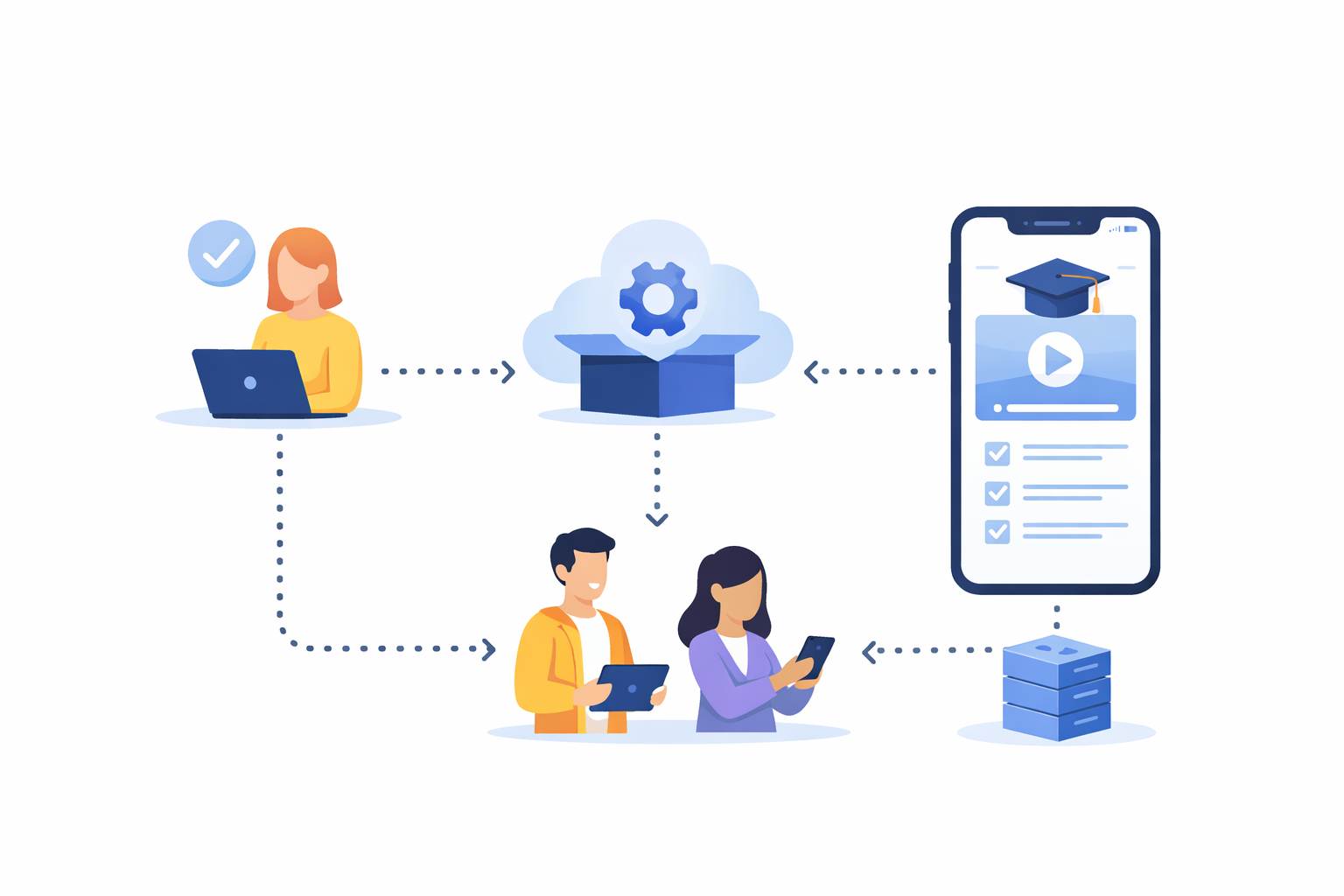
Before exploring specific platforms, it is crucial to understand the advantages of using an e-learning platform for app development. These platforms provide a ready-made infrastructure, drastically reducing the time and resources needed to bring an app to life. This is particularly beneficial for educators and entrepreneurs who may not have extensive technical backgrounds, as it allows them to concentrate on crafting engaging content rather than getting bogged down in complex technical development. In practice, such e-learning solutions function as mobile education tools that accelerate the path from concept to launch for educational mobile apps.
Moreover, e-learning platforms come with built-in features such as course management, user analytics, and content delivery systems. These features not only facilitate the creation of content but also ensure that the app is scalable, secure, and efficient, offering a seamless experience for learners. Additionally, these platforms are often updated with the latest technological advancements, ensuring that your app remains relevant and competitive in the ever-evolving digital education landscape. For teams focused on app-based learning and mobile training apps, this baked-in agility can be a decisive advantage.
Top Platforms for E-learning Mobile App Development
1. nandbox
nandbox is an AI-powered no-code app builder that transforms your e-learning idea into a fully functional native iOS and Android app just by using simple chat commands. Designed for educators, trainers, and entrepreneurs, nandbox allows you to create interactive online education apps, mobile training apps, and digital learning platforms without writing a single line of code.
Key Features:
- AI-Assisted App Creation: Generate a fully functional app from your concept in minutes with intuitive chat-based guidance.
- Drag-and-Drop Editor & Templates: Customize your e-learning app with pre-built course structures, multimedia support, and interactive features.
- Native iOS & Android Deployment: Build once and deploy natively on both platforms for smooth performance and enhanced learner experience.
- API Integrations & Automation: Connect to analytics, payment gateways, and learning management systems to streamline content delivery and app management.
- Scalable & Secure: Built to handle growing numbers of learners while maintaining top-tier security and reliability.
2. Moodle
Moodle is a well-established open-source e-learning platform that has been a staple in the industry for years. Its open-source nature means it is highly customizable, making it a perfect choice for educators who wish to tailor their app to meet specific learning objectives and requirements. Moodle’s flexibility is further enhanced by its extensive plugin support, which allows developers to add various functionalities such as quizzes, forums, and certificates, thus enriching the learning experience.
Key Features:
- Open-source and free to use, making it accessible to all users regardless of budget constraints.
- Extensive plugin support enables the addition of diverse functionalities, allowing for a tailored educational experience.
- Mobile-friendly interface ensures that learners can access content on various devices seamlessly.
- Community-driven support provides a wealth of resources and forums for troubleshooting and advice.
3. LearnDash
LearnDash is a powerful WordPress plugin designed to transform a WordPress site into a comprehensive learning management system (LMS). It is particularly advantageous for those already familiar with WordPress, as it integrates seamlessly, leveraging the platform’s existing strengths. LearnDash is ideal for educators looking to create and sell courses online, offering a range of features to facilitate effective learning and course management.
Key Features:
- Easy integration with WordPress allows for a smooth transition from a standard website to an LMS.
- Drip-feed content delivery enables the scheduled release of course materials, keeping learners engaged over time.
- Advanced quizzes and assignments provide a means for assessing learner progress and understanding.
- eCommerce support for course sales, including options for memberships and subscriptions, streamlines the monetization process.
4. Teachable

Teachable is a popular platform for creators seeking to build and sell online courses without the hassle of complex coding. Its user-friendly interface is designed to simplify the course creation process, allowing educators to focus on content quality and engagement rather than technical details. Teachable’s array of tools and features makes it an attractive option for those aiming to reach a broad audience with minimal technical hurdles. For teams delivering educational mobile apps and mobile learning apps, the streamlined setup can shorten time to market.
Key Features:
- Drag-and-drop course builder simplifies the course creation process, making it accessible to users of all skill levels.
- Multimedia content support allows for the inclusion of videos, images, and other media to enhance learning.
- Built-in payment gateway facilitates smooth and secure transactions for course purchases.
- Analytics and reporting tools offer insights into learner engagement and course performance, enabling data-driven improvements.
5. Adobe Captivate
Adobe Captivate is a comprehensive e-learning solution tailored for creating interactive and responsive courses. It is particularly suited for organizations that require advanced features and professional-grade content, offering a wide array of tools to enhance the learning experience. Adobe Captivate’s capabilities make it an excellent choice for educators looking to incorporate cutting-edge technology into their courses.
Key Features:
- Responsive design ensures that courses are accessible and visually appealing on mobile devices.
- VR and 360-degree media support allow for the creation of immersive learning experiences.
- Advanced interactivity options provide tools for creating engaging and interactive course elements.
- Integration with other Adobe tools enhances the content creation process, offering a seamless workflow for users familiar with the Adobe suite.
6. Udemy
Udemy stands out not only as a platform for hosting courses but also as a tool for course creation. It is an excellent choice for educators aiming to reach a broad audience, as Udemy’s marketplace attracts millions of learners worldwide. The platform offers various tools and features to facilitate course creation and marketing, making it a comprehensive solution for educators looking to expand their reach.
Key Features:
- Access to a large user base provides an opportunity to reach a global audience.
- Built-in marketing tools help educators promote their courses and increase visibility.
- Course quality review process ensures that courses meet high standards, enhancing credibility.
- Revenue-sharing model offers a straightforward way to monetize courses, with Udemy handling payment processing and distribution.
Choosing the Right Platform
Selecting the right platform for your e-learning mobile app requires careful consideration of several factors, including your technical expertise, budget, and target audience. Each platform offers unique advantages, and understanding these can help you make an informed decision that aligns with your goals and resources. Whether you prioritize mobile education tools, digital learning platforms, or marketplace-style online education apps, the best fit depends on your strategy.
Technical Expertise
Your technical expertise plays a significant role in determining the most suitable platform. Beginners or those with limited coding skills may prefer platforms with intuitive, drag-and-drop interfaces like Teachable and LearnDash, which offer user-friendly setups and minimal technical requirements. In contrast, those with a background in development might opt for Moodle, an open-source solution that allows for extensive customization and control over the app’s features.
Budget Constraints

Budget is another critical factor to consider when choosing a platform. Free platforms like Moodle provide a cost-effective solution, especially for startups or educators with limited financial resources. However, additional costs may arise from hosting and plugin purchases. On the other hand, paid platforms often include hosting, support, and a suite of integrated features, offering a more comprehensive and hassle-free experience but at a higher initial investment.
Target Audience
Understanding your target audience is crucial in selecting the right platform. If your goal is to reach a global audience, platforms like Udemy offer access to a vast user base, providing an opportunity to connect with learners worldwide. For niche markets, customizable platforms like LearnDash and Moodle allow for tailored content that meets specific educational needs, ensuring that your courses resonate with your intended audience. This is especially relevant for app-based learning where educational mobile apps must meet distinct learner expectations.
The Future of E-learning Platforms
The future of e-learning is promising, driven by technological advancements that continue to innovate and enhance the educational landscape. As you develop your e-learning app, it is important to consider incorporating these emerging trends to stay ahead of the curve and provide a cutting-edge learning experience. Many of these trends benefit mobile training apps and mobile learning apps, improving engagement and outcomes.
AI and Machine Learning
AI and machine learning are transforming e-learning by offering personalized learning experiences. These technologies analyze learner behavior and adapt content to suit individual needs, improving both engagement and retention. By integrating AI, educators can create dynamic courses that respond to learner progress, offering customized feedback and support.
Immersive Learning Experiences
Virtual reality (VR) and augmented reality (AR) are reshaping education by creating immersive and interactive learning environments. Platforms like Adobe Captivate support VR content, allowing educators to develop courses that offer a hands-on learning experience, simulating real-world scenarios that deepen understanding and engagement.
Personalized Learning Paths
Modern learners demand personalized educational experiences, and e-learning platforms are increasingly offering tools to create customized learning paths. These paths allow learners to progress at their own pace, focusing on areas where they need improvement and skipping content they have already mastered. This approach not only enhances learner satisfaction but also leads to better educational outcomes.
Conclusion
Creating an e-learning mobile app is a rewarding endeavor that holds the potential to make a significant impact on learners worldwide. By choosing the right platform, educators and entrepreneurs can streamline the development process and concentrate on delivering high-quality content. Whether you are a seasoned developer or new to app-based learning, platforms such as Moodle, LearnDash, Teachable, Adobe Captivate, and Udemy provide the tools and features needed to succeed. Embrace the future of digital learning platforms and start building your e-learning app today, leveraging technological advancements to provide an engaging, effective, and personalized learning experience across online education apps and other e-learning mobile app platforms.
Q&A
I don’t have much technical experience. Which platform is easiest to start with to create an e-learning app?
Teachable and LearnDash are the most beginner-friendly options highlighted. Teachable offers a drag-and-drop builder, built-in payments, and analytics so you can focus on content. LearnDash integrates smoothly with WordPress, making it a good fit if you’re already comfortable with that ecosystem and want LMS features without heavy coding. In contrast, Moodle, while powerful, typically suits users ready to handle deeper customization, especially if you plan to scale into mobile learning apps.
I need maximum customization and control. What should I choose?
Moodle is the standout for deep customization. It’s open-source, free to use, and backed by extensive plugin support for features like quizzes, forums, and certificates. If you prefer working within WordPress, LearnDash also allows significant tailoring via the WordPress ecosystem, but Moodle offers the broadest control over your app’s structure and features.
What’s the best path to monetize and reach a large audience quickly?
Udemy is built for broad reach and fast go-to-market. It provides access to a global learner base, built-in marketing tools, a quality review process, and a revenue-sharing model with payments handled for you. If you want more control over pricing and branding, Teachable (with its built-in payment gateway) and LearnDash (with eCommerce, memberships, and subscriptions) are strong alternatives—though you’ll handle your own audience growth and marketing.
How should budget influence my platform choice?
If cost is critical, Moodle’s open-source model minimizes upfront licensing fees, but you should plan for hosting and potential plugin costs. Paid platforms generally bundle hosting, support, and integrated features, offering convenience and reduced setup complexity at a higher initial investment. Your choice depends on whether you prefer lower software costs with more DIY (Moodle) or a streamlined, managed experience (Teachable, LearnDash, Udemy).
Will these platforms deliver a strong mobile experience and support modern learning trends?
Yes. Moodle provides a mobile-friendly interface, and Adobe Captivate creates responsive, mobile-ready content with support for VR and 360-degree media to enable immersive learning. More broadly, these platforms offer built-in course management, analytics, and content delivery that help ensure scalability, security, and efficiency. Looking ahead, incorporating AI/machine learning for personalization and designing customized learning paths will keep your app competitive as e-learning evolves. These considerations apply equally to mobile training apps and broader e-learning solutions.