Creating an app that enables customers to place orders easily is an exciting venture that can open up new avenues for your business. In today’s digital age, where convenience and speed are paramount, offering your customers a seamless ordering experience can set your business apart from the competition. Whether you are a startup looking to make your mark or an established company aiming to expand your digital footprint, a mobile app can significantly enhance customer experience and boost sales. It’s not just about keeping up with industry trends; it’s about creating meaningful interactions and building lasting customer relationships. Investing in mobile software solutions and user-friendly apps supports long-term loyalty.
In this guide, we will walk you through the steps to develop a user-friendly app using cross-platform app development techniques for effective mobile app creation, ensuring that your app is accessible to a wide audience. We’ll explore the advantages of cross-platform development, which not only simplifies the development process but also ensures a consistent user experience across different devices. We will also touch upon the app development tools and resources you can use to streamline development, and provide software development tips on making your app stand out in the crowded market. Whether you’re new to app development or looking to refine your approach, this guide will equip you with the knowledge and tools you need to succeed.
Summary
This guide explains how to build an easy-to-use ordering app with cross-platform development so you can reach iOS and Android from one codebase. It highlights core benefits (lower cost, broader reach, consistent UX, simpler maintenance) and compares tools like Flutter, React Native, and Xamarin. You’ll follow a practical workflow: define goals, craft intuitive UX, prototype, develop, test across devices, launch, and iterate with user feedback. Tips on performance, security, research-driven innovation, staying current, and engaging a professional team help you deliver a scalable app that boosts engagement and sales.
Cross-Platform App Development: An Overview
Cross-platform app development is a strategy that allows you to create a single app that runs on multiple operating systems, such as iOS and Android. This approach saves time and resources because you don’t need to develop separate apps for each platform. Instead, you can focus on creating a unified experience that caters to all users, regardless of their device preference. This not only simplifies the development process but also reduces the overall time to market, allowing you to reach your audience faster. Many teams also choose cross platform app development services to accelerate delivery with proven processes.
Advantages of Cross-Platform Development
- Cost-Effective: Developing one app for multiple platforms reduces the overall cost. By eliminating the need for separate teams to work on different versions of the app, you can allocate resources more efficiently, ultimately saving money in the long run.
- Wider Audience Reach: You can reach users across different platforms with a single app. This is particularly important in a diverse digital landscape, where customers use a variety of devices. By ensuring your app is accessible to all, you can maximize your market potential and drive more engagement.
- Consistent User Experience: It provides a uniform experience across various devices. A consistent user interface helps in building brand recognition and trust, as users know what to expect, regardless of the device they’re using.
- Easier Maintenance: Updates and bug fixes need to be applied only once. This streamlined process not only saves time but also ensures that all users receive the same improvements simultaneously, enhancing overall satisfaction and loyalty.
Key App Development Tools
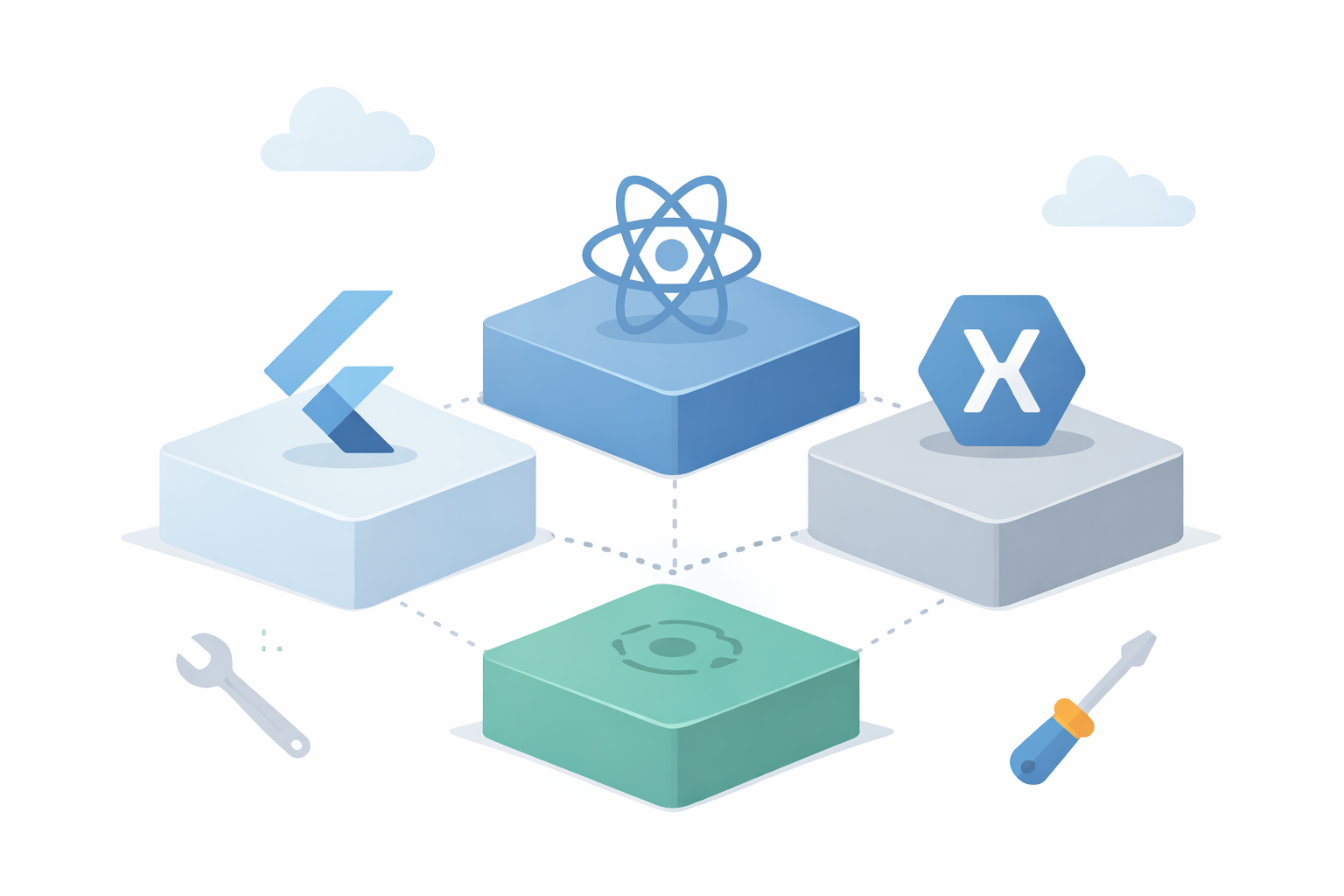
Choosing the right tools is crucial for building a successful app. With the right app development tools, you can streamline development, enhance functionality, and ensure a smoother user experience. Here are some popular tools for cross-platform app development, each offering unique features to cater to different development needs.
Popular Tools for Cross-Platform Development
Flutter is an open-source UI software development kit created by Google. It is known for its fast development and expressive UI. Flutter uses a single codebase to create apps for both iOS and Android, allowing for rapid prototyping and iteration. Its built-in widgets ensure a native-like performance, offering smooth animations and quick load times, which are crucial for maintaining user engagement.
Developed by Facebook, React Native allows developers to build mobile apps using JavaScript and React. It’s a popular choice due to its robust community support and reusable code components. React Native’s modular architecture allows for easy updates and feature additions, making it ideal for businesses looking to scale their app over time. Its compatibility with third-party plugins further enhances its flexibility and functionality.
Xamarin, owned by Microsoft, uses C# and .NET framework to build apps. It provides a native app experience and is integrated with the Visual Studio development environment. Xamarin’s shared codebase approach reduces development time and effort, while its strong integration with Microsoft services makes it a preferred choice for businesses already invested in the Microsoft ecosystem.
No-Code Alternative for Fast App Development
For businesses seeking a rapid and cost-effective solution to create ordering apps, a no-code app builder presents an excellent cross-platform app alternative. This innovative approach enables quick app development, allowing companies to launch user-friendly mobile apps that deliver a native-like experience without any coding expertise. With no-code native tools such as nanbdox, businesses can efficiently meet customer demands while minimizing development time and costs.
Steps to Develop a User-Friendly Ordering App
Define Your App’s Goals
Before jumping into development, it’s crucial to clearly define what you want your app to achieve. Understand your target audience and what features will make their ordering process seamless and efficient. Consider conducting market research or surveys to gather insights into user preferences and pain points. This foundational step ensures that your app aligns with user needs and business goals from the outset.
Crafting an Intuitive User Experience
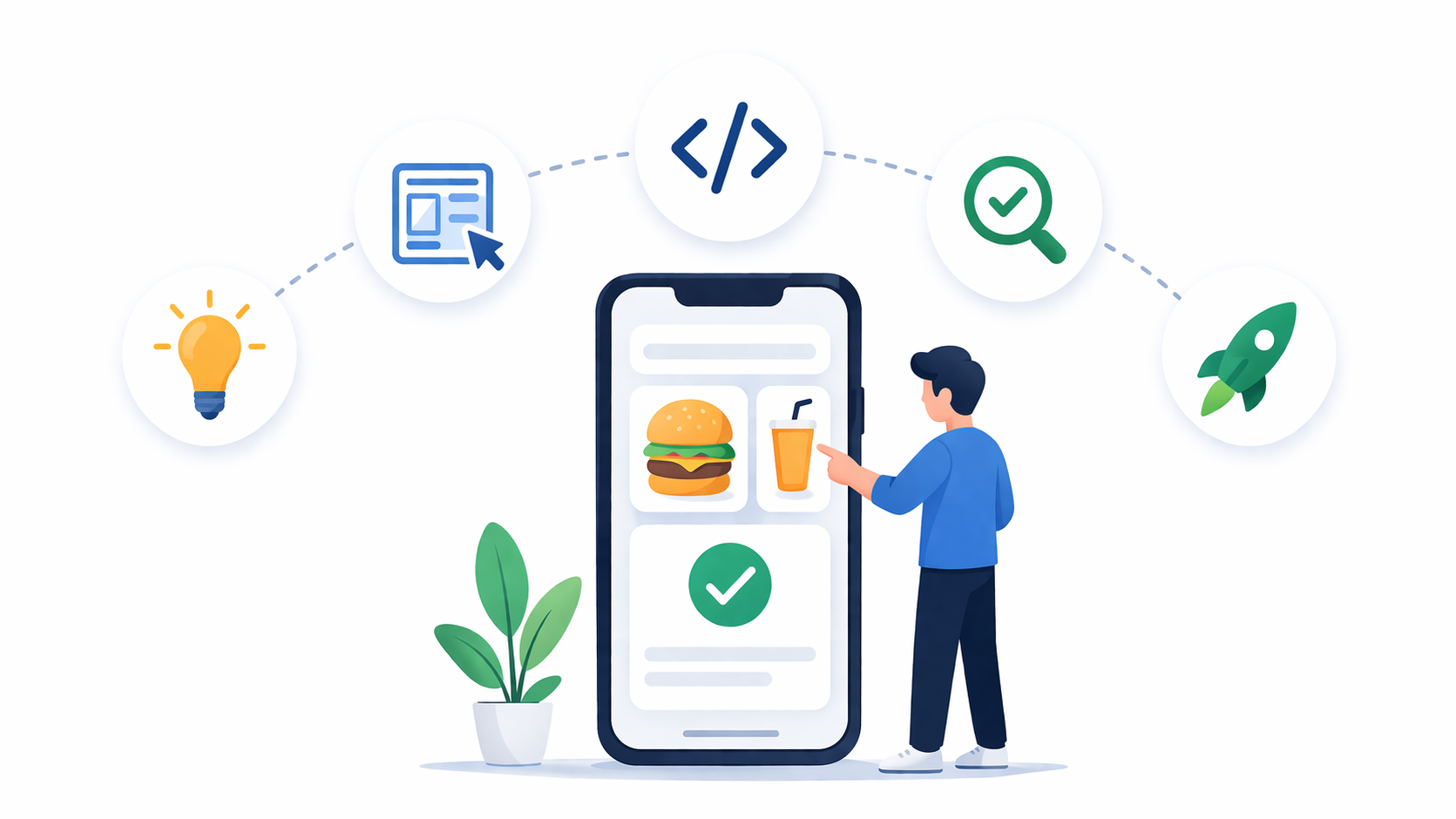
A user-friendly app is intuitive and easy to navigate. Focus on creating a clean and simple design that guides users effortlessly through the ordering process. Use familiar icons and straightforward navigation to enhance user experience. Consider implementing user feedback loops, allowing you to refine the interface based on real user interactions and preferences. A well-designed interface not only improves usability but also encourages repeat usage.
Prototyping Your App
Creating a prototype allows you to visualize the app’s functionality and design. It helps in identifying potential issues early in the development process. Tools like Sketch and Figma can assist in designing interactive prototypes, enabling you to test and iterate on your concepts before committing to full-scale development. Prototyping is an invaluable step that can save time and resources by catching design flaws early.
Coding for Apps: Best Practices
Optimizing Performance and Speed
With your prototype as a guide, start coding your app using your chosen cross-platform development tool. Whether you choose Flutter, React Native, or Xamarin, ensure your app is optimized for performance and speed. Pay attention to coding standards and best practices to create a robust app that can handle high traffic volumes and complex transactions without lag or crashes. This is where disciplined coding for apps can make a measurable difference in quality.
Testing Your Ordering App
Testing is a critical phase in app development. Conduct thorough testing to identify and fix bugs. Test your app on different devices and screen sizes to ensure compatibility and a seamless user experience. Consider employing automated testing tools to streamline the process and ensure thorough coverage. User acceptance testing (UAT) can also provide valuable insights into real-world performance and usability.
Launching Your App
Once your app is ready, launch it on app stores and encourage users to provide feedback. User feedback is invaluable for making improvements and ensuring your app meets customer needs. Consider implementing a feedback loop within the app to gather insights directly from users, and be prepared to make iterative changes based on the input received. A successful launch is not the end, but the beginning of ongoing development and refinement.
Tips for Ongoing App Development
- Focus on Performance: Ensure your app loads quickly and functions smoothly to prevent user frustration. Optimizing images and utilizing efficient coding practices can enhance load times and responsiveness.
- Incorporate Security Measures: Protect user data with strong security protocols, especially if handling sensitive information. Implementing encryption and secure authentication processes can safeguard user trust and compliance with data protection regulations.
- Utilize Academic Sources: Consult academic sources about how to be creative in app development to differentiate your app from competitors. Staying informed about the latest research and methodologies can inspire innovative features and improve app functionality.
- Stay Updated: Keep abreast of the latest trends and technologies in app development to maintain a competitive edge. Regularly updating your app to incorporate new features and improvements will keep it relevant and engaging for users.
- Engage a Professional Team: Consider hiring mobile app development company garage2global, which specializes in cross-platform app development by garage2global and iOS app development from garage2global. They also provide cross platform app development services and can tailor app development for startups with garage2global as well as solutions for larger enterprises.
- Choose Domain Expertise: If you’re in a regulated sector such as health, collaborate with a healthcare app development company to meet compliance, privacy, and security requirements.
Conclusion
Developing an app that allows customers to place orders easily involves careful planning, designing, and execution. By leveraging cross-platform app development, you can create a versatile and user-friendly app that caters to a broader audience. Utilize the right tools, focus on a seamless user experience, and continuously improve your app based on user feedback. This dynamic process ensures that your app remains relevant and effective in meeting customer needs.
Whether you’re a startup or an established business, a well-developed app can significantly enhance your customer engagement and drive sales growth. Embrace the challenge and take your business to new heights with a mobile app that stands out in the digital landscape. By prioritizing user needs and staying adaptable, you can create a digital solution that not only meets current demands but also anticipates future trends, ensuring long-term success.
Q&A
Question: Why choose cross-platform development for an ordering app? Short answer: Cross-platform lets you ship one app to iOS and Android from a single codebase, cutting cost and time to market while delivering a consistent user experience. You update and fix bugs once, reach a wider audience without maintaining separate teams, and keep branding and interactions uniform across devices—key advantages when you need to move fast and ensure a smooth, familiar ordering flow for all users.
Question: How do Flutter, React Native, and Xamarin compare, and which should I pick? Short answer:
- Flutter (Google): Great for fast iteration and expressive, high-performance UIs with smooth animations; ideal if you want a polished look-and-feel from a single, cohesive toolkit.
- React Native (Meta): Uses JavaScript/React with strong community support and reusable components; good for modular scaling and integrating third-party plugins.
- Xamarin (Microsoft): C#/.NET with native performance and tight Visual Studio integration; a natural fit if you’re already invested in the Microsoft ecosystem. Choose based on your team’s language skills, existing tooling, performance/animation needs, plugin ecosystem preferences, and how you plan to scale the app.
Question: What end-to-end workflow should I follow to build the app? Short answer:
- Define goals and audience: Validate what “easy ordering” means for your customers via research and surveys.
- Craft intuitive UX: Favor clean layouts, familiar icons, and simple navigation; build feedback loops early.
- Prototype: Use tools like Sketch or Figma to test flows and catch issues before coding.
- Develop: Implement with Flutter, React Native, or Xamarin; follow best practices and optimize for speed.
- Test: Cover multiple devices/screen sizes, add automated tests, and run user acceptance testing (UAT).
- Launch: Publish to app stores and collect in-app feedback.
- Iterate: Prioritize fixes and enhancements based on real user input and analytics.
Question: How can I design an intuitive ordering experience that encourages repeat use? Short answer: Keep the interface clean and predictable, guiding users step-by-step with clear labels and familiar patterns. Minimize friction (fewer taps, sensible defaults), use recognizable icons, and make key actions (search, add to cart, checkout) prominent. Prototype early, observe real interactions, and refine flows based on feedback. Consistency across iOS and Android builds trust and makes reordering effortless.
Question: What best practices ensure performance, security, and ongoing improvement? Short answer:
- Performance: Optimize images and assets, keep code efficient, and aim for fast load times and smooth transitions.
- Security: Protect sensitive data with strong encryption and secure authentication; follow data protection regulations to maintain user trust.
- Continuous improvement: Use academic and industry research to inspire innovative features, stay current with platform updates, and release regular enhancements. If you need extra expertise, consider a professional team (e.g., a firm like garage2global) to help deliver a robust, scalable solution.