We have all experienced the spark of a brilliant idea for a new app or website, only to watch it fade the moment we look at the price tag. For decades, turning a concept into reality required either years of study to learn programming languages or a budget that included a $50,000 quote from a development agency. This technical barrier acted as a massive wall, separating people with creative solutions from the tools needed to build them. The no code movement has effectively installed a door in that wall, offering a new way to interact with technology that prioritizes your ideas over your ability to type complex syntax. If you’re asking what is no code, think of it as a visual approach to building software that lets you focus on ideas rather than writing syntax-heavy code.
Utilizing no code requires shifting how we view software creation. Imagine if writing a novel required you to first invent the paper and ink; for a long time, that is what coding felt like. Visual building platforms remove this friction by distinguishing between the logic of an application and the language used to write it. Instead of typing cryptic text, you drag and drop visual elements onto a canvas—much like snapping together digital Lego blocks—allowing you to focus on what the app should do rather than how the computer processes it.
This shift offers far more than just a shortcut; it provides genuine agency. No code democratizes development, allowing a bakery owner to build a delivery tracker or a teacher to create a student portal without hiring expensive outside help. By moving from a model where technology is something you buy to something you build, you gain the power to solve problems immediately and internally.
Summary
This guide explains how no-code platforms let anyone build apps visually by separating logic from programming syntax, using drag-and-drop interfaces and plain-English workflows. It covers core building blocks (canvas, components, properties), simple if-then automations, and database concepts that mirror spreadsheets. You’ll learn when to choose no-code vs low-code, how to launch fast MVPs, connect tools without writing API code, and where complexity or scale might require a developer. It closes with a practical weekend challenge and starter tools (Carrd, Glide, Zapier) to help you begin.
Turning Your Ideas into Reality Without Learning a New Language
Imagine trying to write a novel, but being told you first have to learn complex ancient Greek grammar to do it. That is what traditional programming feels like to most of us. We often confuse the logic —the story we want to tell—with the syntax , which is the strict set of spelling and grammar rules a computer requires. For decades, if you didn’t know the syntax, you were locked out of the building process. No-code development (often called nocode development) doesn’t mean the software builds itself; it means the computer handles the tedious grammar while you focus entirely on the strategy.
In practice, no code acts as a translation layer. It follows a simple “one-for-one” rule: for every complex command a programmer would usually type by hand, there is now a visual equivalent you can see and touch. Instead of writing lines of text to describe a button’s size and color, you simply drag a square onto a canvas and click a color wheel. You are still “coding” in the sense that you are giving the computer instructions, but you are doing it in a language you already speak—shapes, colors, and plain English.
This shift puts the power back in your hands. You don’t need to hire a technical translator to build a tool that helps your team track inventory or launch a neighborhood directory. The barrier to entry has dropped from “four years of computer science” to “a free afternoon and a clear idea.” Once you see that no code simply removes the typing, you are ready to see exactly how those visual blocks snap together to create powerful software.
How Drag-and-Drop Builders Replace Millions of Lines of Code
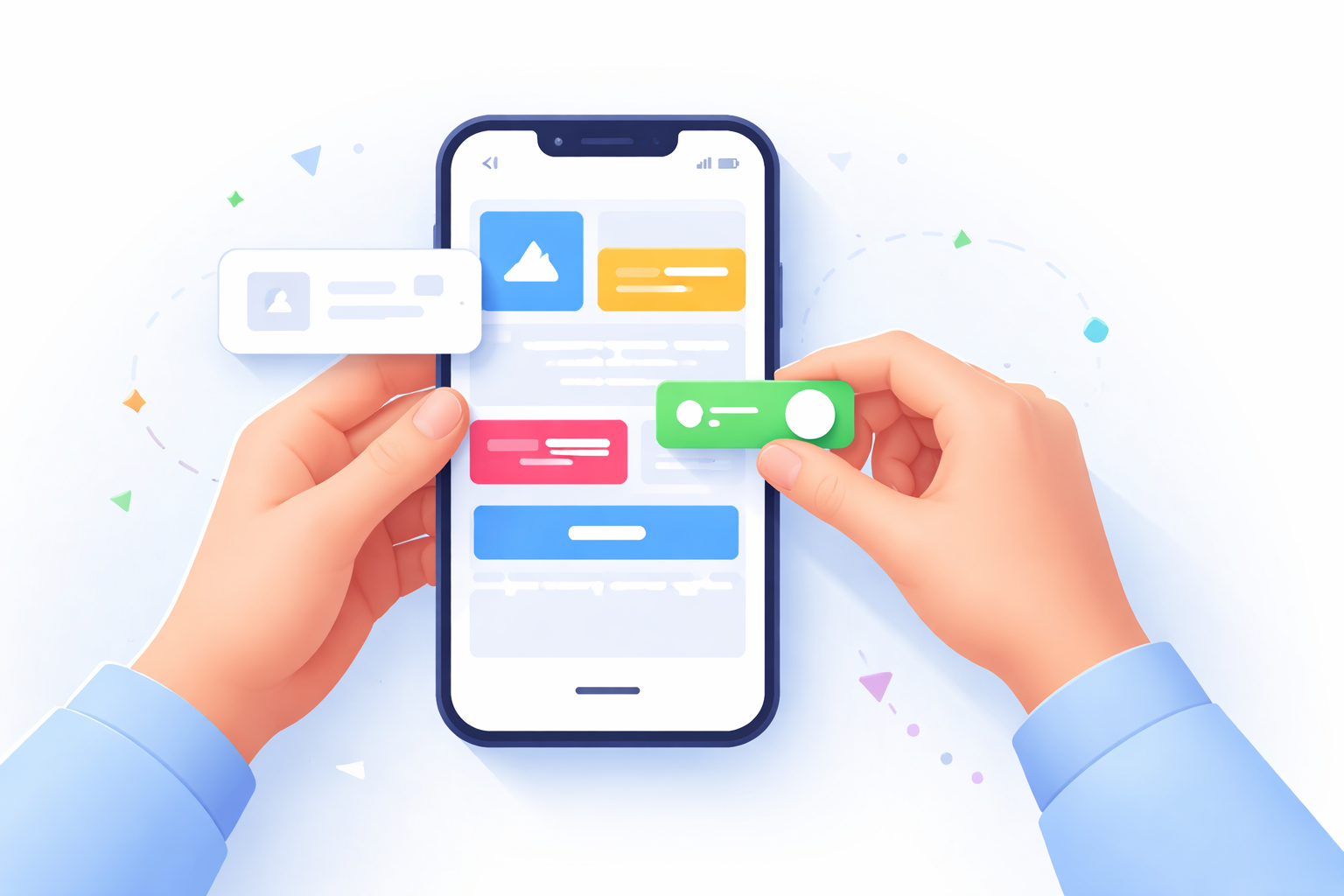
No code platforms function much like a childhood game of building with blocks. In traditional software development, a programmer effectively has to manufacture the plastic for every single block before they can start building a castle. No-code platforms give you the pre-made blocks. You skip the complex manufacturing phase and go straight to assembly, grabbing items from a menu and placing them exactly where you want them to appear on the screen.
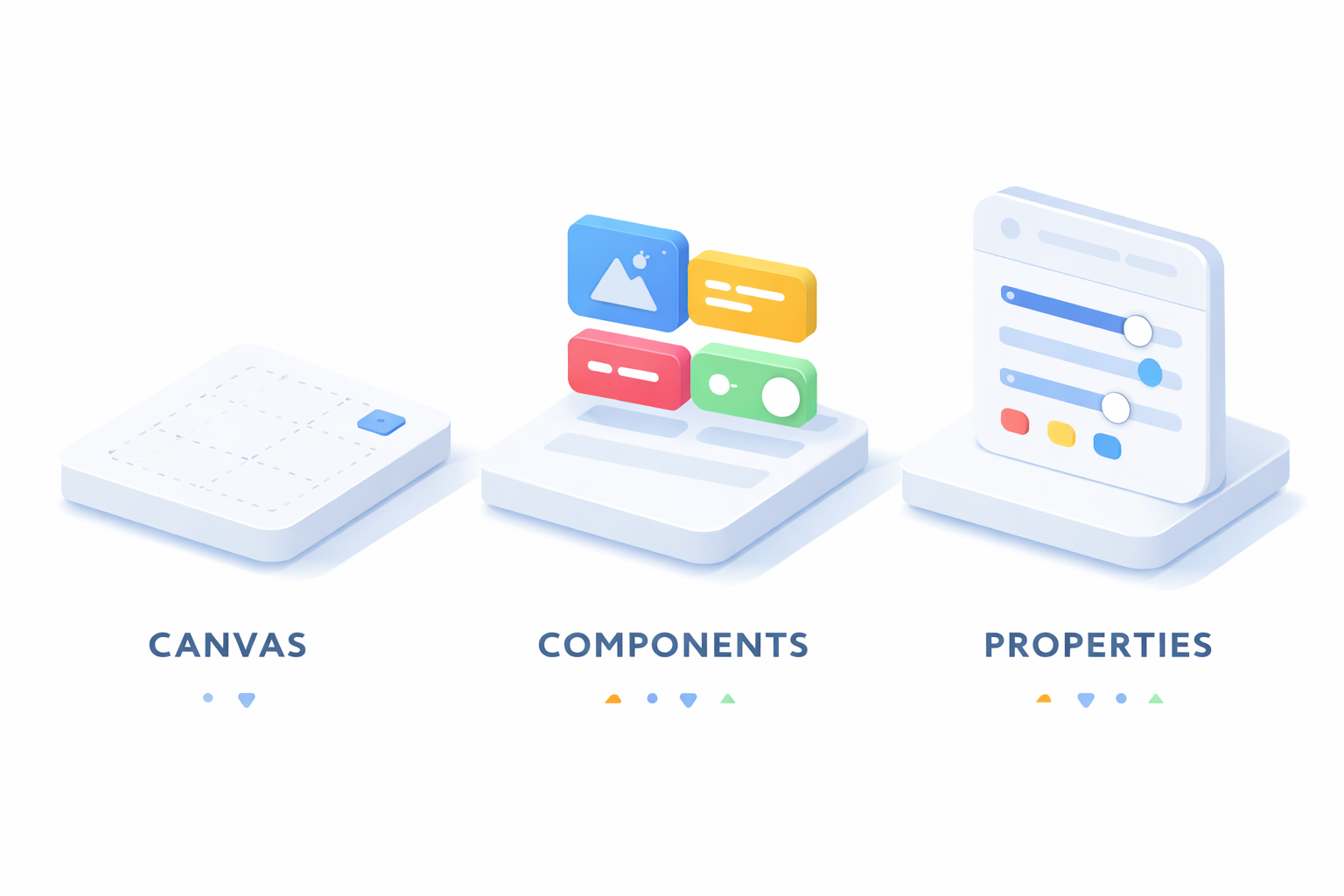
Most tools, regardless of the specific brand, use a visual programming interface that revolves around three universal elements. Think of building your app like setting up a stage for a play:
- The Canvas (The Stage): This is the blank space in the center of your screen where you construct your application page by page.
- The Components (The Props): These are the specific elements you drag onto the stage, such as buttons, text boxes, images, or maps.
- The Properties Panel (The Details): A menu usually found on the side where you customize your props, changing a button from blue to red or making a headline bold.
Seeing your application take shape instantly completely changes the creative process. This drag and drop functionality allows you to test ideas in minutes rather than weeks. If a button looks crowded on the left, you simply slide it to the right; you don’t need to rewrite the underlying mathematics of the page layout. However, a beautiful button is useless if nothing happens when you click it. Once your visual layout is assembled, the next step is to teach your app how to think.
Setting Up Your App’s Brain Using Simple If-Then Logic
A distinct visual design is only half the battle; the real magic happens when you define how the pieces interact to serve a purpose. To make your static screen functional, you use workflows, which act as the recipe for your application’s behavior. Instead of writing cryptic lines of text, you build logic statements that follow a simple “If-This-Then-That” structure, transforming complex programming logic into plain-English instructions that anyone can understand.
Every interaction begins with a “Trigger,” such as a user clicking a “Sign Up” button or a specific date arriving on the calendar. Once that trigger occurs, you simply select the “Action” you want to happen next, like sending a welcome email or updating a digital record. This accessible form of workflow automation means you are essentially drawing a map of your process rather than engineering it from scratch, linking steps visually without ever worrying about the syntax errors that often stop traditional coding projects in their tracks.
Mastering this logic allows you to move from a napkin sketch to a functional tool at lightning speed. If you’re wondering what is no code software, this efficiency defines it; it is a toolset that removes the technical barriers between your concept and a working product. Because you can adjust your logic just by dragging connection lines on a screen, rapid application development becomes a reality for business owners and hobbyists alike. As you gain confidence building these workflows, you might eventually encounter scenarios requiring slightly more technical nuance, leading to an important choice between different types of building platforms.
Why Choosing Between No-Code and Low-Code Affects Your Project Speed
As you look for tools to build your idea, you will likely encounter two very similar terms that actually serve different needs. While no code focuses on a completely visual experience—using only drag-and-drop interfaces—there is a sibling category called “low-code” that blends visual building with small amounts of manual programming. Distinguishing between no code vs low code prevents you from starting a project on a platform that might suddenly require technical skills you don’t possess, ensuring the tool matches your comfort level.
Here is how to distinguish between the two approaches:
- No-Code Platforms: Designed for business owners, creatives, and hobbyists. You build 100% visually, much like assembling furniture with pre-made parts, ensuring you never have to touch a line of programming.
- Low-Code Platforms: Built primarily for developers and IT professionals. These tools speed up the repetitive parts of building software but still allow for custom scripting when specific, complex features are required.
This shift in accessibility has given rise to the “Citizen Developer”—an everyday employee who understands business problems best and now has the power to build the solutions. The benefits of citizen development include faster innovation and less reliance on overworked IT departments, allowing a marketing manager to build a campaign tracker or an HR lead to automate onboarding without waiting for approval. To actually build these solutions, however, you need a place to store the information you collect, which moves us from logic to the digital equivalent of a filing cabinet.
From Spreadsheets to Software: Creating Your First Digital Filing Cabinet
If you have ever organized a list of contacts or tracked a budget in Excel, you already possess the fundamental skills needed for building a web app without coding . At its core, every application is simply a method for moving information into and out of a storage container. In the world of software, we call this container a database, but you should think of it as a digital filing cabinet. Just as you wouldn’t toss papers randomly onto the floor, a database keeps your information sorted and ready to be found instantly.
Structuring this information requires two main ingredients: Records and Fields . Imagine a single row in your spreadsheet representing one customer; in app development, that specific row is called a Record. The column headers at the top—like “Name,” “Email,” or “Phone Number”—are the Fields that tell the system what kind of data to expect. Modern no-code tools handle this through graphical user interfaces, meaning you do not need to write complex commands to find that customer’s phone number. You simply tell the app to “display the phone number field for the current record,” and the software handles the retrieval automatically.
The true power of shifting from a static spreadsheet to a dynamic database is that you can show different pieces of data to different people without duplicating work. A customer might see a polished profile page, while an administrator sees a dashboard of user statistics, yet both views pull from the exact same filing cabinet. This flexibility makes these tools excellent platform alternatives for non-programmers, as they allow you to create professional-grade logic without needing a computer science degree. With your data structure in place, you are now ready to combine these elements into a working product.
Launching Your First MVP in Days Instead of Months
Turning a static database into a usable tool often feels like the most expensive part of the process, usually requiring a specialized team and a massive budget. In the traditional tech world, you might spend months building a perfect “dream version” of your app before a single customer sees it. No-code encourages a smarter approach known as a Minimum Viable Product (MVP). Think of an MVP not as a half-finished product, but as a simple cupcake offered to customers before you commit to baking a three-tier wedding cake. This strategy ensures you can launch a minimum viable product without developers, validating your idea before investing significant resources.
Consider a local bakery owner who wants to start accepting online delivery orders. Instead of paying an agency $20,000 to write code from scratch, they can use a visual builder to place an “Order Now” button directly connected to the customer records we defined earlier. This approach leverages rapid application development , drastically shortening Time-to-Value—a metric that simply measures how quickly your idea starts solving a real problem. By dragging and dropping these elements onto a screen, the bakery can go from a concept on a napkin to a functioning digital store in a single weekend.
This flexibility fundamentally changes the financial risks associated with innovation. Reducing software development costs means you aren’t betting your life savings on a guess; if customers prefer a different layout, you can change it instantly without paying for extra coding hours. Once your core application is live and generating data, the next logical challenge is getting that information to automatically flow into the other software you use daily, like email or Slack.
No-Code Native Apps: Building Full-Featured Mobile Experiences Without Code
While many no-code platforms focus on web apps or hybrid solutions, there are now tools that allow you to build fully native apps for iOS and Android without touching a line of code. This approach combines the accessibility of no-code development with the performance and device capabilities of traditional native apps.
A clear example is nandbox, which lets creators construct production-ready mobile apps using visual interfaces and pre-built components. Unlike hybrid solutions, the apps created are true native applications, supporting essential features like push notifications, offline functionality, and device hardware integration. This ensures that your users experience smooth performance and full mobile capabilities, even though no coding is involved on your end.
For someone exploring no-code for the first time, this means you can move from a simple MVP concept to a functional native app quickly, test your idea in the real world, and iterate based on early feedback—all without hiring developers or learning programming languages. Using a no-code native platform also helps founders balance speed, scalability, and cost, especially for apps like marketplaces, booking systems, or internal tools, where native performance can make a tangible difference in user experience.
Connecting Your Favorite Tools Without Touching an API
Most businesses rely on a mix of different tools, but getting them to share information usually requires a technical translator known as an API. Think of an API like a waiter in a restaurant. You don’t storm into the kitchen to cook your own meal; you tell the waiter what you want, they deliver the order to the kitchen, and bring the food back to you. API integration works the same way, but visually. No-code platforms handle the translation, letting you connect your new app to existing software just by drawing a line between them. This capability expands no code from simply building screens to creating fully integrated ecosystems.
By linking these tools, you remove the need to manually copy-paste data between windows. This enables workflow automation, allowing a single action to trigger a chain reaction of useful tasks. Common no-code connections include:
- Typeform to Google Sheets: A customer fills out a survey (the order), and the answers automatically populate a spreadsheet (the kitchen).
- Stripe to Email: A payment is received (the transaction), and a thank-you receipt is instantly sent to the buyer.
With your systems talking to each other, you can move fast, but there are still specific moments when custom coding becomes necessary.
When to Stick with No-Code and When to Call a Pro
Building your own app feels empowering, but even the most flexible visual platforms have limits. Think of this like home renovation: you can paint the walls and assemble new furniture yourself, but you probably shouldn’t attempt to rewire the entire electrical panel without an expert. In the digital world, this “electrical panel” moment happens when you need highly specific features, such as complex banking security or high-end 3D graphics. No code software is essentially a toolkit for standard needs. It is perfect for marketplaces, directories, and internal business tools, but if your idea requires inventing entirely new technology rather than assembling existing parts, you have likely hit the “ceiling” where hiring a professional coder becomes necessary.
Success brings its own set of challenges, specifically regarding how many people can use your app at once without it crashing. The scalability of visual development tools has improved drastically, allowing modern platforms to support thousands of simultaneous users, much like a restaurant expanding from a single food truck to a busy storefront. However, if you suddenly need to serve millions of customers globally, the future of software development may involve a hybrid approach where engineers optimize the heavy lifting while you manage the customer-facing design. Recognizing this transition point ensures you don’t overspend on technical teams before your idea has actually proven its worth.
Your Weekend Challenge: How to Start Building Today
The technology barrier that once looked like a fortress wall has become an open door. You have moved from wondering how apps work to understanding that you can build them yourself. By focusing on visual building blocks rather than typing syntax, the power to create is no longer reserved for computer scientists. The question is no longer “do I have the skills?” but rather “what problem do I want to solve?”
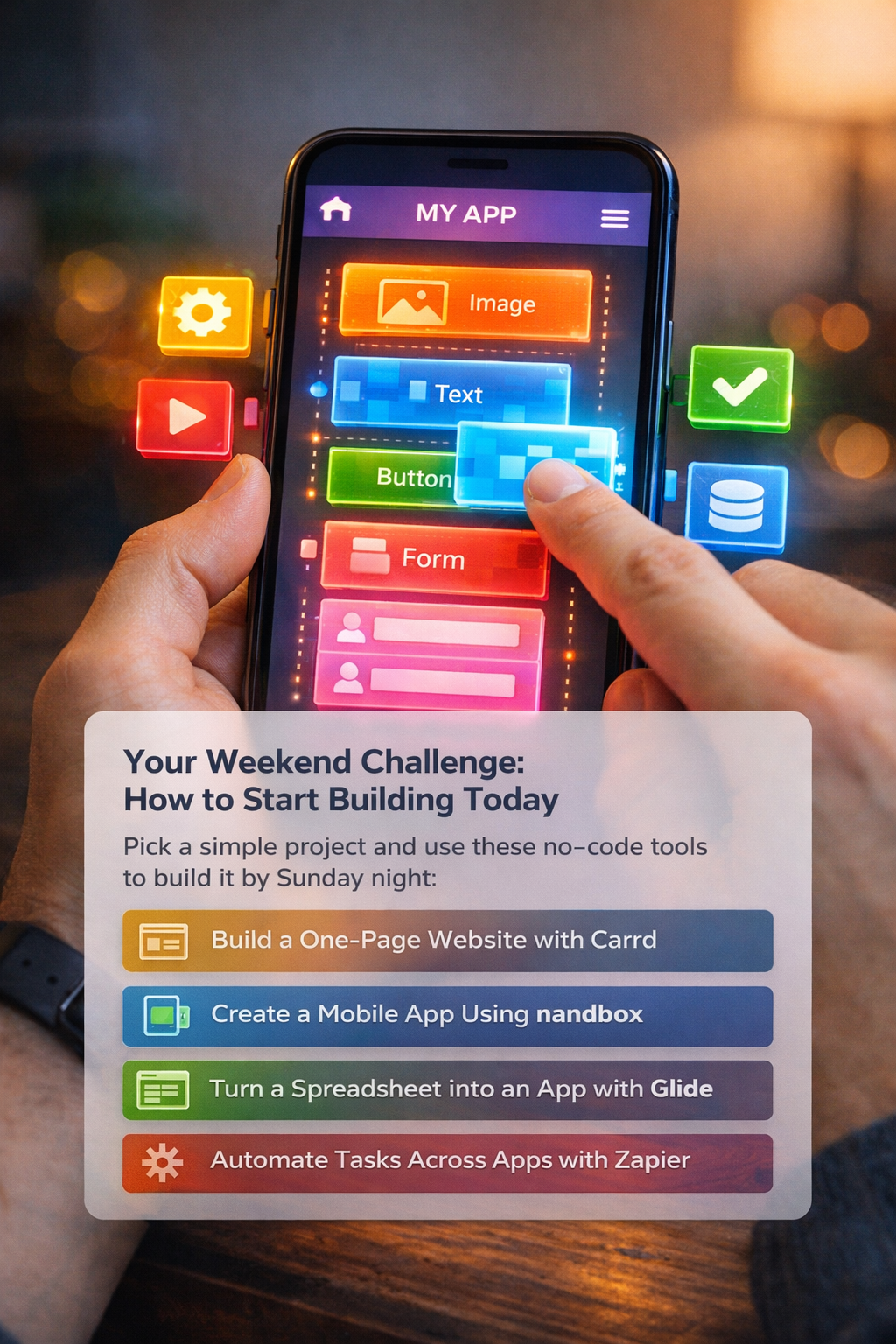
Don’t try to build a massive startup overnight. Instead, try a “Weekend Challenge.” Pick a small annoyance in your life—like organizing a local club or tracking personal expenses—and build a solution by Sunday night. Here are three starter tools to help you begin:
- One-Page Website: Carrd is perfect for quick personal profiles or event landing pages.
- Mobile App (Native Experience): nandbox lets you build a fully native iOS and Android app using visual blocks with no coding required. It supports push notifications, offline functionality, and device features, giving you a real mobile app experience while keeping the learning curve low.
- Mobile App: Glide turns a simple spreadsheet into a working phone app instantly.
- Automation: Zapier connects different apps to handle boring tasks for you automatically.
The future of software development values logic over code. Stop waiting for a developer and start building. Explore these platform alternatives, pick a template, and create something that makes your life easier. The magic isn’t in the code anymore; it’s in your hands.
Q&A
What does “no-code” actually mean, and how is it different from traditional programming?
No-code separates the logic of an app from the programming syntax, letting you build visually instead of typing code. You drag and drop components onto a canvas and define behavior in plain English, so the computer handles the “grammar” while you focus on what the app should do. If you’re searching for no code meaning or what does no code mean, the nocode meaning is the same: a visual way to create software without writing traditional syntax. Sometimes people even write “non code” to describe it, though “no-code” is the more common term. It democratizes development—shifting power from needing years of coding knowledge to being able to prototype in an afternoon.
How do drag-and-drop builders and workflows turn ideas into working apps?
Visual builders center on three elements: a canvas (your page), components (buttons, text, images), and a properties panel (style and settings). After laying out the interface, you add workflows—If-This-Then-That rules made of triggers (like a button click or date) and actions (send an email, update a record). This replaces hand-written logic with visual, testable steps, enabling rapid iteration without wrestling with syntax.
How do databases work in no-code, and why are spreadsheets a good starting point?
Think of the database as a digital filing cabinet. It stores records (rows, like a single customer) and fields (columns, like Name or Email). No-code tools provide graphical interfaces to display or update the right fields for the current record, so you don’t write queries. You can show different views of the same data to different users—customers see profiles, admins see dashboards—without duplicating information.
When should I choose no-code, low-code, or bring in a professional developer?
Choose no-code if you want a fully visual experience to build standard apps (marketplaces, directories, internal tools) quickly and without scripting. Pick low-code if you’re comfortable mixing visual builders with small amounts of custom code for specialized features. Call a pro when you hit the “electrical panel” moments—needs like complex banking security, high-end 3D graphics, or massive global scale—where custom engineering and optimization are required.
How can I launch fast and connect my tools without touching APIs?
Start with a Minimum Viable Product—ship a simple “cupcake” version to validate your idea and shorten Time-to-Value. Use visual integrations to link apps so actions trigger automations (e.g., Typeform responses into Google Sheets; Stripe payments triggering thank-you emails) without writing API code. For a weekend challenge, try Carrd for a one-page site, Glide to turn a spreadsheet into a mobile app, nandbox for true native iOS and Android apps, and Zapier to automate tasks across your stack.