It’s a common thought: “I wanna make an app.” Maybe it’s a brilliant idea for a business or just something you wish existed. But then the next thought almost always arrives: “I can’t do that, I’m not a coder.” For years, that was the end of the story. Today, it’s just the beginning.
So, can anyone make an app? The honest answer is yes—but maybe not how you imagine. The old image of a lone programmer in a dark room is outdated. In practice, new tools and methods have opened the doors for everyday creators with great ideas.
Knowing how to start means first choosing your role. There are three main paths:
- The Builder: Using visual, no-code tools to assemble your app.
- The Coder: Learning to program and build it from the ground up.
- The Director: Hiring an expert team to bring your vision to life.
This guide will help you find the right path for your big idea.
Summary
Anyone can make an app by choosing one of three roles:
- Builder: Utilize a no-code app builder to create simple, information-centric applications quickly and affordably. Ideal for basic projects with low app development costs.
- Coder: Learn to program for custom app development, offering full control and flexibility. This route requires significant time investment to build functional applications.
- Director: Hire a professional developer to realize your vision. This approach may involve higher app development costs but saves time and leverages expert skills.
Before starting, validating your idea with potential users is crucial to ensure it addresses a real problem.
Path 1: How to Build Your App Visually with “No-Code” Tools
Forget the intimidating image of endless green text on a black screen. A no-code app builder is a platform that allows users to create applications through visual interfaces rather than traditional coding. The most accessible starting point for app development involves tools that work more like designing a presentation than building an engine. These “no-code platforms” operate on a simple, powerful principle: instead of writing code, you work with a visual editor.
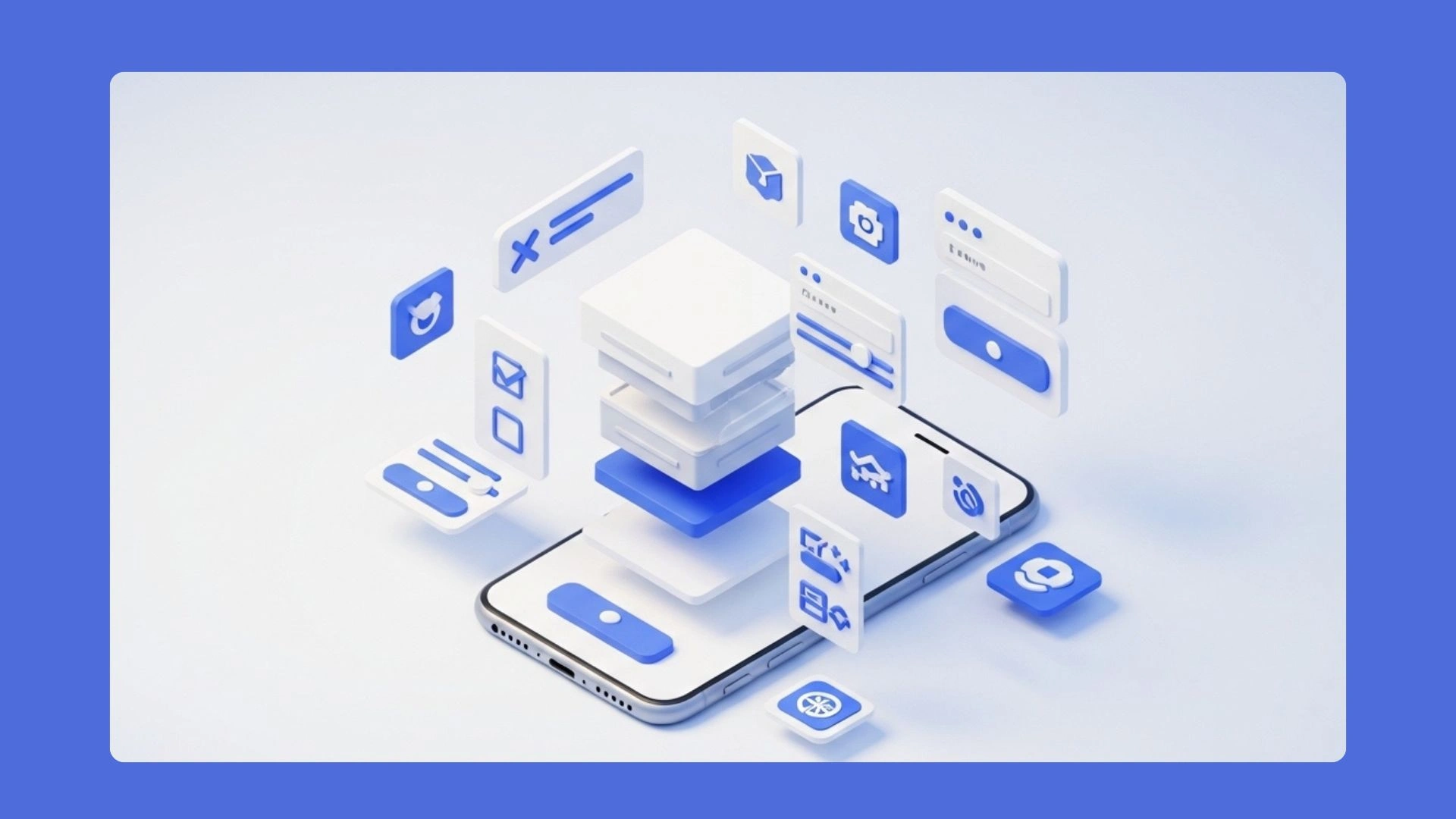
You choose pre-built elements like “Image,” “Button,” or “User List” from a menu and arrange them on a preview of a phone screen, essentially using a drag-and-drop app creator. If you can build a slideshow, you have the foundational skills needed to start and can effectively build an app without coding.
This method is perfect for straightforward, information-focused apps—like a simple community directory or a personal reading tracker. However, as you consider your options, it’s important to note the difference between web apps and native apps. Native apps, which can provide better performance, can also be built using no-code platforms like nandbox. You can explore various tools to turn a concept into a clickable prototype, often in just a few hours. However, as powerful as these tools are, they have their limits.
Why Your “Simple” App Idea Might Be Deceptively Complex
Many great app ideas, like sharing reviews or booking appointments, seem simple. So, how hard is making an app like that? The complexity jumps when it must manage information shared between people. This requires more than a pretty screen; it needs a powerful engine working behind the scenes.
Think of your app in two parts. There’s the “front-end” you see on screen. For complex jobs, a hidden “back-end,” a central brain on the internet, does the heavy lifting. It remembers logins or saves shared content for everyone to see. If your app needs a shared memory, it needs this brain.
A simple test for your idea: does it need to store data for multiple people to see and use? If yes, your project is more advanced than simple app ideas to start with. Knowing this is crucial for choosing the right path.
Path 2: What It Really Takes to Learn Coding and Build From Scratch
Going the traditional route means you need to learn app development from scratch. Be realistic: this process can take months or even a year of dedicated study just to build a functional first app. Similar to learning a new language or musical instrument, mastering programming requires time and persistence.
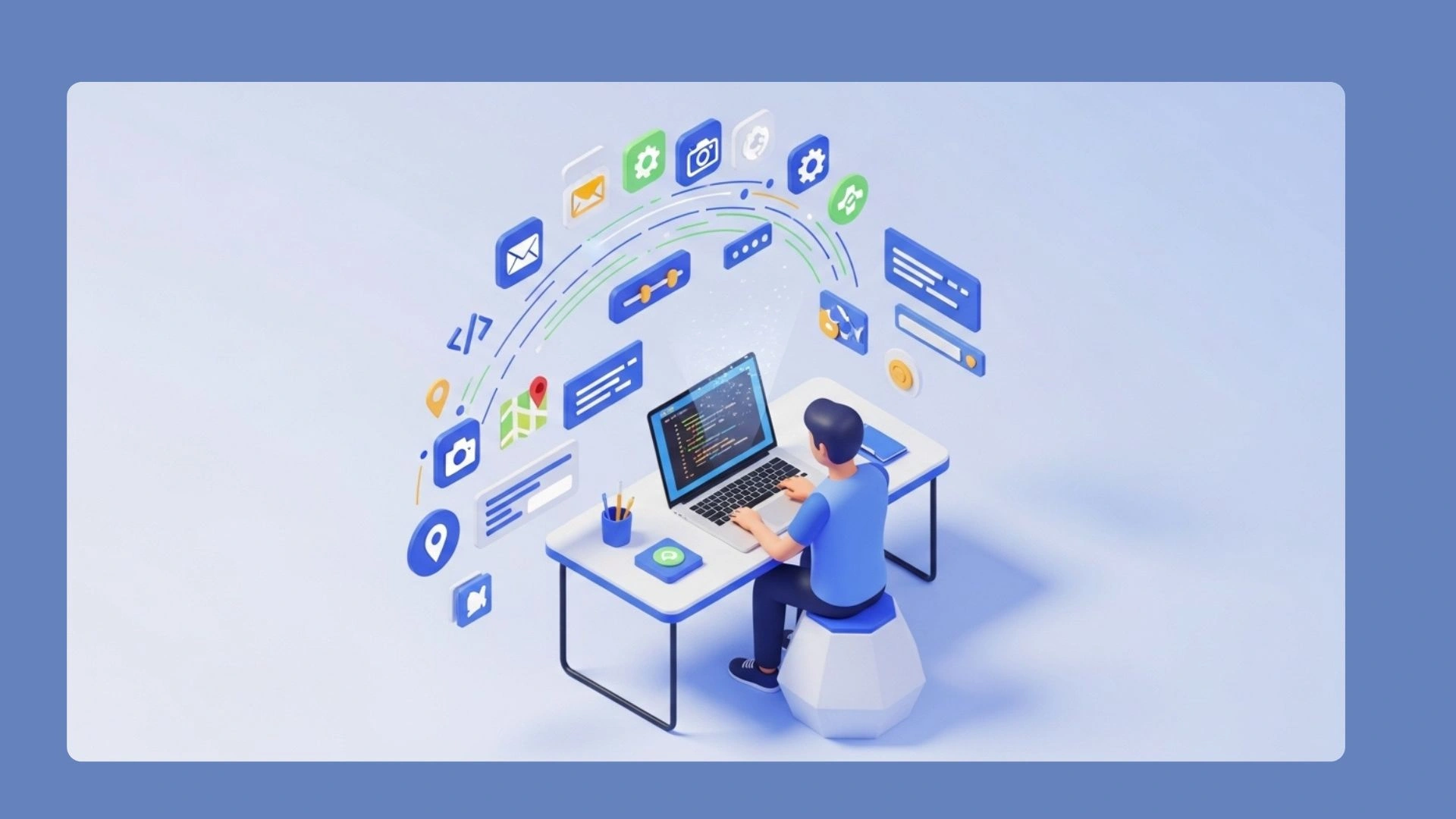
Furthermore, you’ll have to choose which “language” to learn. Apple’s iPhones run on apps built with Swift, while Google’s Android devices utilize Kotlin. To reach a broader audience, you may need to build your app twice, demanding a comprehensive skill set. The reward for this intense effort is total control over the development process, making it ideal for those looking to create complex applications.
Path 3: How to Hire a Developer and Act as the “Director”
If you have the vision but not the time to learn code, you can act as the director. By hiring a professional, you become the expert on the “what” and “why”—how the app should work and feel—while your developer handles the technical “how.”
Your most important job is communicating that vision. Forget technical blueprints; a developer needs to understand the user’s journey. Outlining the app development steps from their perspective—what happens when they tap a button?—is key. A simple sketch or a written document is often the perfect starting point.
So, how do I get an app developed by a professional? Freelance platforms like Upwork or Toptal, alongside specialized agencies, connect you with experienced builders. This path involves a financial investment, which brings up the biggest question for many.
The Big Question: How Much Does It Cost to Create an App?
App development cost refers to the total expenses involved in creating and maintaining an application. This can vary significantly based on the chosen method of development. Here’s a structured breakdown of potential costs:
- No-Code Cost: The most affordable entry point, typically ranging from $25 to $300 per month for subscription-based platforms. Tools like nandbox offer a lower-cost option for building native apps without coding.
- Coding Cost: If you choose to learn to code, the primary expense is your time. Additionally, you may incur developer fees (around $100 per year) for necessary resources.
- Hiring Cost: If you opt to hire a professional, expect costs to range from $5,000 for a simple prototype to $50,000 or more for a fully featured app.
Beyond the initial build, consider ongoing costs for maintenance, updates, and meeting app store requirements, such as an annual developer fee (around $99 for Apple).
Alternative: Using a No-Code App Builder
A no-code app builder is a platform that allows users to create applications through visual interfaces, enabling them to make an app without coding. This approach is particularly appropriate for beginners or those with simple ideas who need to validate concepts quickly and affordably. With no-code app development, individuals can create functional prototypes without extensive technical knowledge.
However, custom development becomes necessary when an app requires complex features, multi-user capabilities, or specific integrations that no-code tools cannot support. It is essential to assess the app’s needs before deciding on the development path.
Another important consideration is the difference between web apps and native mobile apps. Web apps run on web browsers, making them accessible across devices but potentially limited in performance. In contrast, native mobile apps are designed for specific operating systems like iOS or Android, offering better performance and user experience. Platforms like nandbox exemplify native no-code options, allowing users to build robust applications tailored for mobile devices without coding expertise.
Your First Step: How to Validate Your App Idea Today (For Free)
The secret to creating a successful app isn’t choosing a path first—it’s making sure you’re solving a real problem. The smartest way to begin is to validate the idea itself, saving you time, money, and effort down the road.
Begin your app idea validation process today. Find five people you think your app would help and simply ask them: “Is this a real problem for you?” Their answers will become the true foundation for whatever you decide to build next.
Q&A
How do I decide whether to be a Builder, Coder, or Director?
You can decide by matching your choice to your constraints and goals. If you want speed and low upfront costs for an information-focused app, be a Builder and use no-code tools like nandbox. If your idea needs complex, multi-user features and you want total control (and can invest months learning), be a Coder. If you have a budget and prefer to trade money for time, be a Director and hire professionals.
What can I realistically build with no-code tools, and where do they fall short?
No-code tools allow you to assemble apps visually, ideal for straightforward, information-centric projects like community directories or personal trackers. However, they encounter limits when your app requires multi-user features, complex logic, or robust back-end support, which may necessitate custom coding or a proper server-side solution.
Why do “simple” ideas like reviews or bookings become complex?
Simple ideas become complex when multiple users need to share and act on the same data. Beyond the visible front-end, a robust back-end is needed to manage logins, permissions, and data storage. If your app requires shared memory for multiple users, it is more advanced than it initially appears.
If I hire a developer, how should I work with them and where do I find one?
When hiring a developer, your main role is to communicate the “what” and “why” of your app. Create clear user journey outlines, detailing what happens at each interaction. You can find experienced developers on platforms like Upwork or Toptal, or through specialized agencies.
How much does it cost to create and maintain an app?
App development cost varies by development method. No-code tools range from $25 to $300 per month. Learning to code involves time investment and minimal fees. Hiring professionals costs between $5,000 for simple prototypes and over $50,000 for fully featured apps. Ongoing expenses include maintenance and app store fees.