In today’s digital age, the role of a mobile app designer has become increasingly critical. As more businesses and services shift towards mobile platforms, the demand for intuitive, user-friendly apps continues to grow. Whether you’re working with a mobile app design agency or using a native no-code app builder, understanding the app design process is essential. This guide will explore the key elements of mobile app design, from user-centered design principles to the latest mobile UI trends.
Summary
This guide outlines the mobile app design lifecycle—from research, stakeholder alignment, and ideation to wireframing, prototyping, and iterative testing—grounded in UI/UX best practices. It emphasizes user-centered design for higher satisfaction, usability, accessibility, and ROI, and surveys major UI trends like minimalism, dark mode, microinteractions, and responsive design. It highlights the benefits of no-code builders for speed and cost-efficiency and offers criteria for selecting agencies, including insights into Utah County’s tech scene. Finally, it points to practical inspiration sources and stresses staying informed and adaptable to create modern, user-friendly apps.
Understanding the App Design Process
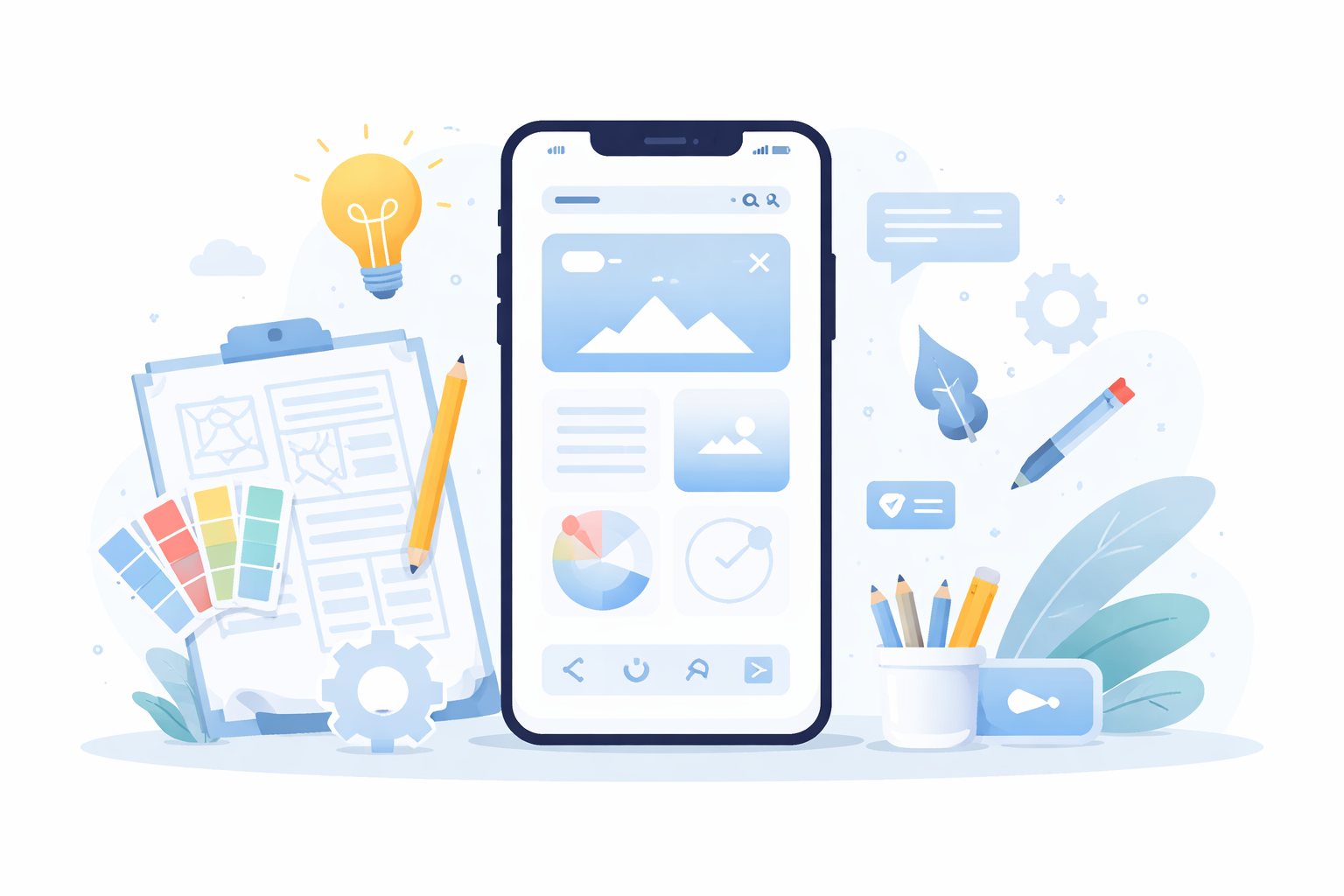
The app design process is a structured series of steps that guide the development of an app from concept to launch. This process ensures that the final product meets user needs and business objectives.
Research and Analysis
Before diving into design, it’s crucial to conduct thorough research. This involves understanding your target audience, their needs, and the problems your app aims to solve. Market analysis and competitor research can provide insights into industry standards and expectations.
Ideation Sessions
Ideation sessions are a cornerstone of the design process, fostering creativity and innovation. These brainstorming sessions encourage team members to think outside the box, generating a range of ideas and solutions. Techniques such as mind mapping and sketching can help visualize concepts and streamline the ideation process.
Involving Stakeholders
Furthermore, involving stakeholders early in the research phase can align the project goals with business objectives. Stakeholder interviews and workshops can clarify the app’s purpose, ensuring everyone is on the same page and invested in the project’s success.
Key Stages of the App Design Process
Wireframing
Wireframing is the blueprint of your app, outlining its structure and flow. It is a visual guide that represents the skeletal framework of the app, focusing on layout and navigation without the distraction of detailed design elements. Wireframes help in identifying content priorities and establishing the app’s information hierarchy.
Prototyping
Prototyping takes it a step further by creating a clickable model of the app. This interactive version allows designers and stakeholders to test the app’s functionality and user experience before development begins. It is an invaluable tool for identifying potential issues and gathering user feedback early in the process.
Iterative Testing
Iterative testing with prototypes can refine the design, ensuring that user interactions are intuitive and seamless. By continuously revising prototypes based on user feedback, designers can create an app that is both functional and user-friendly.
UI and UX Design Essentials
Importance of UI in Mobile Apps
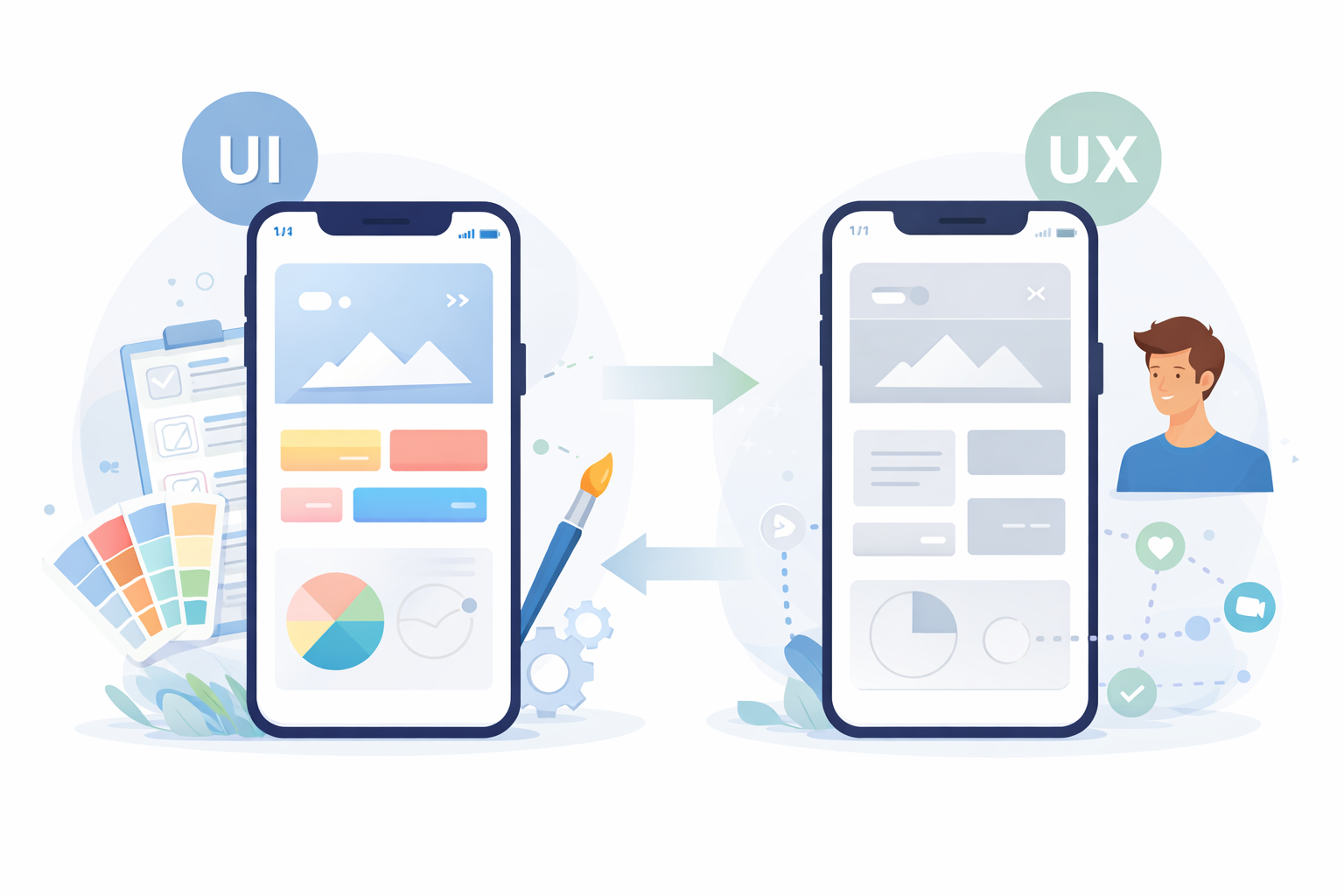
UI and UX design are at the heart of creating user-friendly apps. UI focuses on the visual aspects, such as color schemes, typography, and button styles, which contribute to the app’s aesthetic appeal. A well-designed UI captures users’ attention and enhances their engagement with the app.
Role of UX in Creating User-Friendly Apps
UX design, on the other hand, ensures the app is easy to use and meets user expectations. It involves understanding user behavior and designing the app’s flow to facilitate smooth interactions. UX designers create user personas and journey maps to empathize with users and address their needs effectively.
Together, UI and UX create a seamless and engaging experience for users. By balancing aesthetics with functionality, designers can develop apps that not only look good but also provide a satisfying user experience.
Emphasizing User-Centered Design
Benefits of User-Centered Design
User-centered design places the user at the forefront of the design process. It involves understanding user behaviors, needs, and motivations through various research methods. By prioritizing the user, designers can create apps that are not only functional but also enjoyable to use.
- Enhanced User Satisfaction: Apps designed with the user in mind are more likely to meet their needs, leading to higher satisfaction and retention rates. Users are more likely to continue using an app that caters to their preferences and solves their problems effectively.
- Increased Usability: Focusing on user needs ensures that the app is intuitive and easy to navigate. Clear navigation paths, logical information architecture, and user-friendly interfaces contribute to an app’s overall usability.
- Improved Accessibility: User-centered design considers all potential users, including those with disabilities, ensuring a more inclusive experience. Accessibility features such as screen readers, voice commands, and adjustable text sizes can make the app usable for a wider audience.
- Better ROI: By creating an app that resonates with users, businesses can achieve better return on investment through increased downloads, user engagement, and customer loyalty. An app that delights users can also lead to positive word-of-mouth and organic growth.
Staying Updated with Mobile UI Trends
Minimalistic Design Approach
Keeping up with mobile UI trends is vital for designers looking to create modern, relevant apps. These trends not only enhance the app’s visual appeal but also improve its functionality and user experience.
Minimalistic design focuses on clean, simple interfaces that prioritize essential elements. By removing unnecessary clutter, designers can create a sleek and sophisticated look that enhances user focus. The use of whitespace, bold typography, and simple color palettes can contribute to a minimalistic aesthetic.
Minimalism also improves performance by reducing load times and making the app more responsive. Users appreciate the straightforward approach, which allows them to accomplish tasks quickly and efficiently.
The Rise of Dark Mode
Additionally, minimalistic design aligns with current user preferences for simplicity and elegance. By embracing this trend, designers can create apps that feel fresh and contemporary.
Offering a dark color scheme to reduce eye strain and save battery life has become increasingly popular. Dark mode provides a visually appealing alternative to traditional light interfaces, making it a sought-after feature among users.
Dark mode can enhance the user’s focus by reducing glare and creating a comfortable viewing experience, especially in low-light environments. It can also add a touch of sophistication and modernity to the app’s design.
Incorporating Microinteractions
Microinteractions are small animations or design elements that provide feedback and enhance user engagement. These subtle interactions can guide users, indicate status changes, or confirm actions, making the app more intuitive.
By incorporating microinteractions, designers can create a more dynamic and interactive experience. For example, a button that changes color when clicked can provide immediate feedback, reassuring users that their action was successful.
Microinteractions add personality and charm to the app, making it feel more alive and engaging. Thoughtfully designed microinteractions can surprise and delight users, contributing to a memorable app experience.
The Need for Responsive App Design
Responsive app design ensures that your app works well on various devices and screen sizes. This is crucial as users access apps from a range of devices, from smartphones to tablets. By adopting a responsive design approach, you can improve user experience and broaden your app’s reach.
- Flexible Layouts: Use fluid grids that adapt to different screen sizes. Responsive layouts ensure that content is displayed consistently across devices, providing a seamless experience for users regardless of their screen size.
- Scalable Images: Ensure images maintain quality across devices by using vector graphics or responsive image techniques. This approach prevents images from becoming pixelated or distorted on larger screens.
- Media Queries: Implement CSS media queries to apply different styles based on device characteristics. Media queries allow designers to specify styles for specific screen sizes, orientations, and resolutions, ensuring the app looks great on any device.
- Touch-Friendly Elements: Design interactive elements that are easy to tap on touchscreens. Adequate spacing between buttons and interactive components can prevent accidental taps and improve usability on mobile devices.
Utilizing No-Code App Builders
Benefits of No-Code Platforms
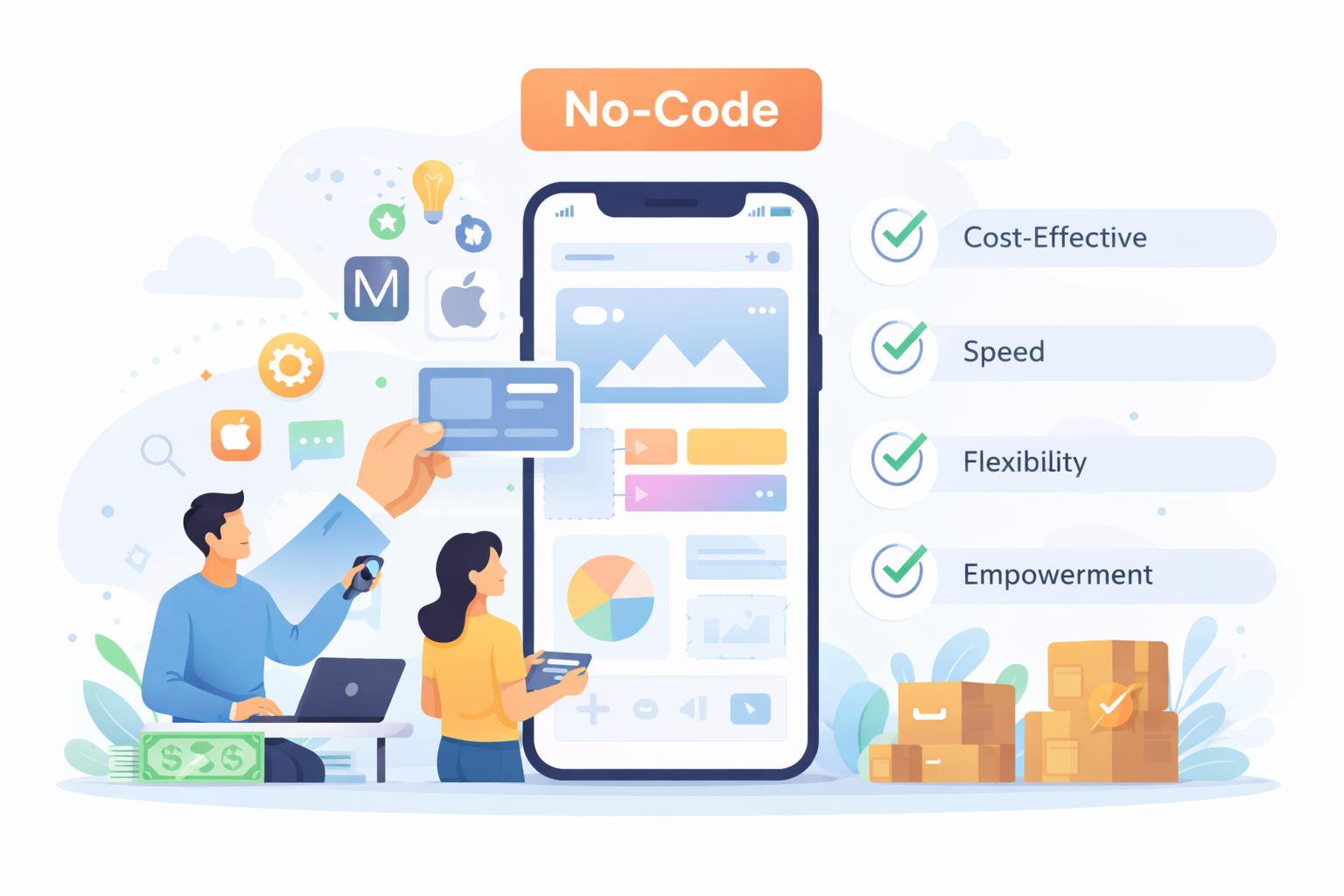
No-code app builders have revolutionized the app development landscape. These platforms allow users to create apps without writing code, making app development more accessible to non-developers. No-code tools enable rapid prototyping and iteration, empowering businesses to bring their ideas to life quickly. No-code app builders such as nandbox follows the latest Google’s Material Design (M2 & M3) and Apple’s Human Interface Guidelines, ensuring that apps created on the platform adhere to the best design practices.
- Cost-Effective: Reduce development costs by eliminating the need for extensive coding. Businesses can allocate resources to other areas, such as marketing and user acquisition, instead of hiring a large development team.
- Speed: Accelerate the development process with pre-built templates and components. No-code platforms enable rapid iteration, allowing businesses to test ideas and make improvements in real-time.
- Flexibility: Easily make changes and updates without extensive rework. The drag-and-drop interfaces and customizable components of no-code platforms allow users to adapt the app to changing business needs quickly.
- Empowerment: Enable non-technical team members to participate in the development process. By democratizing app development, no-code tools foster collaboration and innovation across the organization.
Choosing the Right Mobile App Design Agency
Evaluating Portfolios and Client Reviews
Utah County is home to a vibrant tech scene, with numerous mobile app design agencies offering UI/UX design services. These agencies leverage local talent and innovative mobile design tools to deliver high-quality apps tailored to client needs.
When selecting a design agency, consider factors such as:
- Portfolio: Review past projects to assess the agency’s design style and expertise. A diverse portfolio demonstrates the agency’s ability to handle various app design challenges and deliver creative solutions.
- Client Reviews: Look for testimonials and case studies to gauge client satisfaction. Positive reviews and successful case studies indicate the agency’s reliability and commitment to delivering excellent results.
- Communication: Ensure the agency is responsive and open to collaboration throughout the design process. Effective communication is key to understanding client needs and translating them into a successful app design.
- Cultural Fit: Consider whether the agency’s values and working style align with your organization. A good cultural fit can lead to a more productive and enjoyable collaboration, resulting in a successful project outcome.
Sources of Inspiration for App Design
Analyzing Successful Apps
Whether you’re designing a hospitality app or a road trip planner, inspiration can come from various sources. Consider exploring:
- Successful Apps: Analyze popular apps in your industry to identify what works well. By studying successful apps, you can gain insights into effective design strategies and innovative features that resonate with users.
- User Feedback: Gather insights from potential users to inform your design decisions. Conducting surveys, interviews, and usability tests can reveal user preferences and pain points, guiding your design process.
- Design Communities: Engage with online design communities for the latest trends and ideas. Platforms like Dribbble, Behance, and Pinterest offer a wealth of inspiration and showcase the work of talented designers worldwide.
- Nature and Art: Look beyond the digital world for inspiration in nature, art, and architecture. Observing patterns, colors, and forms in the natural and artistic world can spark unique design ideas and foster creativity.
Conclusion
The Future of Mobile App Design
In the ever-evolving world of mobile app design, staying informed and adaptable is key. By understanding the app design process, embracing user-centered design, and leveraging the latest tools and trends, you can create compelling, user-friendly apps that stand out in a crowded market. Whether you’re working with a mobile app design agency in Utah or using a no-code app builder, the principles of good design remain the same: prioritize the user, focus on functionality, and always strive for innovation.
Q&A
What are the main stages in the mobile app design process?
The lifecycle moves from research and stakeholder alignment to ideation, wireframing, prototyping, and iterative testing before launch. You begin by understanding users, markets, and competitors, then align business goals through interviews and workshops. Next, you brainstorm (e.g., mind mapping, sketching), create wireframes to define structure and navigation, build clickable prototypes to validate flows and functionality, and refine through repeated user feedback cycles.
How do wireframes and prototypes differ, and why do both matter?
Wireframes are low-fidelity blueprints that map layout, navigation, and information hierarchy without visual polish. Prototypes are interactive models that simulate real user flows to test usability and functionality. Using both helps teams spot issues early, align stakeholders, and iteratively improve intuitiveness and seamless interactions before development.
What are the concrete benefits of a user-centered design approach?
It drives higher user satisfaction and retention by meeting real needs, boosts usability through clear navigation and logical information architecture, and improves accessibility for all users with features like screen readers, voice commands, and adjustable text sizes. Collectively, this leads to better ROI via more downloads, stronger engagement, customer loyalty, and positive word-of-mouth.
Which current mobile UI trends should I consider, and why?
Prioritize minimalism for focus and performance (clean layouts, whitespace, simple palettes), dark mode to reduce eye strain and save battery on OLED screens, microinteractions to provide feedback and increase engagement, and responsive design to ensure consistency across devices using flexible layouts, scalable images, media queries, and touch-friendly elements.
When should I use a no-code app builder versus hiring a design agency, and what should I look for in an agency?
Choose no-code tools (e.g., platforms like nandbox) when speed, cost-effectiveness, easy updates, and empowering non-technical teammates are priorities. Consider a design agency when you want high-quality, tailored UI/UX and close collaboration—Utah County, for example, has a vibrant scene of such agencies. Evaluate agencies by their portfolio, client reviews/case studies, communication style, and cultural fit to ensure a productive partnership.