Artificial Intelligence (AI) is transforming how apps are developed, allowing creators to automate tasks, predict user behavior, and deliver highly personalized experiences. By integrating AI, developers can streamline workflows, reduce errors, and optimize performance—making it easier to turn ideas into fully functional apps. Whether you are building mobile apps, AI-driven platforms, or experimenting with no-code solutions, selecting the right tools is critical for efficiency and quality.
This guide highlights the best AI and App development tools in 2026, organized by purpose, skill level, and integration potential.
AI/ML Platforms: Powering Smarter Apps
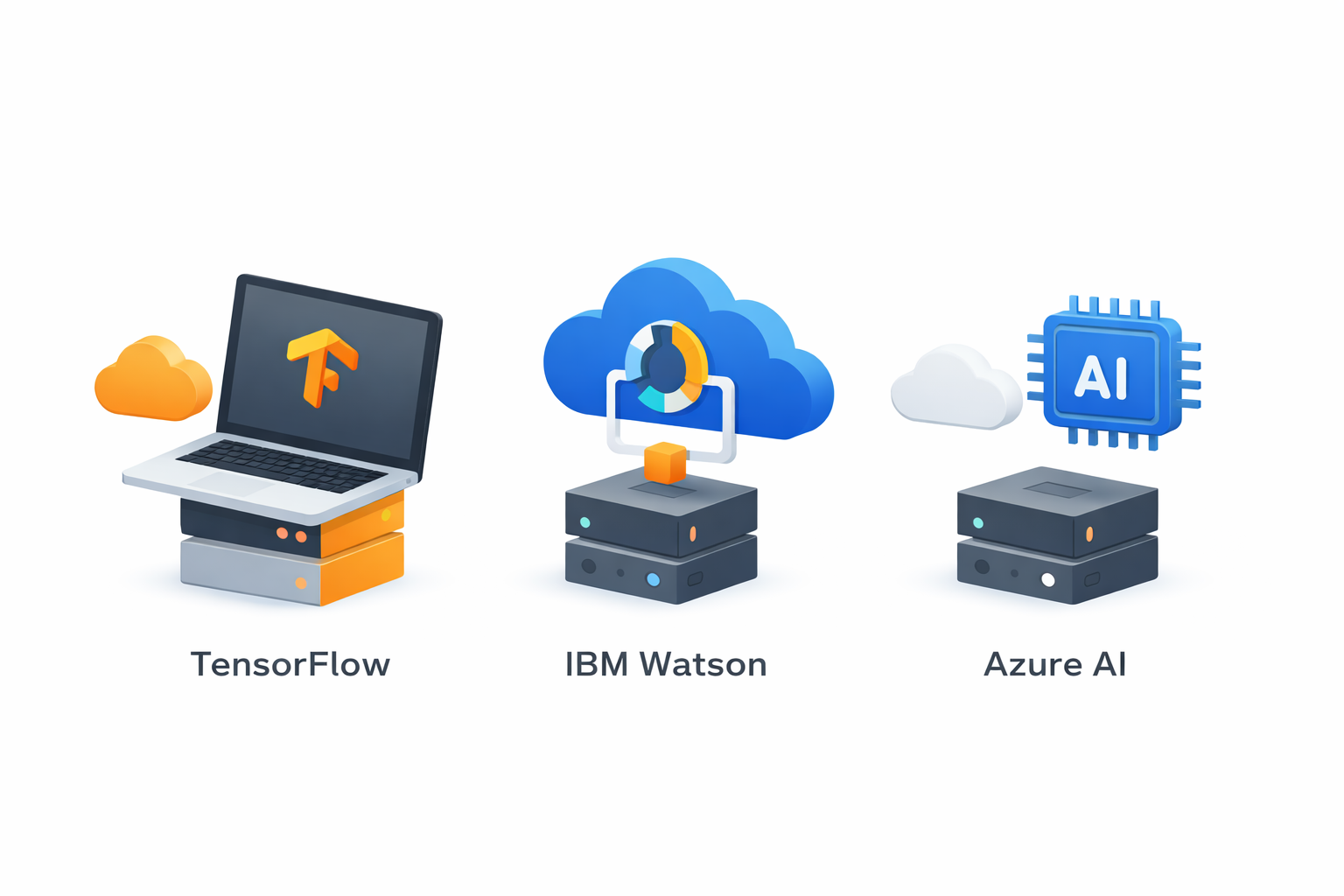
TensorFlow
TensorFlow is an open-source AI library widely used for machine learning tasks like image recognition, natural language processing, and predictive analytics. Its flexibility allows developers to build neural networks and integrate them seamlessly into apps. TensorFlow supports multiple platforms, including mobile devices, ensuring scalability for both simple and complex applications.
IBM Watson
IBM Watson provides pre-built AI services such as language translation, sentiment analysis, and personalized recommendations. With a robust API and scalable cloud environment, Watson enables developers to add sophisticated AI capabilities without needing deep ML expertise. This makes it ideal for apps that require adaptive, data-driven features.
Azure AI
Azure AI offers machine learning, cognitive services, and bot frameworks that allow apps to see, hear, speak, and understand user input. Its APIs simplify the integration of AI features like vision, speech, and decision-making. Azure AI is particularly appealing for developers already using Microsoft ecosystems, offering streamlined deployment and management.
Cross-Platform Frameworks: Build Once, Run Anywhere
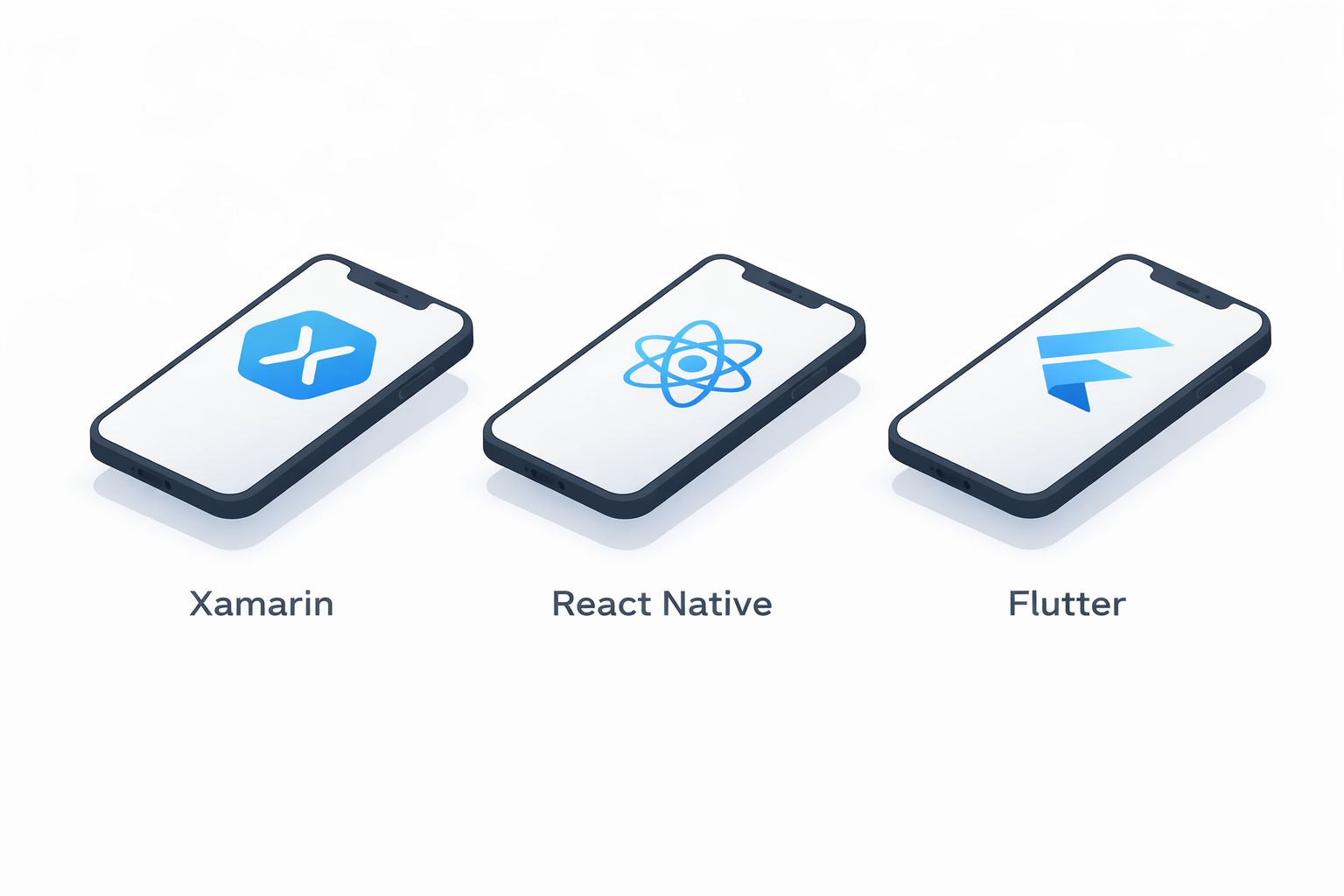
Xamarin
Xamarin allows developers to write a single codebase for both iOS and Android apps. It integrates well with AI libraries like TensorFlow or Azure Cognitive Services and provides access to native APIs for smooth performance.
React Native
React Native offers reusable components and near-native performance, making it easier to add AI features to mobile apps. Its strong community support ensures frequent updates and extensive libraries for rapid development.
Flutter
Flutter’s widget-based architecture and hot reload feature make it ideal for building visually rich apps quickly. AI capabilities can be integrated through plugins and APIs, enabling responsive and adaptive interfaces.
No-Code App Builders: A Smarter Solution for Rapid AI Apps
For those without extensive coding experience, no-code platforms are a practical alternative. They allow creators to build apps quickly, reduce development costs, and still integrate AI-driven features.
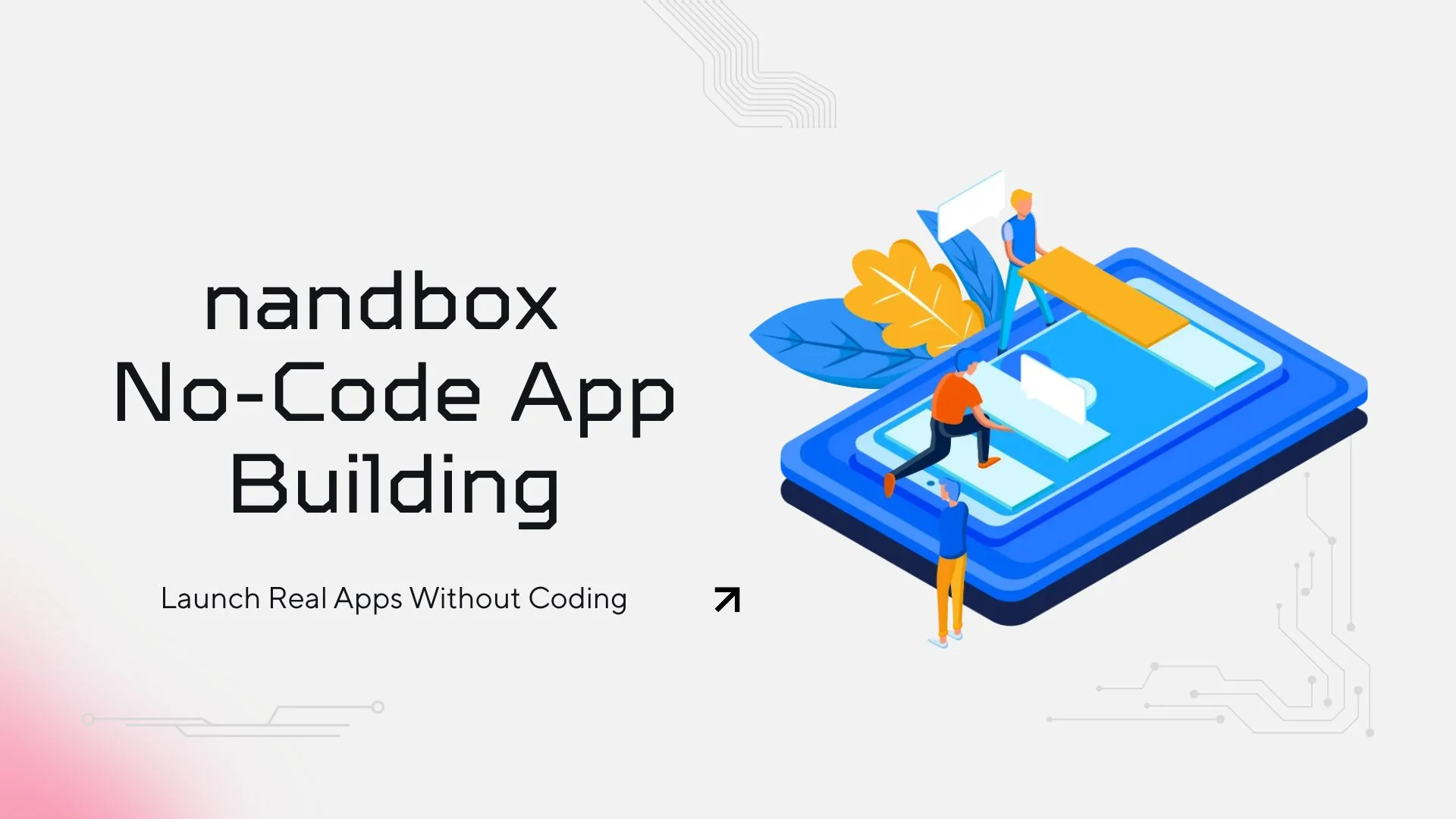
- nandbox: A no-code app builder that leverages AI to turn app ideas into fully functional native iOS and Android applications. By using simple conversational prompts, creators can generate apps without writing code. With pre-built templates, drag-and-drop interfaces, and API integrations, nandbox enables faster prototyping and development while supporting AI-powered features, making it a practical tool for both beginners and experienced developers.
- Adalo, Bubble, and Appy Pie: Drag-and-drop interfaces with AI plugins for chatbots, voice recognition, and analytics.
Professional IDEs: Full Control and Customization
Android Studio
The official IDE for Android offers debugging, performance profiling, and direct integration with Android SDKs. Ideal for advanced customization and complex AI workflows.
Xcode
Apple’s development environment for iOS, macOS, watchOS, and tvOS. It provides tools to design, build, and test apps while leveraging Apple’s ecosystem.
Visual Studio Code
A lightweight editor with extensive extensions to integrate AI and manage multiple programming languages. Ideal for developers who want flexibility and customization without being locked into a single platform.
Feature Flags: Control AI Rollouts
Tools like LaunchDarkly and Optimizely allow developers to enable or disable features in real-time. Feature flags are especially useful for AI integrations, letting teams test new capabilities with select users and gather feedback without redeploying the app.
Choosing the Right Tools: Comparison and Summary
Selecting the right tools depends on your team, timeline, and app goals:
- Startups or non-technical founders: No-code platforms like nandbox offer speed, affordability, and basic AI integration.
- Professional development teams: IDEs and cross-platform frameworks provide maximum control and scalability.
- AI-heavy apps: TensorFlow, Watson, or Azure AI provide advanced machine learning and cognitive services.
Combining no-code tools for rapid prototyping with AI platforms for sophisticated functionality can accelerate development while reducing risk and cost.
Conclusion & Next Steps
From AI platforms to cross-platform frameworks and no-code builders, the right combination of tools determines how efficiently your app idea becomes a reality. No-code builders show that sophisticated apps can be built quickly without heavy investment in development resources, making them an educational example of modern app innovation.
Leverage these insights to choose tools that match your technical skills, budget, and AI ambitions. Start with an MVP, experiment with AI features, and iterate quickly; 2026 is all about smarter, faster app development tools.
FAQ
How do I choose between TensorFlow, IBM Watson, and Azure AI?
TensorFlow is best for custom ML models on any platform. Watson offers ready-made AI services via APIs with a scalable cloud. Azure AI is ideal for pre-built cognitive services and tight integration with Microsoft tools.
Which cross-platform framework is best for AI apps?
Xamarin provides deep native API access, React Native offers component reuse and near-native performance, and Flutter excels in rapid UI development. Integration with AI services is possible across all three.
When should I use no-code builders versus professional IDEs?
No-code platforms like nandbox are ideal for rapid prototyping, low budgets, and minimal coding. Professional IDEs are preferred when you need maximum control, advanced AI workflows, and custom functionality.
How do feature flags help with AI rollouts?
They allow you to test AI-driven features with specific users and gather real-time feedback without redeploying, ensuring smoother experimentation and higher user satisfaction.
How does AI speed up app development tools?
AI automates coding, testing, and debugging tasks; integrates cognitive services; and allows developers to focus on creative and complex logic, reducing time to market and enhancing user experience.