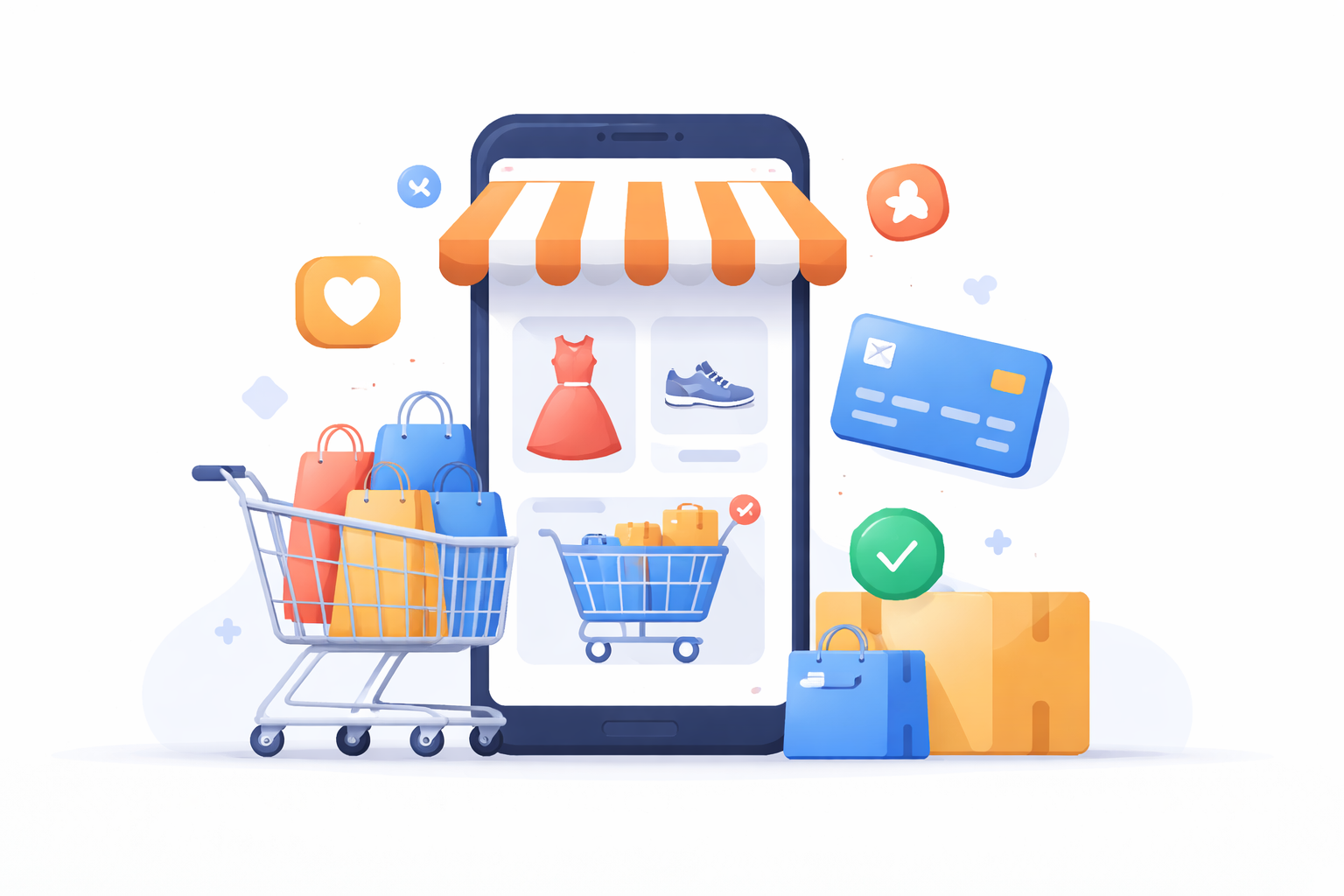
Before diving into the technical aspects, it’s crucial to understand the fundamentals of shopping app development. A shopping app should be user-friendly, secure, and efficient. It should provide a seamless shopping experience that encourages users to browse, select, and purchase products easily. Additionally, it should be designed to handle large volumes of users and transactions without compromising on performance or security.
A successful shopping app requires careful attention to detail in both design and functionality. The app must facilitate easy navigation and offer a smooth checkout process, as these are critical to keeping users engaged and reducing cart abandonment rates. Moreover, security is paramount; users need to trust that their personal and payment information is safe when using your app. Thus, implementing robust security measures and regularly updating them is essential.
Summary
Build a shopping app by prioritizing usability, security, and performance to deliver a seamless browsing-to-checkout experience. Include core features like user accounts, strong search and product listings, streamlined cart/checkout with multiple payments, order tracking, push notifications, and customer support. Plan by defining your niche and audience, researching competitors, and prioritizing a feature roadmap; then design wireframes and intuitive UI/UX before choosing native, cross-platform, or web development (with Android Studio for native Android). Launch with beta testing, app store optimization, and multi-channel marketing, and maintain momentum with regular updates guided by analytics and user feedback.
Every successful shopping app includes several essential features:
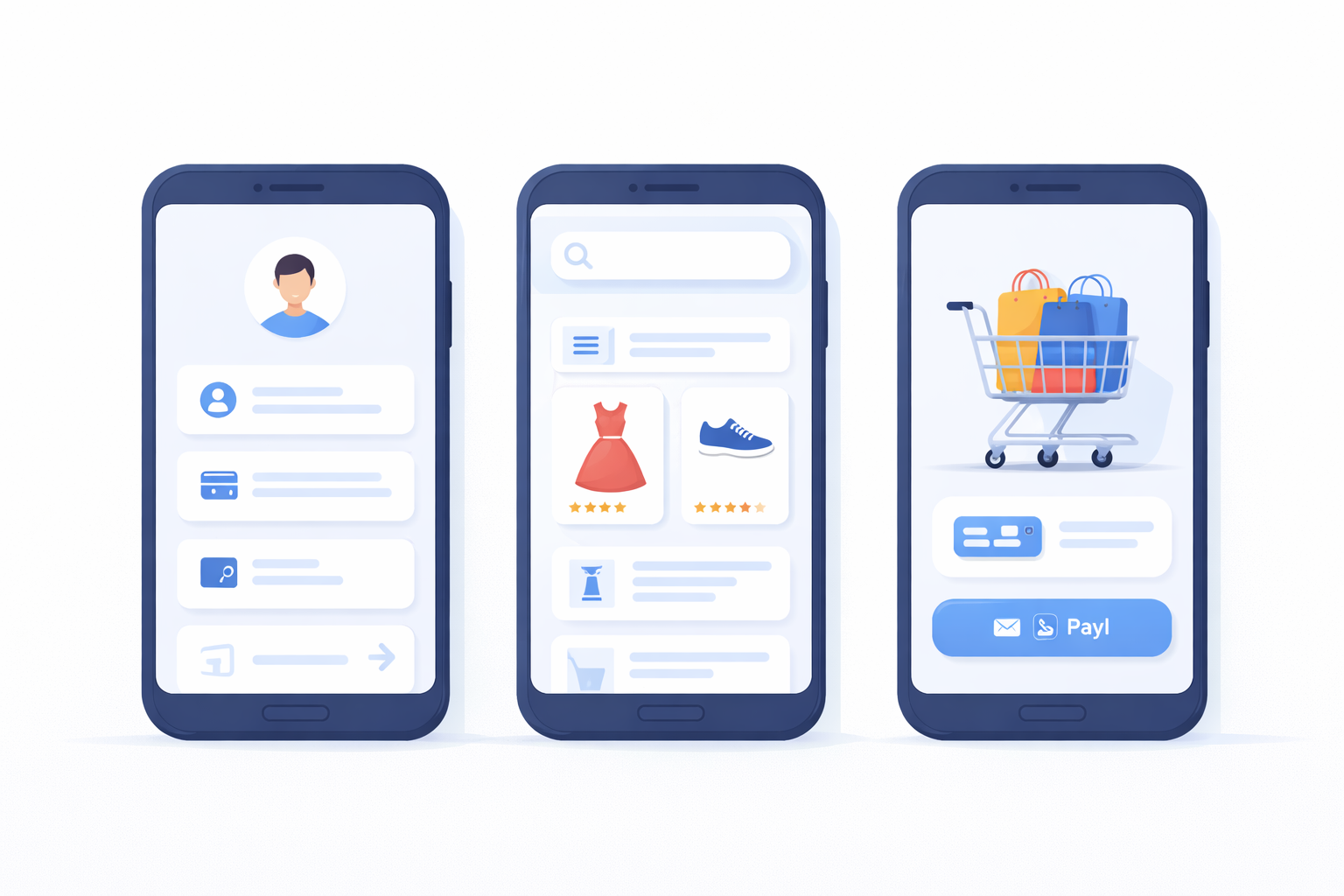
- User Account and Profiles: Allow users to create accounts and manage their profiles. This often includes options for users to save their personal information, track orders, and manage payment methods. A well-designed profile system can enhance user engagement by personalizing the shopping experience and offering tailored recommendations based on user preferences and past purchases.
- Product Listings and Search: Users should easily find products through search and filter options. Clear product descriptions, high-quality images, and reviews are crucial. A powerful search engine within the app, coupled with effective categorization and filtering options, enables users to quickly locate what they are looking for, enhancing their overall experience.
- Shopping Cart and Checkout: The shopping cart should be easy to use, allowing users to add or remove items and proceed to checkout smoothly. The checkout process should be streamlined and support multiple payment options to cater to diverse user preferences. Offering features like guest checkout can also reduce friction for first-time users.
- Payment Gateway Integration: Integrate secure payment gateways like PayPal, Stripe, or credit card processing to ensure secure transactions. Providing users with various payment options not only enhances convenience but also builds trust, as users feel more secure when they can choose their preferred payment method.
- Order Management: Users should be able to track their orders and view past purchases. Implementing a reliable order management system that provides real-time updates can significantly improve user satisfaction, as it keeps users informed and reduces anxiety about their purchases.
- Push Notifications: Keep users engaged with alerts about new products, discounts, and order status updates. However, it’s important to balance these notifications to avoid overwhelming users. Personalized notifications based on user behavior and preferences can increase engagement without being intrusive.
- Customer Support: Implement a system for customer support, including live chat or support tickets. A responsive customer support system is crucial for addressing user concerns promptly, thereby enhancing trust and loyalty. Offering multiple channels for support, such as chat, email, and phone, can cater to different user preferences.
Planning Your Shopping App
Define Your Niche and Target Audience
Before you start developing your app, identify your niche and target audience. This will help you tailor your app’s features and design to meet the needs of your intended users. Consider what kind of products you’ll sell and who your ideal customer is. Understanding your niche allows you to focus on specific user needs and preferences, creating a more personalized and engaging shopping experience.
Determining your target audience involves more than just demographic information. Consider their shopping behaviors, preferences, and pain points. Conduct surveys or focus groups to gather insights directly from potential users. This information will guide your design and development process, ensuring that your app resonates with your audience and stands out in the market.
Research Competitors
Analyze existing shopping apps to understand what works and what doesn’t. Pay attention to the design, features, and customer feedback of popular apps like Namshi, Amazon, and eBay. This research will provide insights into industry standards and help you differentiate your app. Look for gaps in the market that your app can fill, offering unique value that competitors lack.
Studying competitors also involves examining their marketing strategies and user engagement tactics. Understanding how successful apps attract and retain users can inspire innovative approaches for your app. Identify their strengths and weaknesses, and use this knowledge to create an app that surpasses user expectations and addresses unmet needs.
Outline Your App’s Features
Based on your research and niche, make a list of features you want to include in your app. Prioritize these features based on what will provide the most value to your users. Consider which features are essential for launch and which can be added in future updates. This approach ensures that your app remains focused and user-centric from the start.
Creating a feature roadmap can help in planning the development process and setting realistic timelines. This roadmap should be flexible to accommodate user feedback and market changes. Regularly revisiting and revising the feature list based on user engagement and feedback will help keep your app relevant and competitive.
Designing Your Shopping App
Create Wireframes
Wireframes are simple sketches of your app’s layout and functionality. They help you visualize the structure and flow of your app. Use tools like Figma or Sketch to create wireframes for each screen of your app. Wireframes serve as a blueprint, allowing you to experiment with different layouts and functionalities before investing time in detailed design work.
Wireframing also facilitates communication among team members, ensuring everyone is aligned on the app’s design and functionality. It allows for early testing of user flows and interactions, helping to identify potential usability issues. Sharing wireframes with stakeholders for feedback can also lead to valuable insights and improvements.
Design UI/UX
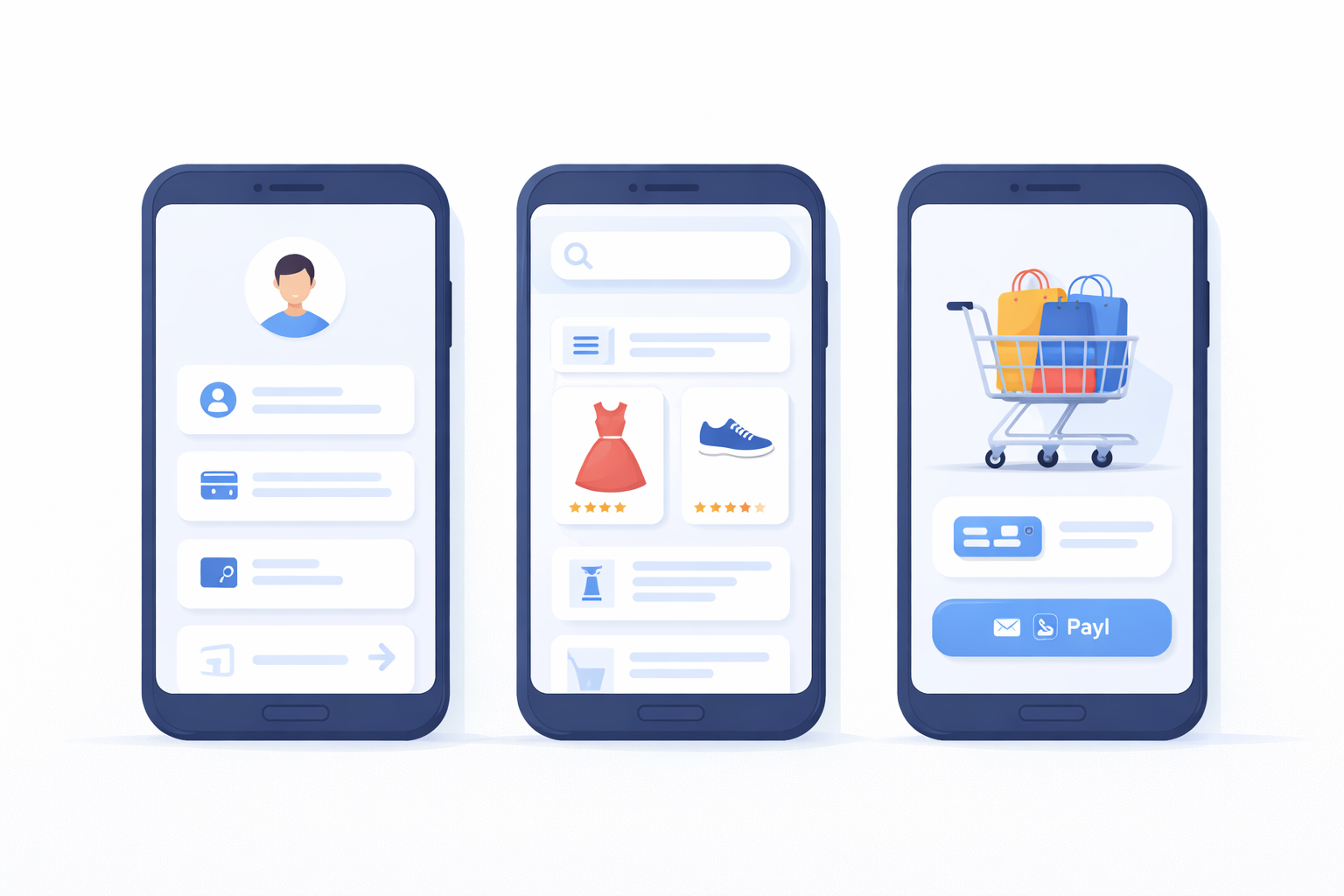
User interface (UI) and user experience (UX) design are critical to the success of your shopping app. The design should be intuitive and visually appealing. Focus on easy navigation, clear product displays, and a smooth checkout process. A well-designed UI/UX can significantly enhance user satisfaction and engagement, as users are more likely to return to an app that is easy to use and visually appealing.
If design isn’t your strong suit, consider hiring a professional designer. A designer can bring a fresh perspective and expertise in creating a cohesive and attractive design that aligns with your brand. They can also ensure that the app is accessible and inclusive, catering to a diverse range of users. Regular testing and iteration are key to refining the UI/UX and ensuring it meets user expectations.
Developing Your Shopping App
Choose Your Development Approach
You have several options when it comes to app development:
- Native App Development: Create separate apps for iOS and Android. This approach offers the best performance but requires more resources. Native apps can leverage platform-specific features and provide a more seamless user experience, but they demand expertise in both iOS and Android development.
- Cross-Platform App Development: Use frameworks like React Native or Flutter to create a single app that works on both iOS and Android. This is cost-effective and efficient. Cross-platform development allows for faster deployment and easier maintenance, as changes can be made across platforms simultaneously.
- Web App Development: Develop a responsive web app that can be accessed through browsers. This is the simplest and least expensive option. Web apps can reach a broader audience as they are accessible on any device with a browser, but they may lack some native app functionalities and offline capabilities.
Use Android Studio for Development
If you decide to build a native Android app, Android Studio is a great tool to use. Here’s a basic overview of how to create a shopping app in Android Studio:
- Set Up Your Development Environment: Download and install Android Studio. Set up your project and choose appropriate settings. Familiarize yourself with the IDE’s features and shortcuts to streamline the development process.
- Design Your App Layout: Use XML to design your app’s layout. Define views such as buttons, text fields, and images. Pay attention to design principles such as responsiveness and accessibility to ensure a consistent user experience across different devices and screen sizes.
- Implement Features: Write Java or Kotlin code to implement app features like user authentication, product listings, and payment processing. Ensure that your code is modular and well-documented to facilitate future updates and maintenance.
- Test Your App: Regularly test your app on different devices to ensure it works as expected. Use emulators and real devices to identify and fix any issues related to performance, usability, or compatibility. Automated testing can also help streamline the testing process and ensure comprehensive coverage.
No-Code App Builders: A Faster Path to Mobile Shopping Apps
When building shopping apps, developers and business owners can opt for traditional coding frameworks, such as native iOS/Android, React Native, or Flutter, or they can leverage no-code/low-code platforms. No-code platforms significantly reduce development time and eliminate the need for programming skills, making them a suitable choice for faster launches.
One such no-code platform is nandbox, which serves as an all-in-one solution for creating no-code mobile apps, particularly for shopping purposes. no-code app builders provides several strengths that make it appealing, including fast prototyping and access to pre-built features like user accounts, shopping carts, payment integrations, and push notifications. These attributes makeno-code app builders such as nandbox ideal for startups and small businesses that wish to bring their mobile applications to market quickly and without the barrier of coding expertise.
However, it is important to consider the limitations of no-code platforms. While they excel in enabling rapid development and ease of use, they can be less flexible than traditional coding frameworks when it comes to customizing specific features. Additionally, no-code solutions may not scale as effectively for complex enterprise applications due to their inherent limitations in customization.
Comparison Points: No-Code vs. Coding Frameworks
- Platform Compatibility: No-code platforms often support cross-platform functionality, enabling mobile apps to run on both iOS and Android devices without the need for separate code bases. In contrast, native app development typically requires distinct processes for each platform.
- Development Speed: No-code platforms generally allow for faster development cycles compared to traditional coding frameworks, facilitating quicker time-to-market for mobile applications.
- Customization and Scalability: Native frameworks provide greater flexibility for developing highly customized features. However, while no-code options allow for rapid deployment, they may be limited in terms of extensive customization and scalability needed for larger enterprise applications.
- Budget and Team Skills: Utilizing a no-code approach can significantly reduce development costs as it minimizes the need for specialized coding skills. For businesses operating on a limited budget or those lacking technical resources, no-code platforms represent a feasible solution for building a shopping app without coding.
By carefully evaluating the advantages and drawbacks of no-code app builders like nandbox alongside traditional mobile app development frameworks, entrepreneurs and business teams can make informed decisions regarding the optimal approach for their shopping app development initiatives.
Launching and Marketing Your Shopping App
Beta Testing
Before launching your app, conduct beta testing to gather feedback from real users. This will help you identify and fix any issues before the official release. Beta testing provides invaluable insights into user behavior and app performance under real-world conditions, allowing you to make necessary adjustments and improvements.
Involve a diverse group of beta testers to ensure a wide range of feedback. Encourage testers to provide honest and detailed feedback about their experience, and be responsive to their suggestions and concerns. This iterative process helps build a more robust and user-friendly app.
App Store Optimization (ASO)
Optimize your app’s listing on app stores to improve visibility and attract downloads. Use relevant keywords in your app’s title and description, and include high-quality screenshots and videos. ASO is crucial for standing out in crowded app stores and increasing your app’s discoverability among potential users.
Regularly update your app store listing based on performance analytics and user feedback. Monitor your app’s rankings and reviews to identify areas for improvement. Engaging with users through app store reviews can also boost your app’s reputation and encourage more downloads.
Marketing Strategies
Develop a marketing plan to promote your app. Consider strategies like social media marketing, influencer partnerships, and email campaigns to reach your target audience. A comprehensive marketing strategy that leverages multiple channels can significantly increase your app’s visibility and user base.
Experiment with different promotional tactics to see what resonates best with your audience. Offering incentives like discounts or free trials can encourage downloads and engagement. Track the performance of your marketing efforts to refine your strategy over time and maximize your app’s reach.
Maintaining and Updating Your Shopping App
Once your app is live, it’s important to continuously maintain and update it. Regularly release updates to fix bugs, improve performance, and add new features. Consistent updates show users that you are committed to providing a high-quality experience and addressing their needs.
Listen to user feedback to make informed improvements that enhance the user experience. Engaging with your user community through surveys or forums can provide valuable insights into their preferences and challenges. This feedback loop helps you stay ahead of market trends and maintain a competitive edge.
Conclusion
Creating a shopping app requires careful planning, design, and development. By understanding your audience, offering valuable features, and ensuring a seamless user experience, you can build a successful shopping app. With dedication and the right tools, your app can become a valuable platform for online shopping.
Embark on your journey to create an impactful shopping app today, leveraging your insights and creativity to stand out in the competitive e-commerce landscape. As you navigate the challenges and opportunities of app development, remember that a user-centric approach and a commitment to quality will be key drivers of your success.
Q&A
What core features should my shopping app include at launch?
Start with user accounts/profiles, strong product listings with search and filters, and a streamlined cart and checkout that supports multiple payment methods. Integrate secure payment gateways (e.g., PayPal, Stripe, credit cards), provide order tracking and history, enable push notifications for order updates and promotions, and offer responsive customer support (live chat or tickets). Guest checkout and clear product details (images, descriptions, reviews) help reduce friction and build trust.
What should I do before I start coding my shopping app?
Define your niche and target audience in detail (behaviors, preferences, pain points), then research competitors to learn industry standards and identify gaps you can fill. Outline and prioritize a feature roadmap that separates must-haves for launch from nice-to-haves for later. Create wireframes for key screens to validate flows early, then design an intuitive, accessible UI/UX—testing and iterating with stakeholder and user feedback.
How do I choose between native, cross-platform, and web development?
Choose native if you need the best performance and deep platform integration (but plan for higher cost and separate iOS/Android builds). Pick cross-platform frameworks like React Native or Flutter for faster, cost-effective delivery across iOS and Android with one codebase. Opt for a responsive web app if you want the simplest, least expensive path and broad accessibility via browsers, understanding you may forgo some native capabilities.