Have you ever had a million-dollar idea for an app, only to realize you don’t know a single line of code? For decades, the complex language of computers stood like a massive brick wall between everyday people and their digital dreams. Today, an ai code generator acts as the ultimate sledgehammer to easily break down that barrier.
Think about how the “Autocorrect” feature predicts and finishes your text messages. A code generation ai works in a remarkably similar way, serving as a brilliant translation tool that turns your everyday English into working software. Industry data reveals that this natural language to code conversion is saving creators hundreds of hours, instantly bridging the gap between a simple thought and a functional product.
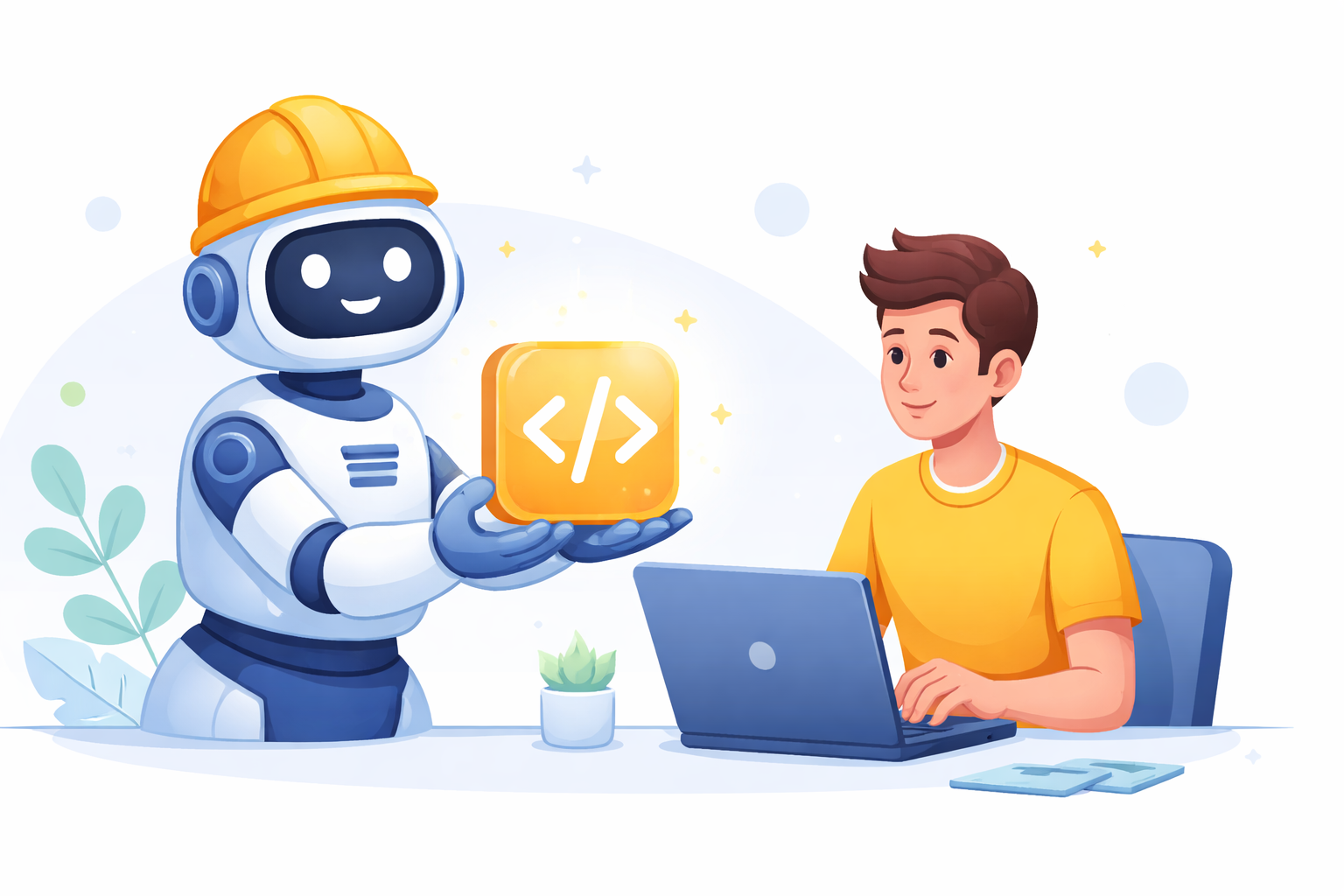
You no longer need to be the exhausted worker laying down individual bricks to build something amazing. By utilizing an ai development tool, you instantly step into the role of the master architect. Instead of agonizing over manual typing, you simply give plain-English instructions to your computer, allowing anyone to bring their ideas to life through creative direction rather than technical frustration.
Summary
AI code generators translate natural-language instructions and visual designs into working software, letting non-coders build faster. This guide contrasts chat-based consultants like ChatGPT with in-IDE ghostwriters like GitHub Copilot, and spotlights visual builders such as Penpot (design-to-code) and nandbox (drag-and-drop apps). It advises choosing language-specific assistants (Python, Java, C/C++) while acting as an editor-in-chief to mitigate hallucinations, privacy issues, and technical debt. With clear prompts and iterative refinement, anyone can start small, integrate AI into workflows, and ship reliable apps sooner.
From English to Computer-Speak: How Large Language Models Write Your Software
Think about how your phone guesses the next word in a text message. That is exactly how large language models write software, just on a grander scale. Because AI has already studied millions of public code files, it doesn’t “think” like a mathematician; it simply predicts the next logical command based on human instructions.
Treating your new ai coding tool like a talented but literal-minded intern sets the perfect expectation. When you ask this virtual assistant to build a personal to-do list, it instantly runs through a quick sequence:
- Goal identification: It translates your plain English request into a specific technical objective.
- Pattern matching: It scans its vast memory for similar successful problem-solving methods.
- Synthesis: It stitches those recognized patterns together into a custom, working solution.
This predictive superpower creates context-aware autocompletion for IDEs (the digital workshops where apps are built). Instead of memorizing cryptic grammar, you simply step up as an editor-in-chief to refine the AI’s first draft. These mechanics present a practical choice for your development environment.
GitHub Copilot vs ChatGPT: Which Personal Programming Assistant Should You Hire?
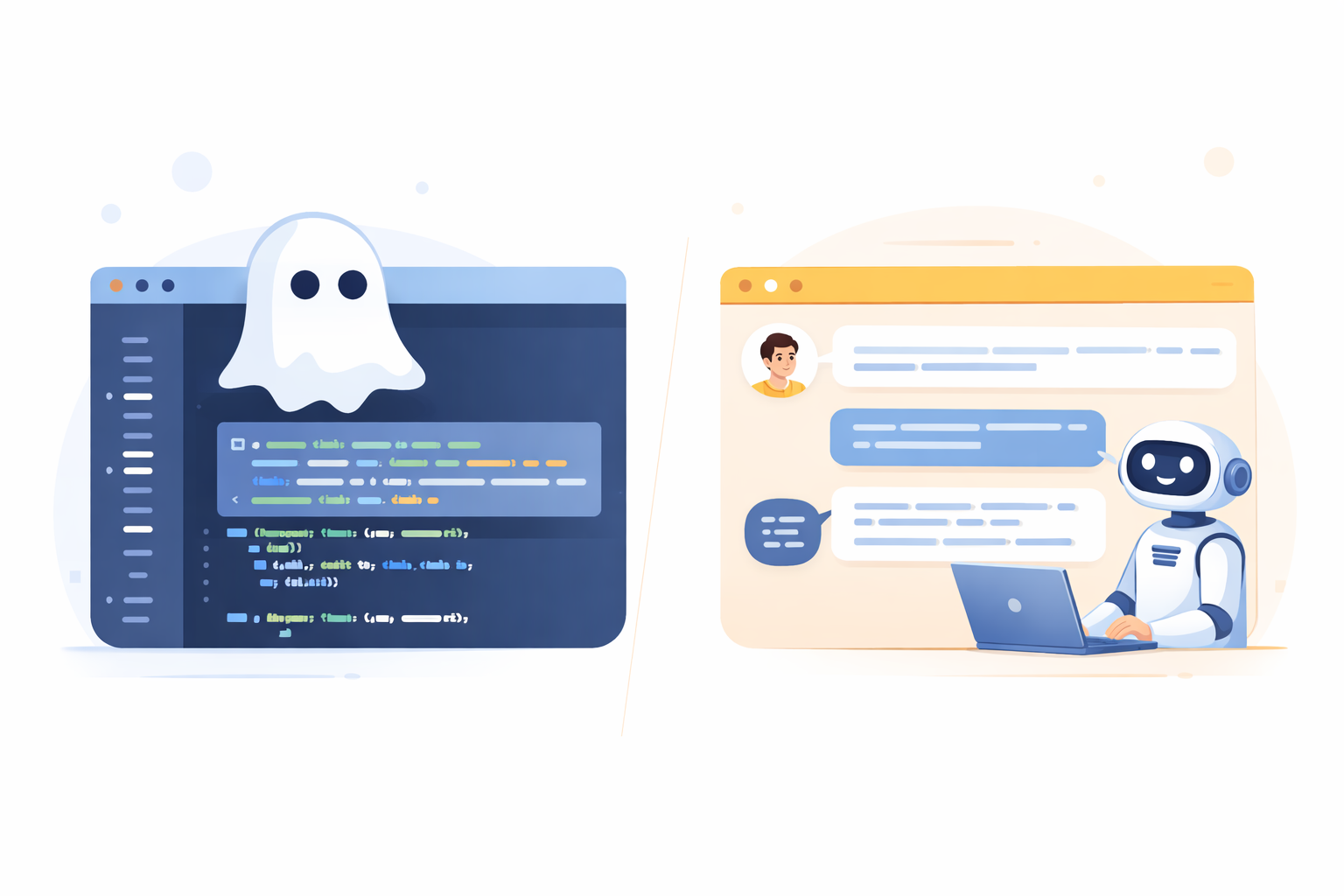
Deciding how to collaborate with AI usually comes down to picking your ideal workspace. If you are exploring the best automated programming assistants 2024 has to offer, you will quickly notice they fall into two distinct roles: the helpful consultant or the silent ghostwriter. Your choice entirely depends on how you prefer to build.
Using a tool like ChatGPT feels exactly like texting a highly knowledgeable tutor in your web browser. You ask conversational questions, and it replies with full blocks of code you can copy and paste into your project. This back-and-forth chat makes it fantastic for brainstorming app ideas, untangling confusing errors, or learning new concepts from scratch.
Conversely, an ai programming assistant like GitHub Copilot lives directly inside an IDE, which is simply the specialized “Word processor” where developers type their software. As you type, Copilot provides real-time autocompletion, predicting and filling in entire lines of code before you finish your thought. When comparing GitHub Copilot vs ChatGPT for developers, Copilot wins for maximizing building speed because it acts as a seamless partner sitting right at your digital keyboard.
Whether you prefer chatting with a consultant or typing alongside a ghostwriter, both options still require working directly with raw code. For those looking to skip the text completely, visual builders offer a compelling alternative.
Building Without Typing: How nandbox and Penpot Redefine App Creation

Imagine wanting to build a house but skipping the raw blueprints to just snap modular rooms together instead. While conversational bots generate the written language of computers, AI-powered no-code app builders skip the text completely. Rather than acting as an editor reviewing lines of logic, you become an architect assembling pre-built digital blocks.
To truly understand this visual shift, it helps to evaluate the software company penpot on ai code generator alternatives. Penpot specializes in a “design-to-code” approach, which is essentially like drawing a picture of a button and having the software automatically construct the hidden wiring behind it. It seamlessly translates your creative visuals into the functional, underlying structures that make websites click and scroll.
Once your layout looks perfect, the nandbox AI-powered app builder takes this intuitive strategy straight to the app store. You no longer need a massive development team to launch your big idea; using nandbox, you simply drag working features onto a blank screen to create a professional mobile product in a single afternoon.
These visual platforms empower anyone to quickly build practical solutions for their business:
- E-commerce apps
- Booking systems
- Design prototypes
- Customer loyalty portals
When a growing app requires highly customized instructions beyond visual blocks, you must turn to specialized programming tools.
The Polyglot Assistant: Specialized Tools for Python, Java, and C++
Think of computer languages like different types of vehicles: you wouldn’t use a sports car to haul heavy lumber. If your goal is sorting a messy Excel sheet or predicting trends, you want a python code generator ai. Python reads much like plain English, making it the perfect starting point for beginners who just want to automate their daily tasks.
Major businesses, however, need massive, secure structures similar to reinforced commercial skyscrapers. This is where an ai java code generator becomes essential. A dedicated java ai code generator helps ensure that large banking apps or corporate retail systems run reliably without suddenly collapsing. Conversely, if a project requires lightning-fast reflexes—like building a complex video game—an ai c code generator acts as a high-speed engine, translating your simple prompts into highly efficient performance.
Selecting the perfect digital translator empowers you to build almost anything for your specific needs. Consequently, developers must step into a new role to ensure these automated ideas are safe and logical before launch.
Why You Must Be the ‘Editor-in-Chief’: Security and Logical Pitfalls
Imagine a brilliant but overconfident intern who occasionally makes up facts just to sound smart. When AI does this in programming, it is called a “code hallucination”—a confident-looking piece of logic that simply does not work. Because it predicts patterns instead of actually understanding them, the security risks of AI generated code are very real. You must step into the role of Editor-in-Chief to carefully review the computer’s first draft.
Accepting every automated suggestion blindly creates “technical debt”—a messy, fragile foundation that costs you massive amounts of time to fix later. Fortunately, reducing technical debt with machine learning tools is completely possible when you follow The ‘Safety Checklist’ for AI code:
- Check for ‘Hallucinations’
- Verify data privacy
- Test the logic manually.
Balancing these ethical considerations in automated code synthesis ensures your digital creations remain both safe and highly reliable. Clear, detailed communication minimizes these risks and guides the AI effectively.
Master the Art of the ‘Prompt’: Giving Directions to Your Digital Intern
Giving directions to your AI intern requires more than vague requests. You are using prompt engineering techniques for programmers, which simply means writing highly detailed instructions. Think of it like ordering a custom cake; if you just ask the baker for “something sweet,” you might end up with cookies instead.
Every successful ai script generator relies on these “context-aware” clues. Tell the tool exactly what colors to use, what your buttons should do, and who will use your app. When that first draft misses a small detail, you just ask the computer to refine the work until the logic matches your vision.
Integrating AI into development workflows is never about typing perfect sentences immediately. Instead, it is an ongoing conversation that turns fuzzy ideas into precise instructions. With clear prompts, anyone can transition into the role of a modern developer.
Your Roadmap to Becoming a ‘New Developer’
The wall between your ideas and a working app is finally gone, and you no longer need to memorize complex computer languages to build things. The future of software engineering with LLMs relies on everyday people acting as creative directors rather than just typists. Even professionals are enhancing developer velocity through pair programming tools, proving that human-AI collaboration is the new standard for everyone.
Now, you can step into the builder’s seat and create your first project. Just follow these three steps to start today:
- Pick a single task (like a simple to-do list).
- Choose an AI tool (like ChatGPT, nandbox, or open source alternatives to proprietary coding tools).
- Prompt and refine (give the AI simple instructions, then act as the editor to perfect the results).
Q&A
What’s the difference between ChatGPT and GitHub Copilot, and which should I choose?
ChatGPT acts like a browser-based consultant you can chat with to brainstorm ideas, learn new concepts, or get full code blocks you can paste into your project. GitHub Copilot is an in-IDE ghostwriter that autocompletes and predicts code in real time as you type, maximizing build speed. Choose ChatGPT for conversational problem-solving and learning; pick Copilot when you’re actively coding in an IDE and want seamless, line-by-line assistance. Both still have you working directly with raw code—if you want to avoid typing code, consider visual builders.
Can I build apps without writing code? How do Penpot and nandbox help?
Yes. Penpot follows a design-to-code approach: you draw interfaces (like buttons and layouts), and it translates those visuals into functional structures for the web. nandbox is a drag-and-drop mobile app builder that lets you assemble features on a canvas and ship to app stores quickly—often in an afternoon. These platforms are great for:
- E-commerce apps
- Booking systems
- Design prototypes
- Customer loyalty portals Use Penpot to turn polished designs into front-end code; use nandbox to assemble and launch full mobile apps fast.
How do AI code generators turn plain English into working software?
Treat them like a talented, literal-minded intern. They follow a three-step pattern:
- Goal identification: translate your request into a concrete technical objective,
- Pattern matching: recall similar solutions from vast code examples,
- Synthesis: stitch those patterns into a custom solution. In IDEs, this shows up as context-aware autocompletion that predicts entire lines or blocks of code. Your job is editor-in-chief: refine the first draft, clarify intent, and ensure the output truly fits your needs.
Which language-specific AI assistant should I use—Python, Java, or C/C++?
Pick based on your project’s “vehicle type”:
- Python: best for automation, data tasks, and quick scripts (reads like plain English; great for beginners).
- Java: ideal for large, secure, enterprise-grade systems (banking, retail) where reliability matters.
- C/C++: suited to performance-critical work (e.g., complex games) that need speed and efficiency. Choosing the right “translator” aligns AI output with your performance, scalability, and simplicity goals.
How do I avoid hallucinations, privacy issues, and technical debt while using AI?
Act as the editor-in-chief and follow a safety checklist:
- Check for hallucinations: don’t trust code blindly—review logic and verify it runs.
- Verify data privacy: avoid exposing sensitive data and understand tool policies.
- Test manually: write and run tests to confirm behavior. Pair this with clear, context-rich prompts (specify UI details, behaviors, and target users) and iterate until the output matches your intent. Start small—pick a single task, choose a tool (ChatGPT, nandbox, or open-source alternatives), then prompt and refine to build reliable results.