
Have you ever looked at the clock at 5 PM and realized you spent the entire afternoon just moving data from one spreadsheet to another? We often accept this digital drudgery as part of the job, but the technology on your desk is capable of handling these boring tasks for you. The barrier to entry has crumbled; you no longer need a computer science degree or years of technical training to automate your workload or build custom applications.
This accessibility is driving the rise of citizen developer software solutions, a movement that allows everyday professionals to build their own digital tools. Think of modern AI not as complex machinery that requires an engineering manual, but as “Digital LEGOs.” You aren’t carving the blocks yourself; you are simply snapping pre-made pieces together to create exactly what you need to solve a specific problem.
Controlling these powerful engines requires mastering the “prompt”—which is just a technical term for giving clear instructions. Experts often compare this process to managing a highly capable but very literal intern: if you can describe what you want in plain English, the system can execute the task. In this new landscape, “coding” is rapidly becoming just another word for “talking.”
Industry insights suggest that effectively using AI tools for non-coders can help you reclaim up to 15 hours of your week by automating repetitive labor. By shifting your role from data entry clerk to architect of your own workflows, you can stop struggling with the busy work and start focusing on the creative projects that actually drive your career forward.
Writing Your Way to Solutions: How Generative AI Acts as Your Professional Ghostwriter
Staring at a blinking cursor is a universal struggle, but modern tools have changed the rules of drafting. Generative AI, powered by technology often called Large Language Models (LLMs), acts less like a search engine and more like a tireless ghostwriter. Think of an LLM as a hyper-advanced autocomplete; it predicts the next best word based on billions of examples, allowing you to draft emails, reports, or social posts in seconds rather than hours. Integrating large language models into daily operations turns a blank page into a working draft instantly, eliminating the paralysis of starting from scratch.
Getting high-quality results requires more than just asking a question; it requires a specific structure. Treat the AI like a new employee who needs clear instructions to succeed. We call this the “Context-Task-Format” method. By clearly stating who the AI should pretend to be (Context), exactly what needs doing (Task), and how the result should look (Format), you guide the reasoning engine—the AI’s logic center—to produce usable work immediately without needing endless corrections.
Here are three reliable starting points to cut your writing time by nearly 70%:
- For Proposals: “Act as a sales consultant (Context). Draft a proposal for a local bakery’s social media management (Task). Use professional headings and bullet points for pricing (Format).”
- For Summaries: “You are an executive assistant. Summarize these pasted meeting notes into key decisions and action items. Keep it under 200 words.”
- For Tone Adjustment: “Act as a PR specialist. Rewrite this angry email draft to sound professional, calm, and solution-oriented.”
Using generative AI for small business tasks isn’t about replacing your unique voice; it is about skipping the tedious first draft so you can focus on refining the message. With the text heavy-lifting handled, you can turn your attention to the visual side of your brand, where similar tools allow you to design without the learning curve.
Design Without the Learning Curve: Using AI-Driven Creativity Tools to Skip Complex Software
Just as you used words to generate reports in the previous step, you can now use them to conjure professional visuals. Historically, creating a marketing flyer or a custom logo required expensive software like Photoshop and years of training to master complex tools. Today, that barrier has vanished. Generative AI for small business operations has expanded beyond written text, allowing anyone to describe a picture in plain English and see it materialize on the screen instantly.
This process is known as “Text-to-Image” generation. Imagine hiring a digital artist who sketches incredibly fast but needs very specific descriptions to get the style right. You simply type a prompt—such as “a modern coffee shop logo with a minimalist cat icon, vector style”—and the software analyzes millions of art styles to synthesize a brand-new image pixel by pixel. It is not searching the internet for an existing photo; it is painting a unique asset from scratch based on your specific instructions.
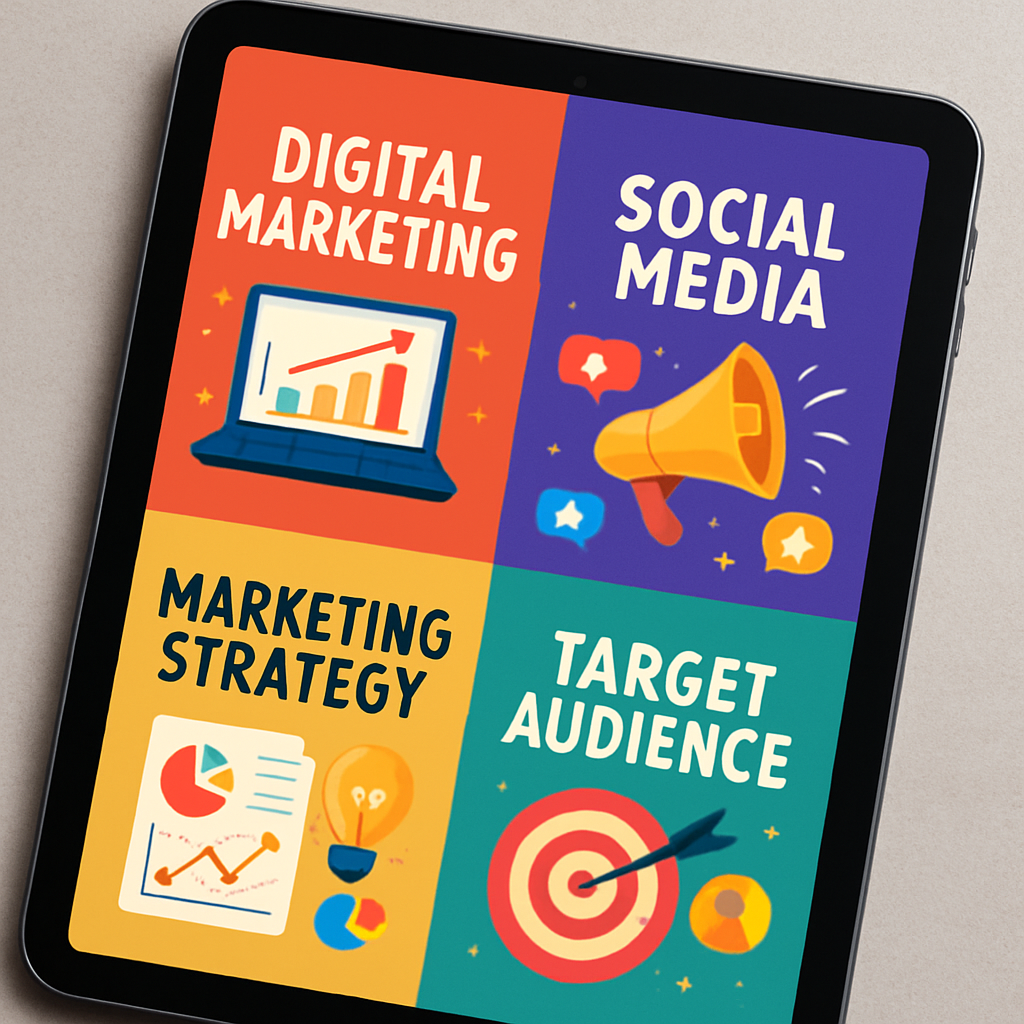
Refinement is the secret to getting professional results. You rarely get the perfect image on the first try, so successful creators treat the AI as a collaborative partner rather than a magic wand. By tweaking your description—adding details like “warm lighting” or “corporate blue color palette”—you can adjust the output until it perfectly matches your brand identity. AI-driven productivity apps for creative professionals now integrate these features directly into standard design platforms, enabling you to produce weeks’ worth of social media content in a single afternoon.
Once you have your compelling text and stunning visuals, you might wonder where to house them beyond social media posts. While generating content is powerful, combining these assets into a functional product used to require a team of engineers. Fortunately, the same logic that simplified design is now revolutionizing software development, allowing you to assemble full mobile applications without writing a single line of code.
Building Custom Apps in a Weekend: The Rise of No-Code App Builders
If you wanted a custom mobile app five years ago, you essentially had two choices: learn complex programming languages or pay a development agency the price of a luxury car. Today, no-code app builders have democratized this process, turning software creation into a visual activity rather than a mathematical one. Think of this approach like modular construction; you aren’t manufacturing the raw materials yourself, you are simply arranging pre-fabricated components to build a structure that fits your specific needs.
Platforms like nandbox allow you to construct fully functional mobile applications for both iPhone and Android by dragging and dropping elements onto a screen. Do you need a booking calendar? You just pull that module into your workspace. Need a secure chat function for your team? It is available as a pre-built widget. Because this is an AI-powered no-code platform, the system handles all the messy technical backend work—like server connections and security updates—automatically, allowing you to launch a professional business app over a single weekend rather than waiting months for a prototype.
The shift from custom coding to AI-powered no-code app builders drastically changes the economics of starting a digital business:
- Traditional Development: Often costs $50,000+ upfront and takes 4–6 months to launch.
- No-Code Platforms: Typically cost under $50/month and allow you to go live in less than 48 hours.
This accessibility answers a common question: can anyone build an AI agent without tech skills or a robust mobile app? The answer is now a definitive yes. Once your application is built and your content is flowing, the final piece of the puzzle is removing the manual labor of running it by linking these different tools so they can talk to each other.
Putting Your Business on Autopilot: Visual Automation Tools That Do the Grunt Work
You might have a powerful mobile app and a robust email platform, but if you are still manually copying contact details from one to the other, you are effectively acting as a human router. This manual data transfer is the “silent killer” of productivity, yet it remains the default for many because they assume connecting software requires complex engineering. Today’s automation platforms act as “digital glue,” linking your separate tools so they can exchange information securely and automatically without your constant supervision.
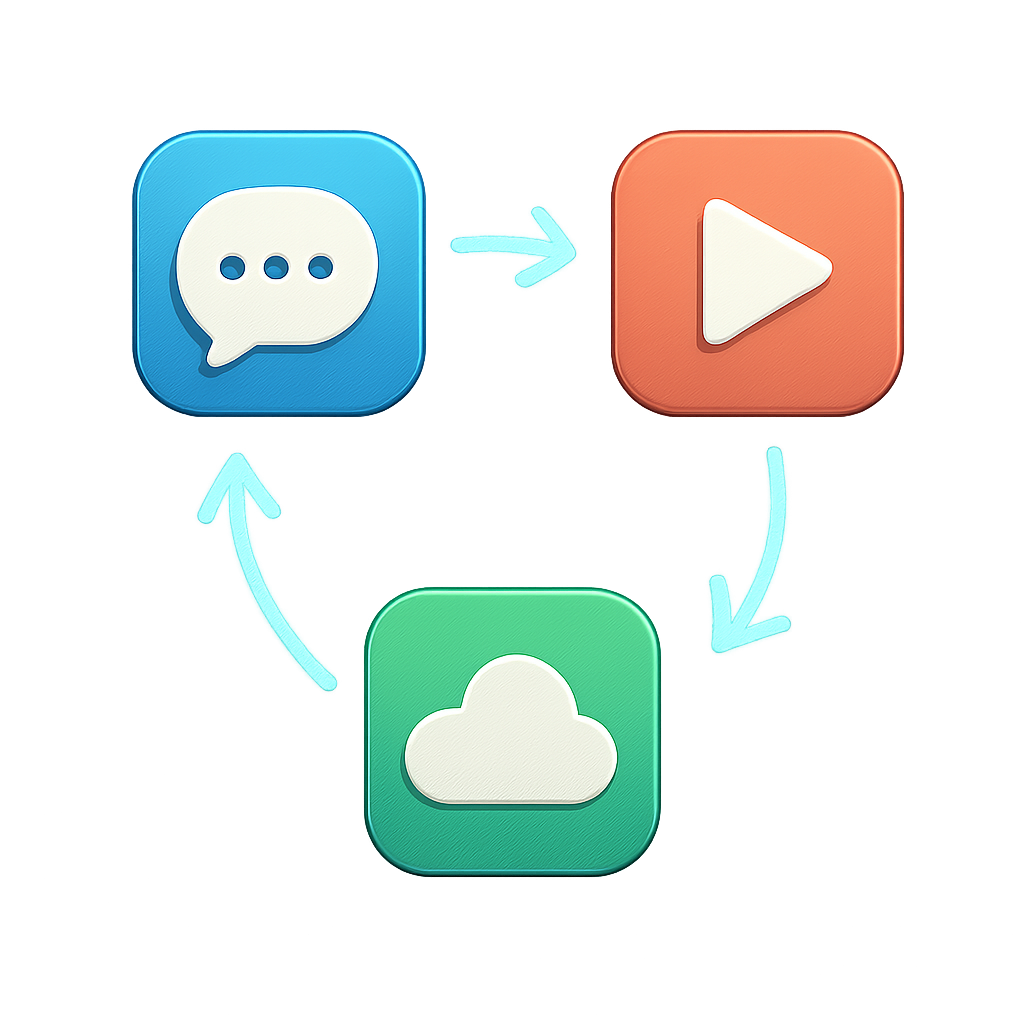
Most of these tools operate on a simple logic called “If This, Then That.” In platforms like Zapier or Make, you establish a Trigger—a specific event that kicks off the process, such as receiving a new sales inquiry—and a corresponding Action, like sending a confirmation text. This sequence creates a “Workflow,” which functions like a digital recipe that the computer follows every time the trigger occurs. By using visual development interfaces for automation, you can map out these steps on a canvas rather than writing lines of script, making the architecture of your business visible and adjustable.
When a potential client fills out a form on your website at midnight, you shouldn’t have to wake up to check your inbox and manually type their details into a spreadsheet. Instead, the system handles the logistics instantly. The moment the form is submitted, the automation adds the lead to your customer database, alerts your sales team on Slack, and sends a personalized welcome email to the client. This capability allows anyone to streamline business workflows without programming, transforming a disjointed set of tasks into a smooth, self-driving operation.
The impact of this connectivity extends far beyond saving a few minutes on data entry; it allows you to link over 5,000 different applications to create an ecosystem that works 24/7. This maximizes the business value of accessible AI technology by removing human bottlenecks, ensuring that your operations scale effortlessly even while you sleep. With your systems talking to each other and collecting data automatically, the next step is using that information to look ahead.
Predicting the Future: How Drag-and-Drop Machine Learning Helps You Make Smarter Decisions
Most businesses treat their spreadsheets like history books, recording transactions only after they are finished. While knowing your past performance is useful, the real advantage lies in anticipating what comes next. No-code machine learning platforms have democratized this ability, taking the complex mathematics previously reserved for data scientists and packaging them into user-friendly interfaces that look and feel just like the spreadsheet software you already use.
Instead of writing complex algorithms, you simply upload your historical data—like a year’s worth of sales records—and tell the software what column you want to predict. Drag-and-drop predictive modeling software analyzes the hidden patterns in your rows and columns, such as how weather impacts foot traffic or which email subject lines drive open rates. It then applies those lessons to new data, offering a probability score for future outcomes rather than a blind guess.
This shift to self-service analytics for non-technical users transforms raw numbers into a crystal ball for your daily operations. By leveraging these accessible tools, you can move from reactive fire-fighting to proactive strategy by answering critical questions:
- Which current customers are at high risk of canceling next month?
- How much inventory should be ordered to meet next season’s demand?
- Which fresh sales leads are most likely to convert into paid contracts?
- What price point will maximize revenue without driving away buyers?
Accessing this level of foresight no longer requires a PhD, but it does require a new approach to how you manage and trust your digital tools. With the technical barriers removed, the challenge shifts from building the solution to ensuring it is used safely and effectively within your organization.
The Citizen Developer Handbook: Best Practices for Secure and Scalable AI Deployment
Giving an AI tool access to your business is like hiring a new assistant; you wouldn’t hand over your bank passwords on day one without establishing some ground rules. While platforms like ChatGPT are incredible time-savers, pasting confidential client lists or proprietary financial data into public chat boxes creates significant privacy risks. Many free AI models are designed to learn from the information users provide, meaning your trade secrets could theoretically become part of the public knowledge base used to answer someone else’s question.
To prevent accidental leaks, robust citizen developer software solutions specifically distinguish between personal and professional usage tiers. “Enterprise” or “Business” subscriptions usually guarantee that your inputs remain private and are never used to train the company’s AI models. Checking the settings menu or pricing page for this data privacy clause acts as a necessary digital lock for your intellectual property, ensuring that your internal strategies stay internal.
Reliability is just as critical as secrecy, yet many users mistakenly treat automation as a “set it and forget it” task. Best practices for secure no-code deployment suggest treating your workflows like a garden that needs occasional weeding rather than a stone monument. If the software you connect to updates its features or changes a password, your automated “bridge” might break, so scheduling a quick monthly review ensures your digital tools are still doing exactly what you asked them to do.
Establishing these safety protocols early allows you to experiment boldly without fear of compromising your reputation or data. With the security guardrails firmly in place and the tools demystified, the only remaining barrier is building the daily habit of using them, which we will break down step-by-step in your 30-day roadmap to AI fluency.
From Tech-Shy to Tech-Savvy: Your 30-Day Roadmap to AI Fluency
You likely started this journey viewing technology as something you buy, not something you build. That barrier has officially crumbled. By realizing that modern AI tools for non-coders operate on conversation rather than complex code, you have unlocked the ability to solve your own technical problems. You no longer have to wait for a developer or an IT department; you simply need to clearly articulate what you want.
To turn this new confidence into a practical skillset, commit to this 30-day “Learning Sprint” to integrate AI into your daily routine:
- Week 1 (Text & Research): Use a chatbot daily to draft emails, summarize long reports, or brainstorm ideas.
- Week 2 (Visuals & Design): Create presentation slides or social media graphics using an AI design tool.
- Week 3 (Automation): Connect two apps (like your email and a spreadsheet) using a simple no-code automation platform.
- Week 4 (App Building): Assemble a basic client portal or internal tracker using a drag-and-drop interface.
Remember, there is no wrong way to start, and you cannot “break” these tools by asking the wrong question. Learning how to leverage generative AI for small business efficiency or personal productivity is about iteration, not perfection. If the AI’s output isn’t right, treat it like a new intern and kindly clarify your instructions.
You are transitioning from someone who wrestles with software to someone who orchestrates solutions. The future belongs to those who collaborate with artificial intelligence to amplify their human creativity. Open a tool, type your first prompt, and step into your new role as a creator of technology.