In today’s digital age, mobile applications have become indispensable tools for businesses and entrepreneurs alike. They not only provide a channel for engaging with customers but also offer a platform for services and revenue generation. The proliferation of smartphones globally means that reaching users via mobile apps is more crucial than ever. If you’re interested in creating Android apps, there are several avenues you can explore—from traditional coding methods to innovative no-code platforms. Understanding these options is key to selecting the right path for your app development journey.
In recent years, no-code native app builders such as nandbox have also become part of the Android development ecosystem, allowing non-developers to build functional apps without writing code.
The process of creating Android apps opens up a world of possibilities, whether you’re looking to enhance customer engagement, streamline operations, or launch a new product. Android’s open-source nature makes it a preferred choice for many developers, offering a flexible and dynamic environment. Let’s delve into the various methods available for Android app development and how you can get started on your own project, regardless of your technical background.
Understanding Mobile App Coding
Mobile app coding is the backbone of app development, involving the creation of software that can operate efficiently on mobile devices. For Android apps, this typically involves using programming languages such as Java or Kotlin, and integrating with the Android SDK (Software Development Kit). The Android SDK is a comprehensive collection of tools that provides developers with the APIs and libraries needed to create feature-rich applications that meet user expectations.
Android SDK Tutorial
The Android SDK serves as a powerful toolkit enabling developers to build apps that run seamlessly on Android devices. It includes a vast array of libraries and APIs, streamlining the development process by offering pre-built components and functionalities. For newcomers to Android development, numerous online tutorials provide step-by-step guidance through the basics. These resources cover everything from setting up your development environment to building your first app, helping beginners transition into proficient developers.
Beyond the basics, advanced tutorials delve into more complex topics such as integrating third-party services, optimizing app performance, and implementing cutting-edge user interfaces. By following these tutorials, you can develop a deeper understanding of Android development, enabling you to create more sophisticated and innovative applications. Additionally, many tutorials offer insights into best practices and common pitfalls, ensuring that your app development process is as smooth and efficient as possible.
Exploring No-Code App Builders
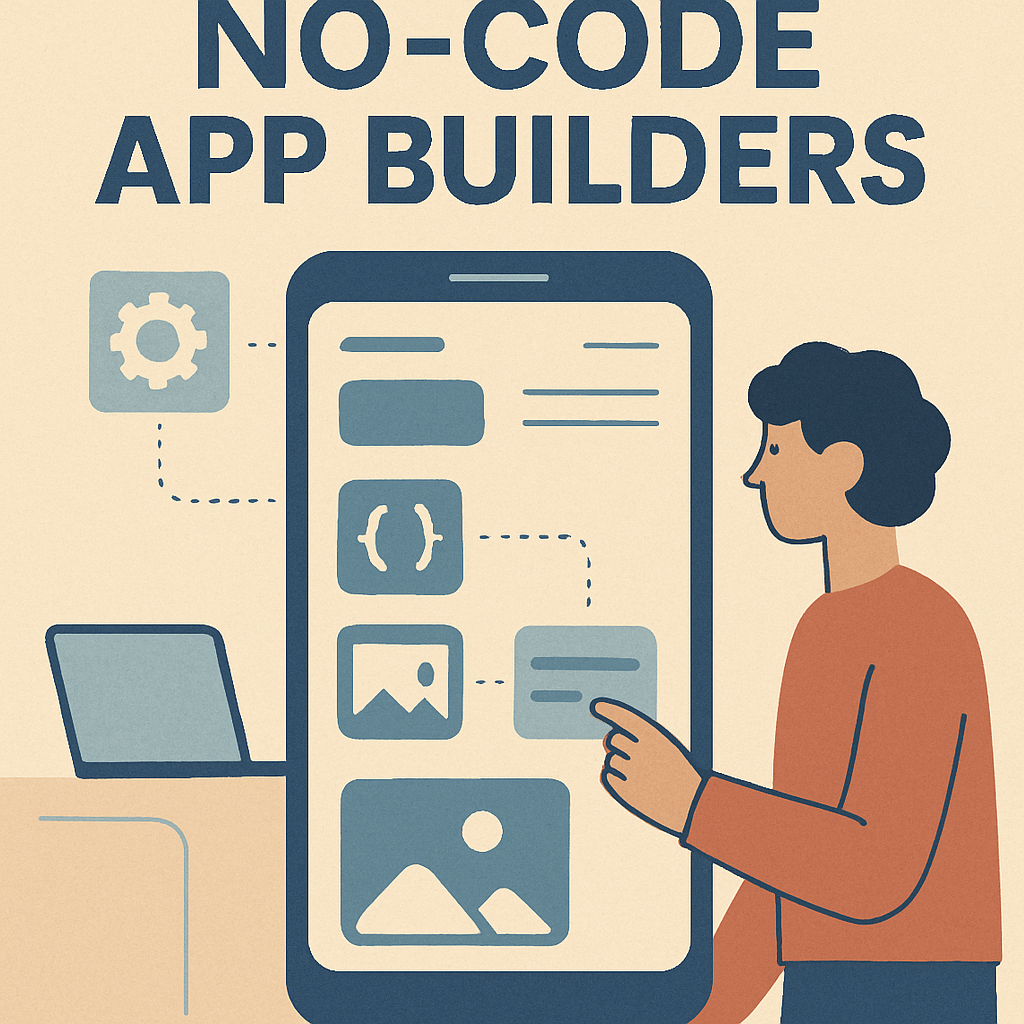
For individuals who lack coding expertise, no-code app builders present a viable alternative. These platforms allow users to create mobile apps using visual interfaces instead of writing code. Native no-code platforms such as nandbox enable users to assemble Android and iOS apps using drag-and-drop components, templates, and prebuilt modules.
This approach lowers the barrier to entry for entrepreneurs, startups, and small teams that want to test app ideas quickly without hiring a full development team.
Custom Android App Development Services
If you’re aiming for a more customized solution, custom Android app development services might be the ideal choice. These services offer access to professional developers who can create an app specifically tailored to your business needs and objectives. By collaborating with experts, you can ensure that your app not only meets functional requirements but also delivers an exceptional user experience.
Why Hire an Android App Development Company?
Hiring an Android app development company offers several advantages, including access to seasoned developers with deep expertise in Android programming. These professionals possess a thorough understanding of the platform’s intricacies, enabling them to build apps that are not only functional but also optimized for performance and user engagement. This expertise can be invaluable in creating an app that stands out in a competitive market.
Furthermore, a professional development team can assist with app monetization strategies, ensuring that your app generates revenue effectively. Whether through in-app purchases, advertisements, or subscription models, they can help you identify the most suitable monetization approach for your app. Additionally, these companies often provide ongoing support and maintenance, ensuring that your app remains up-to-date and continues to meet user expectations.
App Development Tools
Developers have access to a wide array of tools that can streamline the app development process and enhance the quality of the final product. These tools are designed to simplify various aspects of development, from coding and debugging to testing and deployment.
Best App Development Tools
- Android Studio: As the official Integrated Development Environment (IDE) for Android development, Android Studio offers a comprehensive set of tools for coding, debugging, and testing. Its robust features, such as code editing, advanced debugging, and performance analysis, make it an essential tool for developers.
- Firebase: This comprehensive platform from Google provides a suite of tools for app analytics, user authentication, cloud messaging, and more. Firebase simplifies the integration of backend services, allowing developers to focus on building engaging user experiences.
- GitHub: A widely-used platform for version control and collaboration, GitHub enables multiple developers to work on the same project simultaneously. It facilitates code sharing, collaboration, and project management, making it a vital tool for team-based app development.
Native vs. Hybrid App Development
When developing an app, you have the option to build it either natively or as a hybrid app. This decision can significantly impact the app’s performance, user experience, and development process.
Native App Development
Native apps are developed specifically for a particular operating system, such as Android. They are written in languages that the platform supports, like Java or Kotlin, allowing them to fully leverage the platform’s features and capabilities. Native apps offer superior performance and a seamless user experience, as they are optimized for the specific platform they are built for.
Hybrid App Development
Hybrid apps, on the other hand, are built using web technologies like HTML, CSS, and JavaScript. These apps are then wrapped in a native shell, enabling them to run on multiple platforms with a single codebase. While hybrid apps offer greater flexibility and faster development times, they may not perform as well as native apps in terms of speed and responsiveness. Choosing between native and hybrid development depends on factors such as budget, timeline, and target audience.
App Development Tips
Creating a successful Android app involves more than just writing code. It requires a holistic approach that encompasses design, testing, and market awareness.
- Focus on User Experience: An intuitive and easy-to-navigate app enhances user satisfaction and retention. Prioritize user experience by conducting usability testing and gathering feedback from real users.
- Test Thoroughly: Regular and comprehensive testing is essential to identify bugs and improve app stability. Employ automated testing tools and real-user testing to ensure your app functions smoothly across different devices and scenarios.
- Stay Updated on Mobile Development Trends: The mobile app industry is constantly evolving, with new technologies and trends emerging regularly. Staying informed about these trends ensures that your app remains competitive and relevant in the market.
Android UI Design

by Federica Galli (https://unsplash.com/@fedechanw)
The design of your app plays a crucial role in its success, as a well-designed interface can significantly enhance user satisfaction and engagement. Attention to detail in UI design can set your app apart from competitors and foster positive user interactions.
Best Practices for Android UI Design
- Consistency: Maintain a consistent style and layout throughout your app to ensure a cohesive user experience. Consistency in design elements such as fonts, colors, and button styles helps users navigate your app with ease.
- Accessibility: Design your app to be accessible to users with disabilities by incorporating features such as screen readers, voice commands, and adjustable text sizes. An inclusive design approach broadens your app’s appeal and ensures it can be used by a diverse audience.
- Feedback: Provide feedback for user actions through animations, sound cues, or visual indicators. This feedback helps users understand the outcomes of their interactions and enhances the overall user experience.
Choosing the Best Android App Development Company
When selecting an Android app development company, it’s important to consider factors such as experience, portfolio, and client reviews. The best companies offer comprehensive services, from initial concept development to post-launch support.
Conclusion
Creating Android apps can be a rewarding endeavor, whether you’re coding from scratch or using no-code platforms. By understanding the tools and strategies available, you can develop an app that meets your business needs and delights your users. Whether you go it alone or hire a professional service, the possibilities are endless in the world of Android app development. Embrace the journey, stay informed, and leverage the resources at your disposal to bring your app vision to life. With dedication and creativity, you can create an impactful app that resonates with users and achieves your business goals.
Q&A
I’m not a coder, can I still create a quality Android app? When should I choose a no-code builder over custom development?
Yes. No-code platforms such as nandbox let you assemble native apps through a visual, drag-and-drop interface, with templates and modules that speed up delivery—great for entrepreneurs, small teams, MVPs, and standard use cases like e-commerce, social, or service apps. If you need highly specific features, complex integrations, or deep performance tuning—and want more control over scalability and UX—custom Android development (either coding yourself or hiring a professional team) is the better fit.
What is the Android SDK, and why is it essential?
The Android SDK is Google’s toolkit for building Android apps in Java or Kotlin. It provides APIs, libraries, and pre-built components that streamline everything from UI creation to device capabilities, making development faster and more reliable. Beginner and advanced tutorials help you set up your environment, build your first app, integrate third-party services, optimize performance, craft modern UIs, and avoid common pitfalls.
Should I build natively or choose a hybrid approach?
Native Android apps (Java/Kotlin) deliver the best performance and platform-specific user experience. Hybrid apps use web technologies (HTML, CSS, JavaScript) inside a native shell and can target multiple platforms with one codebase, offering speed and flexibility but typically with some performance trade-offs. Choose native when performance and polish are paramount; pick hybrid if budget and timeline are tight or you need cross-platform reach quickly.
What core tools should I use when developing an Android app?
Use Android Studio as your primary IDE for coding, debugging, testing, and performance analysis. Pair it with Firebase to handle analytics, authentication, cloud messaging, and other backend services without heavy custom infrastructure. Manage version control and collaboration with GitHub so teams can work together, review changes, and track progress effectively.
How do I ensure great UX/UI and ship a stable app?
Prioritize user experience with consistent design (fonts, colors, layouts), strong accessibility (screen readers, voice commands, adjustable text sizes), and clear feedback for user actions (animations, sounds, visual cues). Test thoroughly with both automated and real-user testing across devices to catch bugs and improve stability. Keep up with mobile trends and best practices so your app remains competitive and relevant.