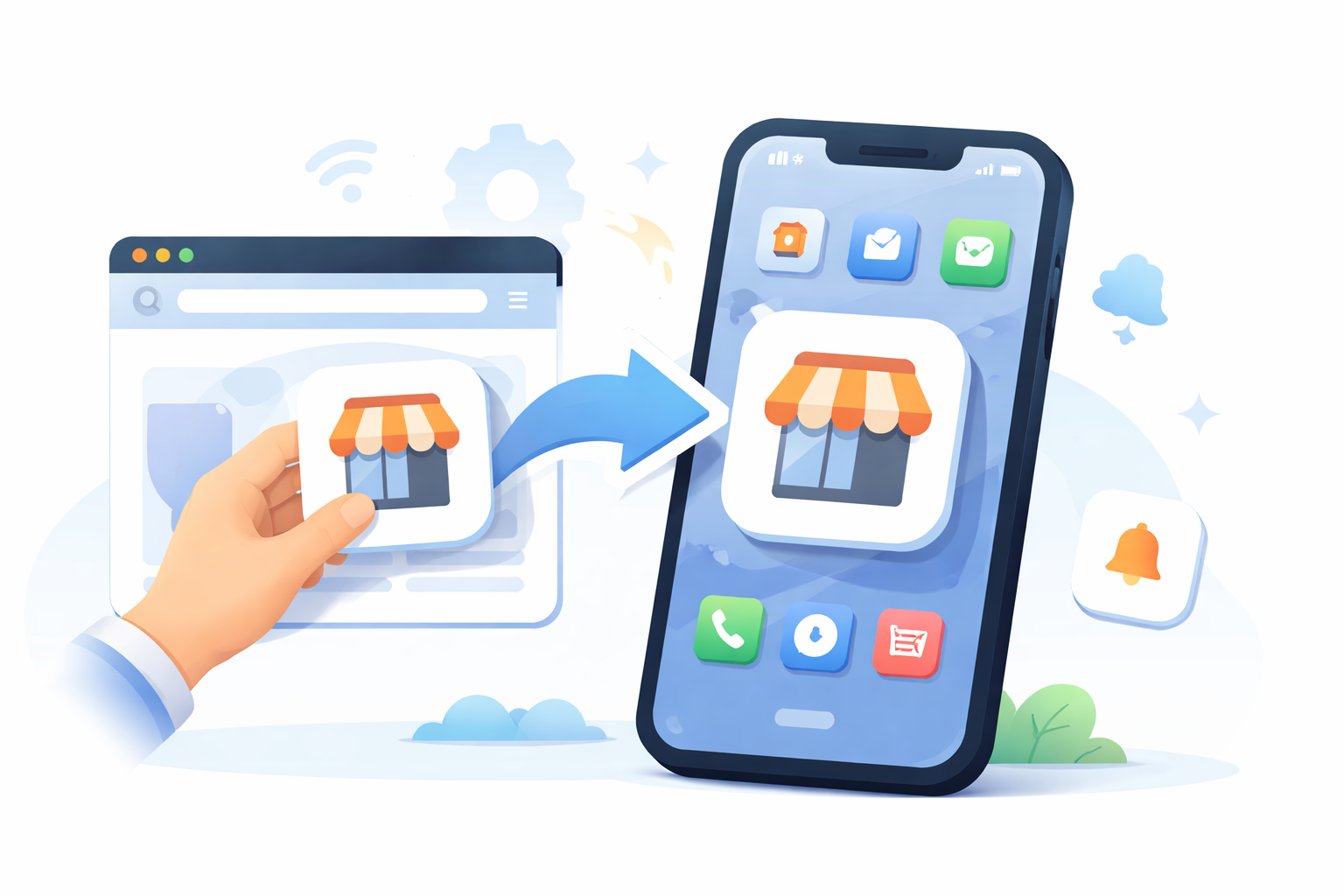
You’ve built a strong website, yet fighting for attention inside a cluttered browser tab often feels like a losing battle. Imagine a Melbourne café owner who wants their loyalty card sitting right in a customer’s wallet rather than buried in a kitchen drawer. This prime real estate is crucial for any Australian business digital presence, placing your brand next to daily habits like Spotify.
Reducing what designers call “mobile friction” is critical because every extra second of loading time gives visitors a reason to leave. Industry data reveals that users prefer the “one-tap” access of an app over typing a URL, offering a seamless mobile user experience.
Fortunately, bridging this gap doesn’t require a massive budget or a computer science degree. Three accessible methods answer how do i make a website an app, allowing you to upgrade your customer connection without writing code. For many teams, modern no-code app builders make this step even faster while keeping costs predictable.
Summary
This guide shows Australian businesses how to turn an existing website into an app with minimal cost and complexity, primarily through Progressive Web Apps (PWAs) or app-store wrappers. PWAs provide home-screen access, faster performance, and basic offline support via Service Workers and Web Manifests, but lack App Store visibility and iOS push in most cases. Wrappers bundle your site in a WebView for Apple/Google stores, enabling push notifications and discoverability, though they require some native features to pass review and involve ongoing fees. You’ll compare costs, timelines, and tools (MobiLoud, Median/GoNative, AppMySite, nandbox) and follow a 30-day roadmap from audit to build, test, and launch. In short, you’ll learn how to create an app from a website without rebuilding everything from scratch.
The ‘Shortcut’ Strategy: Transforming Your Site into a Progressive Web App (PWA)
Imagine a version of your website that lives on a customer’s phone like a regular app but doesn’t require downloading massive files from an app store. This is the promise of a Progressive Web App (PWA). It acts as a bridge between the web and mobile worlds, allowing your site to break out of the browser tab. You get that prime real estate on the home screen without handing over 15-30% of your revenue to Apple or Google in fees.
To make this happen, your site utilises a background script known as a Service Worker . Think of this like a diligent personal assistant that saves important files—like your logo, layout, and recent articles—directly to the user’s phone memory. Because these pieces are saved locally, a service worker implementation for offline access ensures your customers can still read your blog or view your menu even if they lose their signal in an elevator.
Your phone also needs instructions on how to look and behave when launched, which is handled by a file called a Web Manifest . This acts like a digital ID card, telling the device which icon to display and forcing the app to open full-screen instead of inside a browser window. Proper web app manifest file configuration is what triggers the “Add to Home Screen” prompt, encouraging visitors to keep your brand in their pocket.
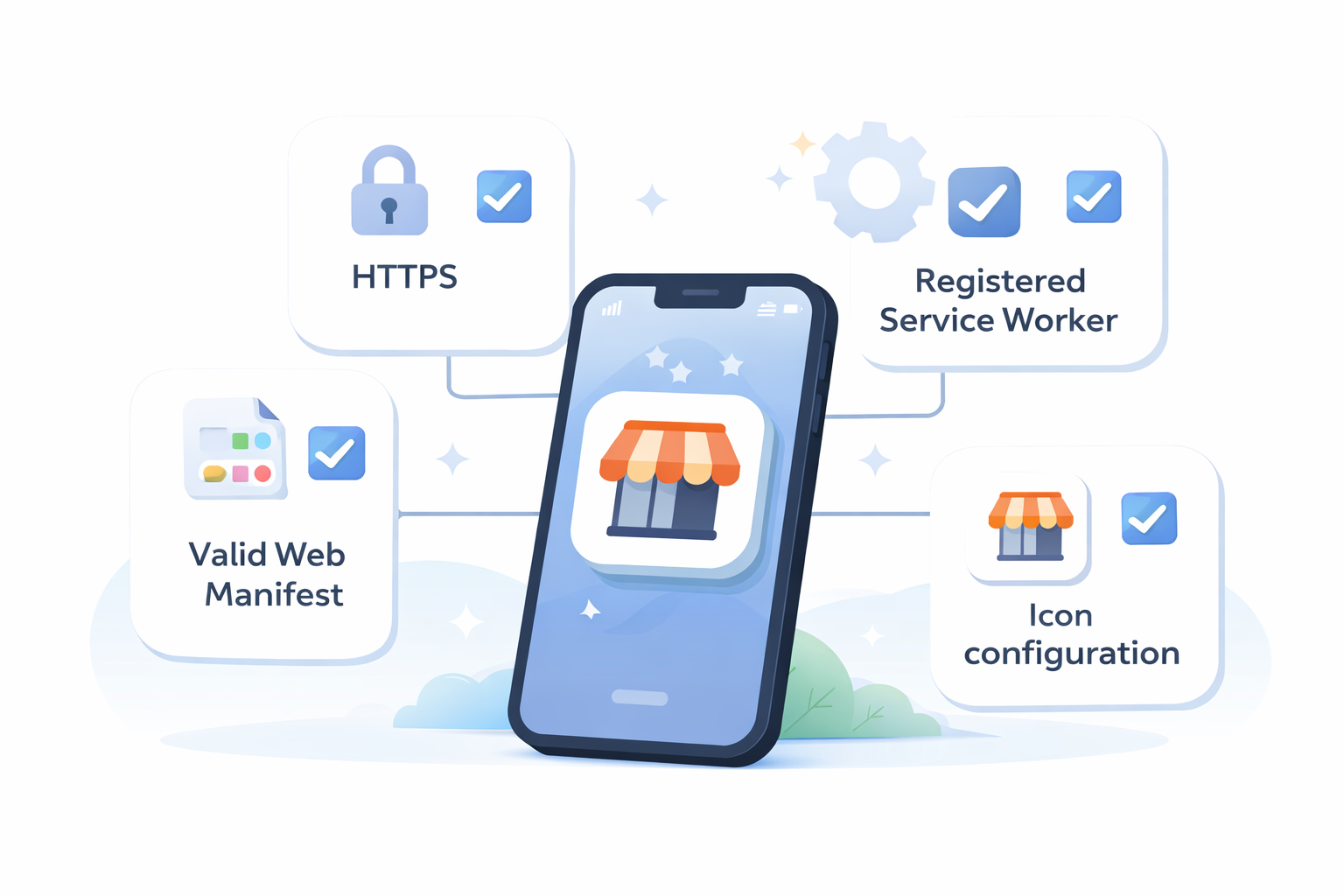
Getting your site ready for Progressive Web App development usually requires checking off four main boxes:
- Security: Your site must use HTTPS (the secure lock icon).
- Identity: A valid Web Manifest file with your app name and colours.
- Functionality: A registered Service Worker to handle offline data.
- Iconography: High-quality logos sized for different phone screens.
While PWAs are powerful tools for customer retention, they often stay hidden from official App Store search results. To get listed alongside the big players, you’ll need to translate your PWA into a language the stores understand.
Crossing the App Store Border: Using ‘Wrappers’ to Reach Google and Apple
While PWAs offer great accessibility, most users still search for new tools exclusively on the Apple App Store or Google Play. To enter these marketplaces without hiring a software team, you can utilise a mobile app wrapper for websites. Think of this process like framing a painting; your website is the art, and the wrapper is the digital frame that allows it to hang in the gallery. This tool takes your existing URL and bundles it into the installable files (like APKs) that phones understand. Many teams lean on native no-code app builders that provide wrappers or templates to speed up this process.
Inside this container, the app operates through a WebView , which is essentially a dedicated browser stripped of the address bar and navigation buttons. This creates an immersive experience that feels native to the device. Crucially, wrapping your site unlocks Push Notifications . Unlike emails that sit unopened, these alerts appear directly on the lock screen, giving you a direct line to your customers—a key motivator for learning how to make a mobile app for website retention.
Gaining approval requires more than just packaging your link, however. Apple and Google enforce strict guidelines to ensure quality, frequently rejecting submissions that function exactly like a standard webpage. To successfully submit web-based app to app store reviewers, your app usually needs native features, such as a bottom navigation bar or offline mode, to prove it offers more value than a simple browser tab.
Finding the best tools to convert URL to APK and iOS packages depends on how much “translation” help you need:
- MobiLoud: A premium, “done-for-you” service that handles the submission process (Starts ~$200/month).
- Median (formerly GoNative): Offers high customizability for those comfortable with some configuration (Free to ~$790).
- AppMySite: An affordable, automated builder ideal for WordPress sites (Starts ~$9/month).
- nandbox: A no-code platform that allows businesses to turn websites or digital services into mobile apps for iOS and Android. Unlike simple wrappers, some platforms in this category aim to generate native mobile applications while still letting non-developers build and manage the app through visual interfaces.
Choosing Your Path: Comparing Costs, Timelines, and Features
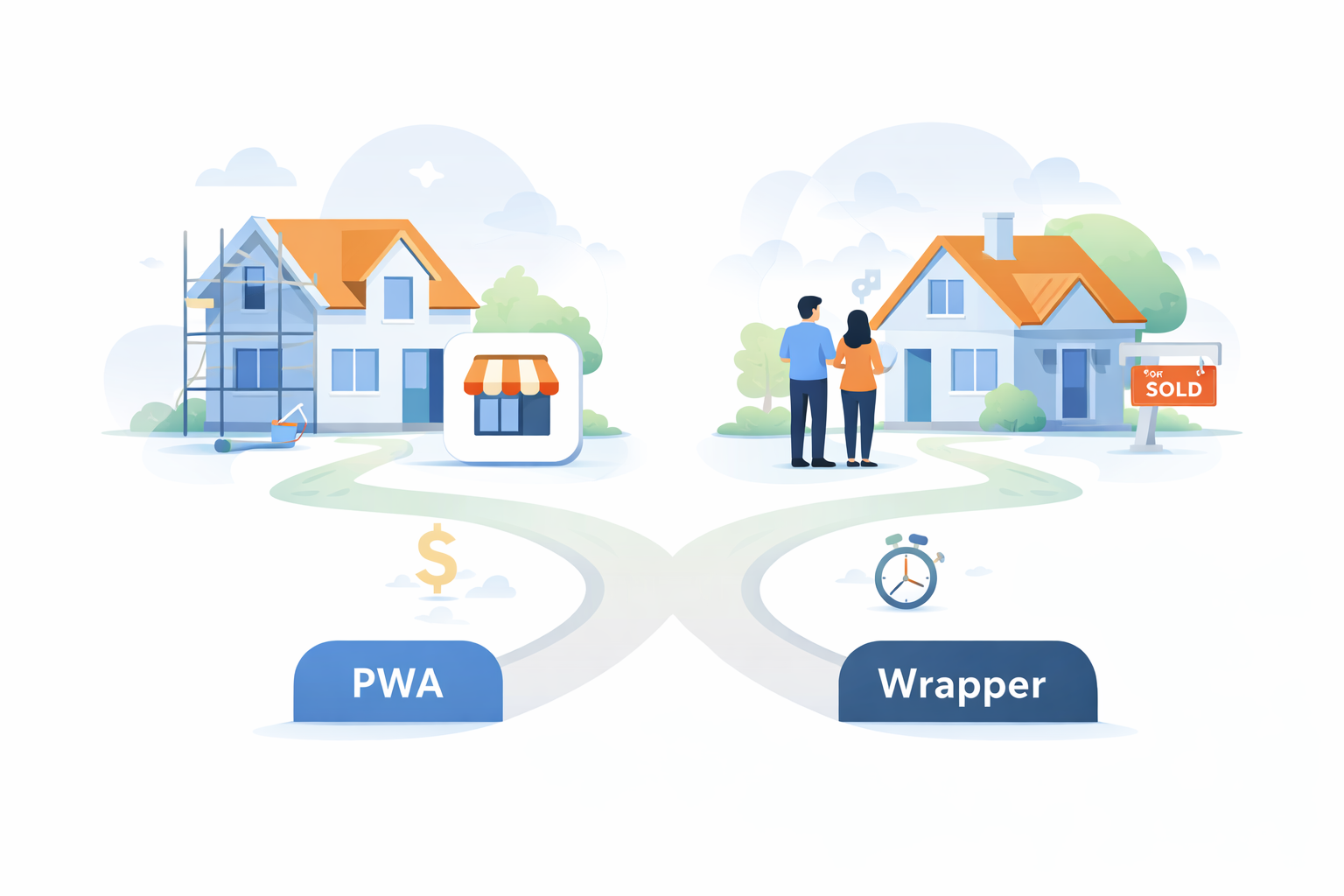
Deciding between a PWA and a wrapper often feels like choosing between renovating your current home or buying a new one; both improve your living situation, but the costs and timelines differ drastically. If your primary goal is speed and low overhead, the Progressive Web App route allows you to bypass gatekeepers entirely, getting an icon on user devices in an afternoon. However, if appearing in the App Store is critical for your brand’s prestige, you must be prepared for the higher financial and time investment required by wrapper services.
Financial planning is the first real hurdle in this transition. Calculating the true cost to turn website into mobile application involves more than just the initial build. A PWA is virtually free to host alongside your existing site, whereas wrappers often charge monthly subscriptions ranging from $50 to $500. Additionally, you must factor in the “rent” for marketplace slots: Apple charges a recurring $99 annual fee, while Google asks for a one-time $25 payment.
Beyond the price tag, consider the benefits of hybrid app development for businesses that need discoverability. Being searchable on the App Store builds immediate trust with new customers, a feat that direct website links cannot easily match. Yet, this visibility comes with strict maintenance rules; you will need to update your app regularly to comply with changing store policies or risk being removed.
To help you visualize the trade-offs, here is a breakdown of how the methods compare:
| Feature | Progressive Web App (PWA) | App Store Wrapper | Native App |
|---|---|---|---|
| Setup Speed | Very Fast (Hours) | Moderate (Days/Weeks) | Slow (Months) |
| Initial Cost | Low / Free | Medium ($500+) | High ($10k+) |
| Store Visibility | None (Direct Link only) | High (Apple/Google) | High (Apple/Google) |
| Push Alerts | Android only (mostly) | Android & iOS | Full Support |
| Offline Mode | Basic Caching | Moderate | Full Functionality |
Weighing these PWA vs native app pros and cons ultimately depends on where your customers hang out. If your users already visit your site daily, a PWA is a perfect, low-friction upgrade. But if you need to capture strangers browsing the App Store, the wrapper investment is unavoidable. Once you have selected your vehicle, it is time to map out the journey.
Your 30-Day Launch Roadmap: From URL to App Icon
You have moved past the fear that you need a computer science degree to create iOS app from existing web content . You now understand that your current website is simply raw material waiting to be packaged for a more engaging mobile experience. Whether you chose a simple PWA or a specialized service to transform WordPress site into mobile app, you are fully equipped to claim valuable real estate on your customer’s home screen.
Your 30-Day Launch Roadmap:
- Days 1–7 (Audit): Check your mobile site speed and simplify navigation menus specifically for thumb-tapping users.
- Days 8–21 (Build & Test): Use your chosen wrapper tool for cross-platform mobile development or a platform from the native no-code app builders category such as nandbox, which allow teams to build fully functional mobile apps without coding while integrating common mobile features like navigation, push notifications, and user accounts; test strictly on physical phones, not just computer simulators.
- Days 22–30 (Launch): Submit to stores or deploy your PWA, then send a “We’re Live!” newsletter inviting your top users to download the new experience.
Remember, launching is just the start of the conversation. The true advantage of this approach is that updating your website automatically updates your app, ensuring your content stays fresh without managing two separate platforms. Your business is now more accessible than ever—congratulations on bridging the gap between the browser and the pocket.
Frequently Asked Questions
What’s the fastest, lowest-cost way to get my website onto customers’ phones?
Turn your site into a Progressive Web App (PWA). PWAs let you place an icon on a user’s home screen in hours, not weeks, and avoid app-store revenue cuts (15–30%). They offer faster loading, a full-screen “app-like” experience, and basic offline access. The trade-off: PWAs typically don’t appear in App Store/Google Play search and, in most cases, don’t support iOS push notifications. If speed and minimal overhead are your priority, start with a PWA; if you need store discoverability, consider a wrapper or explore no-code app builders.
What do I need to implement to make my site a PWA that supports “Add to Home Screen”?
Four essentials—HTTPS, a Web Manifest, a Service Worker, and proper icons. To enable an installable, app-like experience:
- Security: Serve your site over HTTPS.
- Identity: Provide a valid Web Manifest (name, colors, display mode like fullscreen).
- Functionality: Register a Service Worker to cache key assets for offline reading.
- Iconography: Include high-quality app icons in multiple sizes. With these in place, users get the “Add to Home Screen” prompt and a faster, more reliable mobile experience.
I want App Store and Google Play visibility, how do wrappers work and what will reviewers expect?
Wrappers package your site in a WebView and typically require some native polish to pass review. A wrapper converts your URL into installable app files (e.g., APK for Android), running your site in a dedicated, chrome-free WebView that feels native. Benefits include iOS and Android push notifications and marketplace discoverability. To win approval, Apple and Google expect more than a “website in a tab”—add native elements like a bottom navigation bar or offline mode. Popular tools:
- MobiLoud: Premium, done-for-you (starts ~$200/month)
- Median (formerly GoNative): Highly configurable (free to ~$790)
- AppMySite: Budget-friendly, great for WordPress (starts ~$9/month)
- nandbox: A versatile option for those who prefer no-code app builders and guided setup
How much will this cost me to build an app in Australia, and how long will it take?
PWAs cost little and launch fast; wrappers cost more and take longer but add store reach.
- PWA: Low/near-zero hosting cost, setup in hours. No store fees.
- Wrapper: Subscription fees often $50–$500/month (tool-dependent) and setup over days/weeks.
- Store fees: Apple $99/year; Google $25 one-time.
- Capability trade-offs: PWAs have limited iOS push and no store visibility; wrappers unlock iOS/Android push and searchability but require ongoing compliance and updates.
What’s a practical 30-day plan to go from URL to app icon?
Audit, build/test, then launch—with real-device testing in the middle.
- Days 1–7 (Audit): Improve mobile speed and simplify thumb-friendly navigation.
- Days 8–21 (Build & Test): Implement PWA features or configure your wrapper tool; test on physical phones (not just simulators). If you prefer a simplified build, look into no-code app builders that guide you through how to create an app from a website step by step.
- Days 22–30 (Launch): Submit to Apple/Google or deploy your PWA; announce with a “We’re Live!” message to your top users. Bonus: Future updates are easy—refresh your website and your app experience updates with it.