In today’s rapidly evolving digital landscape, messaging apps such as WhatsApp and Facebook Messenger have become the cornerstone of our communication methods. They offer a seamless, instant way to connect with friends, family, and colleagues. Whether you’re planning to develop a messaging app for iOS or Android platforms or are interested in exploring the capabilities of no-code app builders, this comprehensive guide will walk you through each essential step. From initial planning and design to the technical intricacies of development and budget considerations, we will delve into every aspect necessary for creating a successful messaging app.
Summary
This guide explains how to plan, design, build, launch, and scale a secure, real-time messaging app. It covers essential features (authentication, profiles, 1:1 and group chat, media/file sharing, notifications, voice/video, end-to-end encryption, privacy/compliance, and engagement tools) and compares no-code, custom, and hybrid development approaches. A step-by-step workflow spans user research, UX/UI prototyping, core messaging and backend development, security, testing, launch, and marketing, with clear cost considerations by features and platforms. It also highlights no-code options for faster, budget-friendly builds with scalability.
Before embarking on the development journey, it’s crucial to grasp the fundamental features that contribute to a messaging app’s success. A well-rounded understanding of these features will guide your development process and ensure user satisfaction.
Key Features of a Successful Messaging App
User Account Management
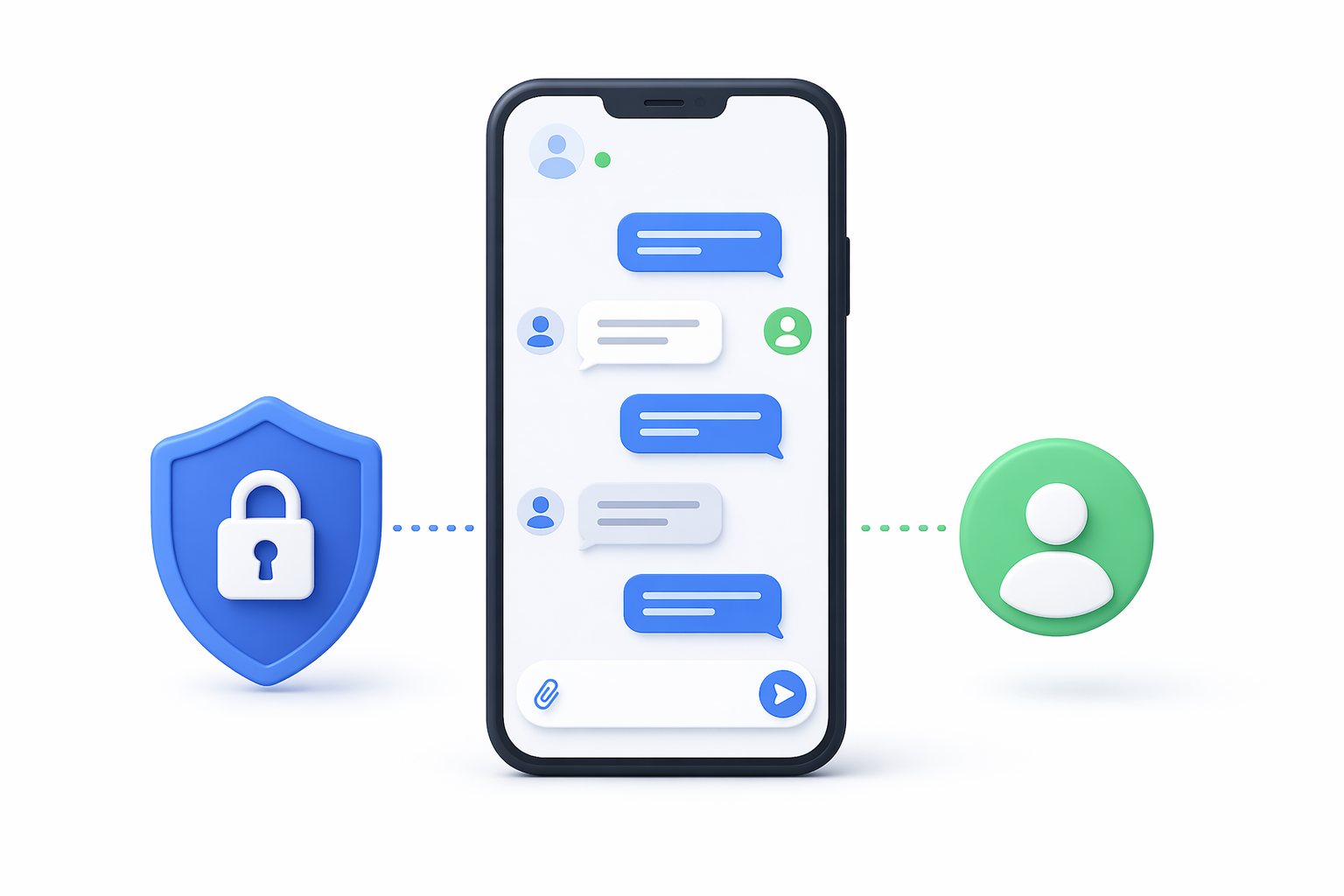
- Offering flexible account creation options is essential. Users should be able to sign up or log in using their email addresses, phone numbers, or even social media accounts. This flexibility enhances user convenience and reduces barriers to entry.
- Allow users to personalize their profiles with avatars, status messages, and other personal information. This feature not only enhances the user experience but also fosters a sense of community and individuality among users.
- Implement robust authentication mechanisms such as two-factor authentication (2FA) to enhance security. This additional layer of protection ensures that only authorized users can access their accounts, safeguarding personal information.
Communication Features
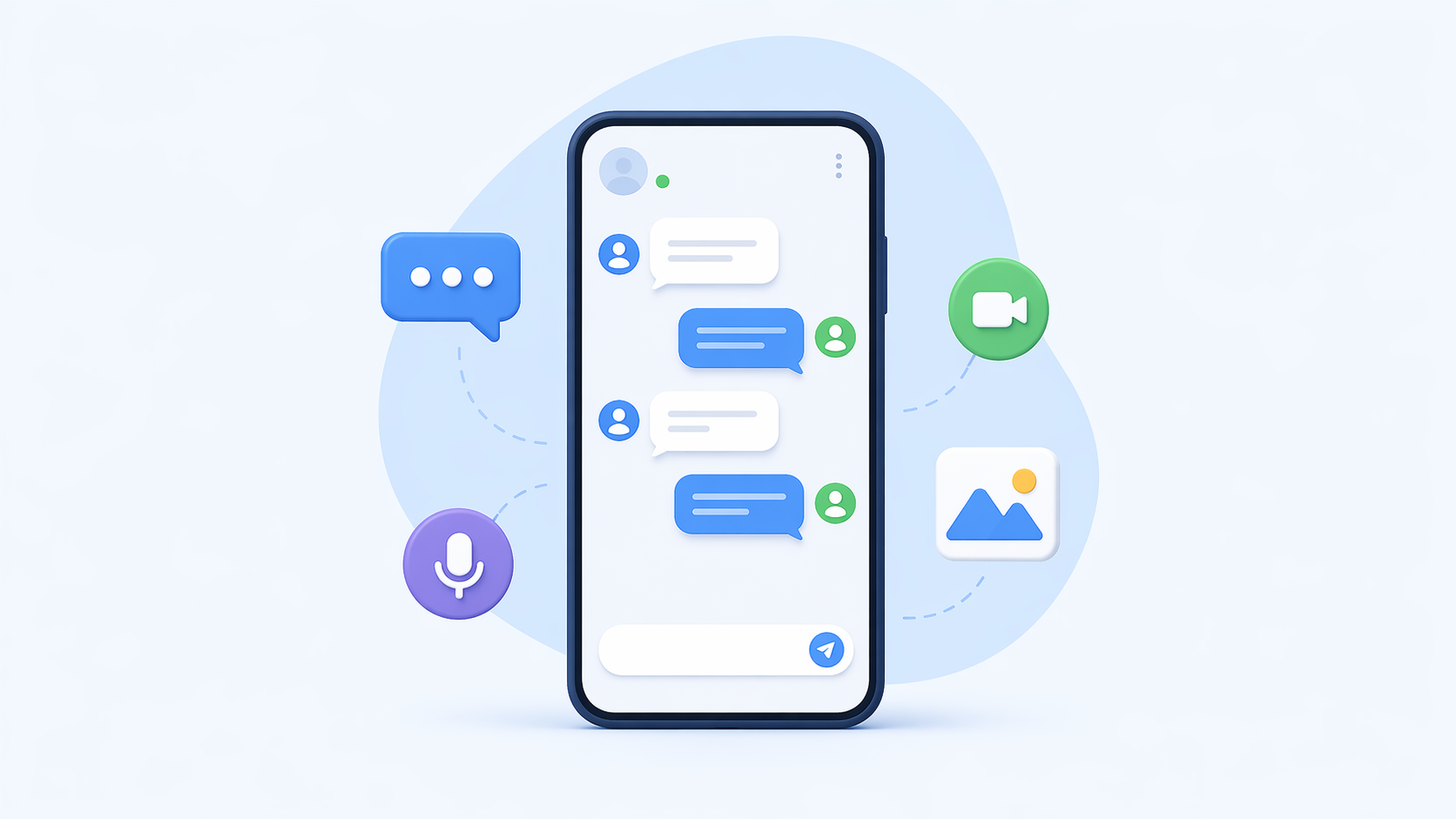
- Facilitate seamless, real-time communication between users with efficient one-on-one chat capabilities. Ensure that messages are delivered promptly and reliably, creating a smooth user experience.
- Support dynamic group chats that allow users to communicate in a shared space with multiple participants. Implement features like group naming, member management, and customizable notifications to enhance group interactions.
- Incorporate push notifications to keep users informed about new messages, even when the app is not in use. Customize notification settings to cater to individual user preferences and improve engagement.
- Enable users to exchange multimedia files such as images and videos seamlessly. Consider implementing compression algorithms to maintain quality while reducing file size and transfer time.
- Provide functionality for users to share documents and other file types. Support various file formats and ensure secure and efficient file transfers, catering to both personal and professional use cases.
- Enhance communication by integrating high-quality voice and video call functionalities. Ensure low latency and clear audio/visual quality to provide a superior user experience.
Security and Privacy
- Implement strong end-to-end encryption protocols to secure user communications. This ensures that messages are only accessible to the intended recipients, safeguarding privacy.
- Offer users control over their privacy settings, allowing them to manage who can see their information and how their data is shared. Transparency in these settings builds user trust.
- Ensure that your app complies with data protection regulations such as GDPR or CCPA. Regularly update privacy policies and security measures to address evolving threats and legal requirements.
Engagement Tools
- Incorporate a variety of stickers and emojis to enhance user interaction and expression. This not only makes conversations more engaging but also encourages creativity.
- Allow users to share their current status or daily stories with their contacts. This feature can increase user engagement by providing a platform for self-expression and social interaction.
- Consider integrating chatbots or AI features to provide automated support or enhance user interactions. These can assist with tasks such as customer service, scheduling, or providing information.
Development Approaches for Your Messaging App
Selecting the appropriate development approach is vital and depends on factors such as your technical expertise, budget constraints, and timeline requirements. Each approach offers distinct advantages and limitations.
No-Code App Builders
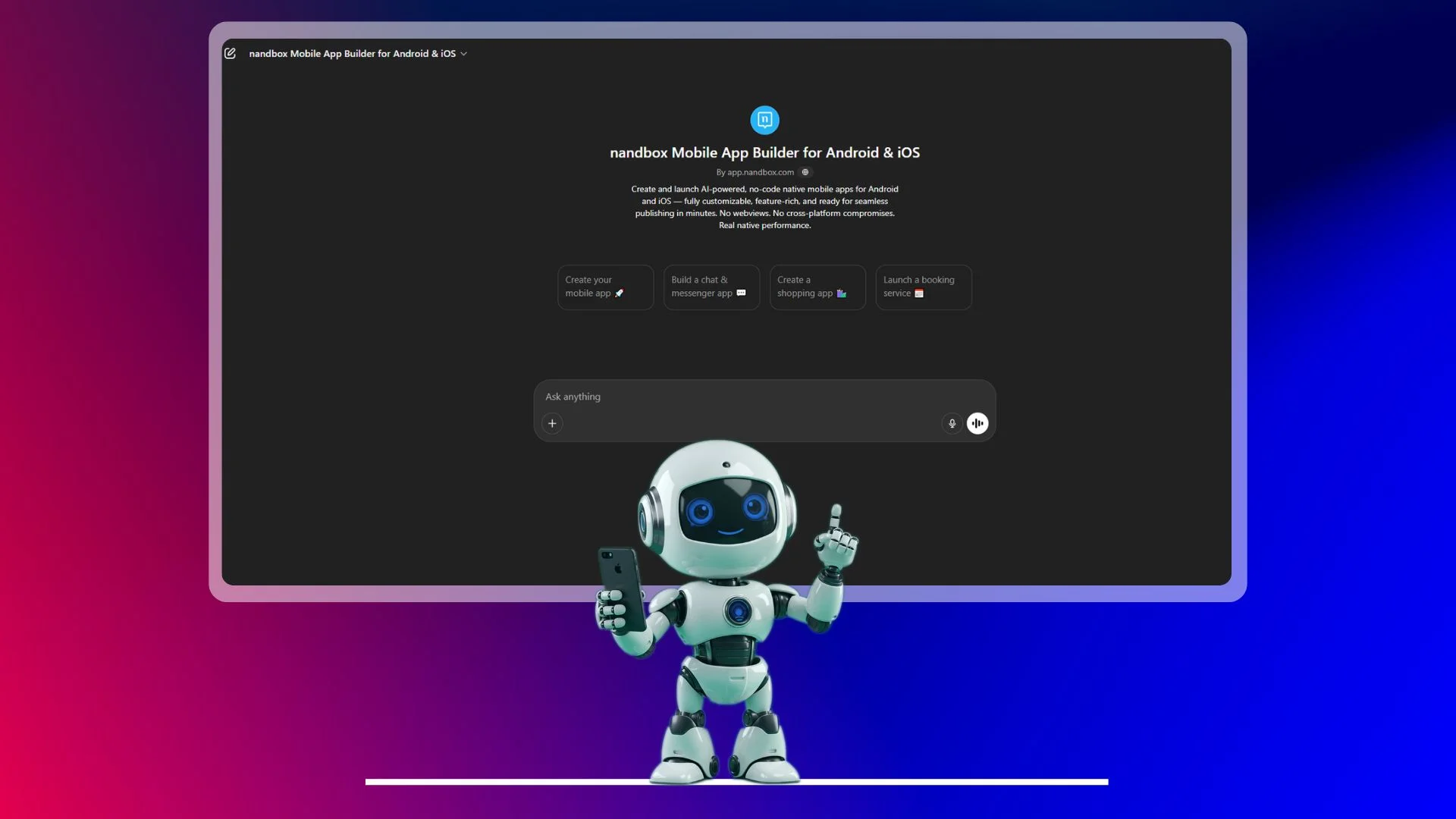
- Platforms like nandbox offer a streamlined way to create apps without extensive coding knowledge. These platforms are particularly beneficial for entrepreneurs or small teams with limited technical expertise.
- No-code app builders provide pre-designed templates and user-friendly drag-and-drop interfaces. This accelerates the development process and reduces costs, making it an attractive option for startups.
Custom Development
- For projects requiring high customization and scalability, consider hiring experienced developers to build your app from scratch. This approach allows for tailored solutions that meet specific business needs.
- Custom development offers flexibility in design, functionality, and integration with other systems. It provides the opportunity to create a unique user experience that distinguishes your app from competitors.
- While offering greater flexibility, custom development can be more costly and time-consuming. Budgeting for development costs and planning for extended timelines is essential for project success.
Hybrid Development
- A hybrid approach allows you to leverage the speed and cost-effectiveness of no-code tools while incorporating custom features where necessary. This can be an effective strategy for balancing development efficiency with functionality.
- Start with a no-code builder to establish the app’s basic structure, then collaborate with developers to add custom features that enhance user experience and meet specific requirements.
- Regularly assess the app’s performance and scalability as it grows. Ensure that the hybrid approach allows for seamless integration of new features and supports increasing user demands.
Step-by-Step Development Workflow
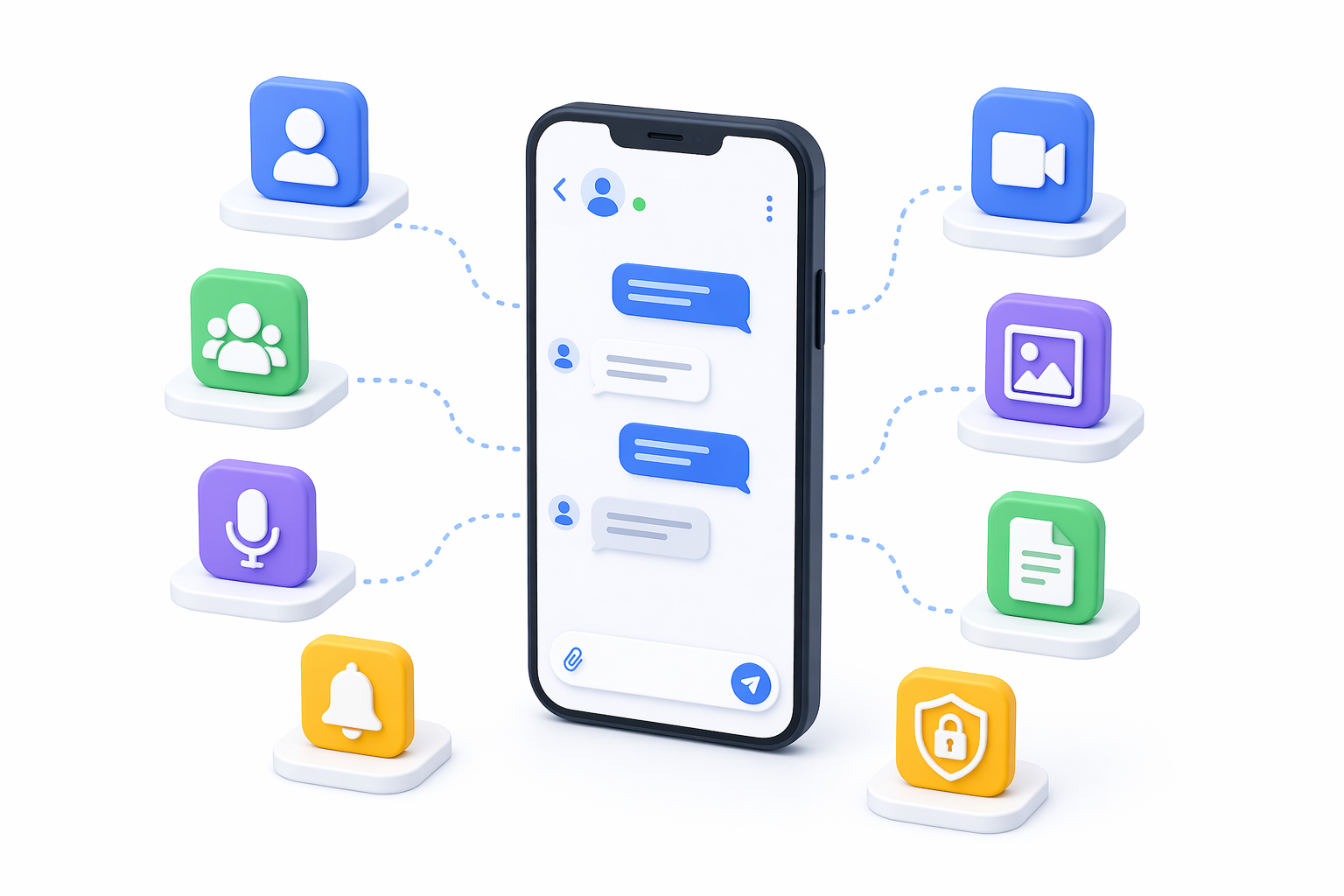
Creating a messaging app involves several critical steps, from defining your app’s purpose to launching it successfully. Each step requires careful planning and execution.
- Conduct thorough research to identify your app’s target audience. Understand their demographics, preferences, and communication needs to tailor your app’s features and design accordingly.
- Clarify the primary purpose of your messaging app. Whether it’s for personal communication, team collaboration, or customer service, defining clear objectives will guide your development process.
- Ensure that the app’s features align with the identified user needs and objectives. This alignment enhances user satisfaction and increases the likelihood of widespread adoption.
- Based on user research, outline the essential features your app will offer. Prioritize these features to focus on delivering a smooth and intuitive user experience.
- Determine what sets your messaging app apart from competitors. Highlight unique features or innovations that will attract users and differentiate your app in the market.
- Consider the development and maintenance costs associated with each feature. Striking a balance between feature richness and budget constraints is crucial for project feasibility.
- Design an intuitive and aesthetically pleasing user interface that enhances user experience. Focus on simplicity, ease of navigation, and visual appeal to attract and retain users.
- Leverage design tools such as Sketch or Figma to prototype your app’s UI. Prototyping allows you to visualize the user journey and make necessary adjustments before development begins.
- Gather feedback from potential users during the design phase. Iteratively refine the UI based on user insights to ensure it meets their expectations and needs.
- Focus on developing the core messaging capabilities that enable real-time communication. Utilize libraries or APIs like Firebase or Twilio to support efficient message delivery.
- Implement robust backend systems to handle message traffic and user interactions efficiently. Prioritize system reliability to maintain a seamless user experience during peak usage.
- Consider integrating third-party services for additional functionalities such as notifications, analytics, or authentication. These services can enhance app performance and user satisfaction.
- Integrate end-to-end encryption to protect user data and communications. Use established protocols like Signal Protocol to ensure secure messaging and maintain user trust.
- Stay informed about data protection regulations and ensure your app complies with relevant laws. Regular audits and updates to security measures are essential to maintain compliance.
- Provide users with information about the app’s security features and how to use them effectively. Educating users builds confidence in your app’s security and privacy measures.
- Perform extensive testing to identify and fix bugs or performance issues. Testing should cover functionality, usability, security, and compatibility across different devices and platforms.
- Conduct user testing sessions to gather feedback on the app’s functionality and user experience. Use this feedback to make necessary improvements and ensure the app meets user expectations.
- Make final adjustments based on testing results and feedback. Ensure that the app is polished and ready for launch, with all features functioning as intended.
- Develop a comprehensive launch plan that includes platform selection, promotional strategies, and timing. A well-executed launch can significantly impact your app’s initial success.
- Promote your app through various marketing channels, including social media, blogs, email marketing, and targeted ads. Tailor your marketing efforts to reach your intended audience effectively.
- After launch, monitor the app’s performance and user feedback closely. Use analytics tools to track user engagement and make data-driven decisions for future updates and improvements.
Cost Considerations in Messaging App Development
The cost of developing a messaging app can vary widely based on several factors, including the chosen development approach, features, and platform.
No-Code Platforms
No-code platforms typically offer subscription models ranging from $50 to $500 per month. These platforms are cost-effective for initial development but may incur additional costs for advanced features.
Custom Development
Custom development costs can range from $25,000 to $100,000 or more, depending on the app’s complexity and the developers’ rates. It’s essential to budget for the entire development lifecycle, including design, coding, testing, and deployment.
Hybrid Development
A hybrid approach may offer a cost-effective balance between no-code and custom development. Evaluate the cost-benefit ratio to determine the best strategy for your project.
App Complexity
- The complexity and number of features directly impact development costs. Prioritize essential features to manage costs effectively while ensuring a competitive offering.
- Consider the long-term value and user demand for each feature. Avoid feature bloat by focusing on delivering a streamlined and efficient user experience.
- Factor in future expansion and updates when budgeting. Ensure that your initial budget allows for ongoing development and maintenance to keep the app relevant and competitive.
- Developing for both iOS and Android increases costs compared to a single platform. Evaluate your target audience and market reach to determine the necessity of multi-platform development.
- Consider using cross-platform development tools like Flutter or React Native to reduce costs and streamline the development process. These tools enable code sharing across platforms, saving time and resources.
Post Launch
- Analyze potential market reach and return on investment (ROI) for each platform. Focus on platforms that offer the best opportunities for user acquisition and revenue generation.
- Post-launch, allocate budget for regular app updates and enhancements. Addressing user feedback and incorporating new features is crucial for maintaining user engagement and satisfaction.
- Consider server and infrastructure costs to support app operations. Scalability and reliability are essential for accommodating user growth and ensuring smooth performance.
- Invest in customer support to address user inquiries and issues promptly. Engaging with users through feedback mechanisms and community building can foster loyalty and app success.
Conclusion
Native no-code app builder simplifies the process of creating a messaging app. They offer a range of features, including pre-made app templates and drag-and-drop functionality. Here’s how no-code app builders such as nandbox can help:
- They eliminate the need for coding knowledge, making it accessible for individuals and teams without technical expertise. The platform’s intuitive interface allows for quick and easy app creation.
- The customizable templates help build an app that meets your specific requirements. The flexibility to modify templates ensures that your app can evolve with changing user needs.
- Native no-code app builders supports app scalability, allowing you to add new features as your user base grows. This ensures that your app remains competitive and adaptable to future demands.
- By reducing the need for extensive coding and development resources, no-code app builders offers a cost-effective solution for app creation. This makes it an attractive option for startups and small businesses with limited budgets.
Building a messaging app, whether for iOS or Android, is a complex but rewarding endeavor. By understanding key features, choosing the right development approach, and leveraging tools like nandbox, you can create a successful communication app. Prioritize user experience and security to ensure your app stands out in a competitive market.
With careful planning and execution, your messaging app could be the next big thing in digital communication. Stay committed to innovation and user satisfaction, and you’ll be well on your way to creating a lasting impact in the messaging app industry. Good luck with your development journey!
Q&A
What core features should my messaging app include at launch?
Start with the essentials that deliver secure, real-time communication and a smooth user experience. Key features include flexible sign-up (email, phone, social) with 2FA; profiles (avatar, status); reliable 1:1 and group chat with group management; push notifications; media and file sharing with efficient compression; optional voice/video calls for richer communication; end-to-end encryption; granular privacy controls; and compliance with data regulations (e.g., GDPR/CCPA). To boost engagement, consider emojis/stickers, statuses/stories, and optional chatbots or AI for support. Prioritize what aligns with your audience and objectives, then iterate.
How should I choose between no-code, custom, and hybrid development approaches?
Match the approach to your resources, timeline, and long-term needs. Use a no-code builder like nandbox if you need speed, a lower budget, and minimal engineering overhead—it offers templates, drag-and-drop, and scalability, but can be limited in deep customization. Choose custom development when you need full control, unique UX, complex integrations, or large-scale growth, understanding it’s costlier and slower. A hybrid approach blends both: stand up your app’s core with no-code for fast validation, then add custom features where needed. Reassess regularly to ensure the platform supports growth and new feature demands.
What does the end-to-end development workflow look like?
Follow a structured path:
- Research and goals: Identify your target audience, define the app’s purpose, align features to needs, and clarify differentiators and budget.
- UX/UI design: Create intuitive flows and visuals; prototype in tools like Sketch or Figma; gather early user feedback and iterate.
- Core build: Implement real-time messaging (e.g., via Firebase or Twilio), a reliable backend, and integrate third-party services for notifications, analytics, or auth as needed.
- Security and privacy: Add end-to-end encryption (e.g., Signal Protocol), 2FA, clear privacy settings, and ensure GDPR/CCPA compliance; educate users on security features.
- Testing: Conduct functional, usability, security, and cross-device/platform testing; run user testing and refine.
- Launch and marketing: Plan platforms and timing; promote via social, blogs, email, and targeted ads.
- Post-launch: Monitor analytics and feedback, fix issues, and ship improvements continuously.
How do I keep user data secure and protect privacy?
Enforce security at multiple layers. Use robust authentication with 2FA; implement end-to-end encryption so only intended recipients can read messages (using established protocols like Signal Protocol); provide transparent privacy controls so users decide what’s visible and shared; and maintain regulatory compliance (GDPR/CCPA) via regular audits, updated policies, and timely security patches. Secure media/file transfers, minimize data collection, and communicate clearly with users about how to use security features.
How much will it cost, and what drives the budget?
Short answer: Costs vary by approach, features, and platforms. No-code typically runs $50–$500/month (additional fees for advanced features possible). Custom builds often range from $25,000 to $100,000+ depending on complexity and team rates. A hybrid model can balance speed and flexibility. Major cost drivers include feature count/complexity (e.g., voice/video, encryption), platform scope (iOS, Android, or both), and infrastructure. Cross-platform tools like Flutter or React Native can reduce multi-platform costs. Don’t forget ongoing expenses: server/infrastructure, regular updates, analytics, and customer support—budget for post-launch growth and maintenance from day one.