Ten amazing and free apps that you ought to download during your life in school to ensure that you remain up-to-date and get your learning done efficiently despite the numerous challenges that you face in school.
Modern students in the rapidly moving academic environment are constantly on the lookout to get their learning done most efficiently by staying organized and keeping track of time. With technology gaining importance in everyday life, mobile apps have become necessary to enhance the productivity levels of any student and will go a long way in enhancing the whole experience. Whether note-taking during lectures, group projects, or exam preparation, the right apps can make all the difference in the students’ highly complicated lives. However, owing to the availability of thousands of apps, finding the most useful ones may be too much to bear. Technological developments have allowed students to use enterprises such as Peachy Essay to seek thesis writing services. Here are ten free and very useful apps that every student should use. Hand-picked for targeting almost all aspects of student life, from organization, automated presentation generation, and studying aids to focus and language learning, these apps open the way for students to streamline tasks and improve their academic performance to create a more well-balanced, successful educational experience.
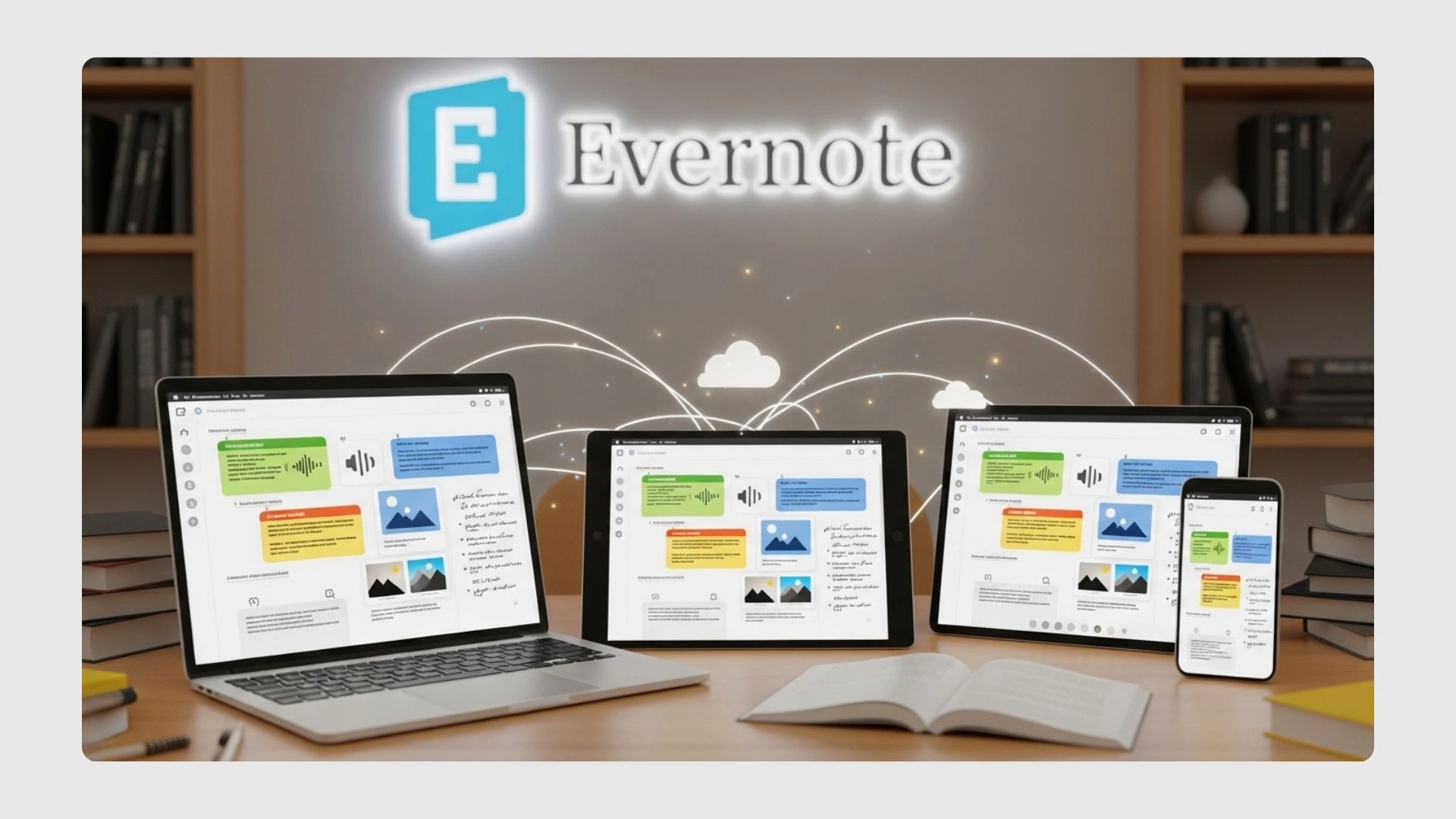
Evernote
Google Drive
Google Drive is a leading tool for scholars, offering 15 GB of free cloud storage to store important files, documents, spreadsheets, presentations, and multimedia. Its cloud storage allows students to access their files from anywhere—home, in class, or while traveling. Integrated with Google Docs, Sheets, and Slides, it enables real-time editing and sharing of documents, making group projects easier by eliminating the need for email attachments. This real-time collaboration feature helps students work efficiently with peers, ensuring smooth communication and faster task completion.
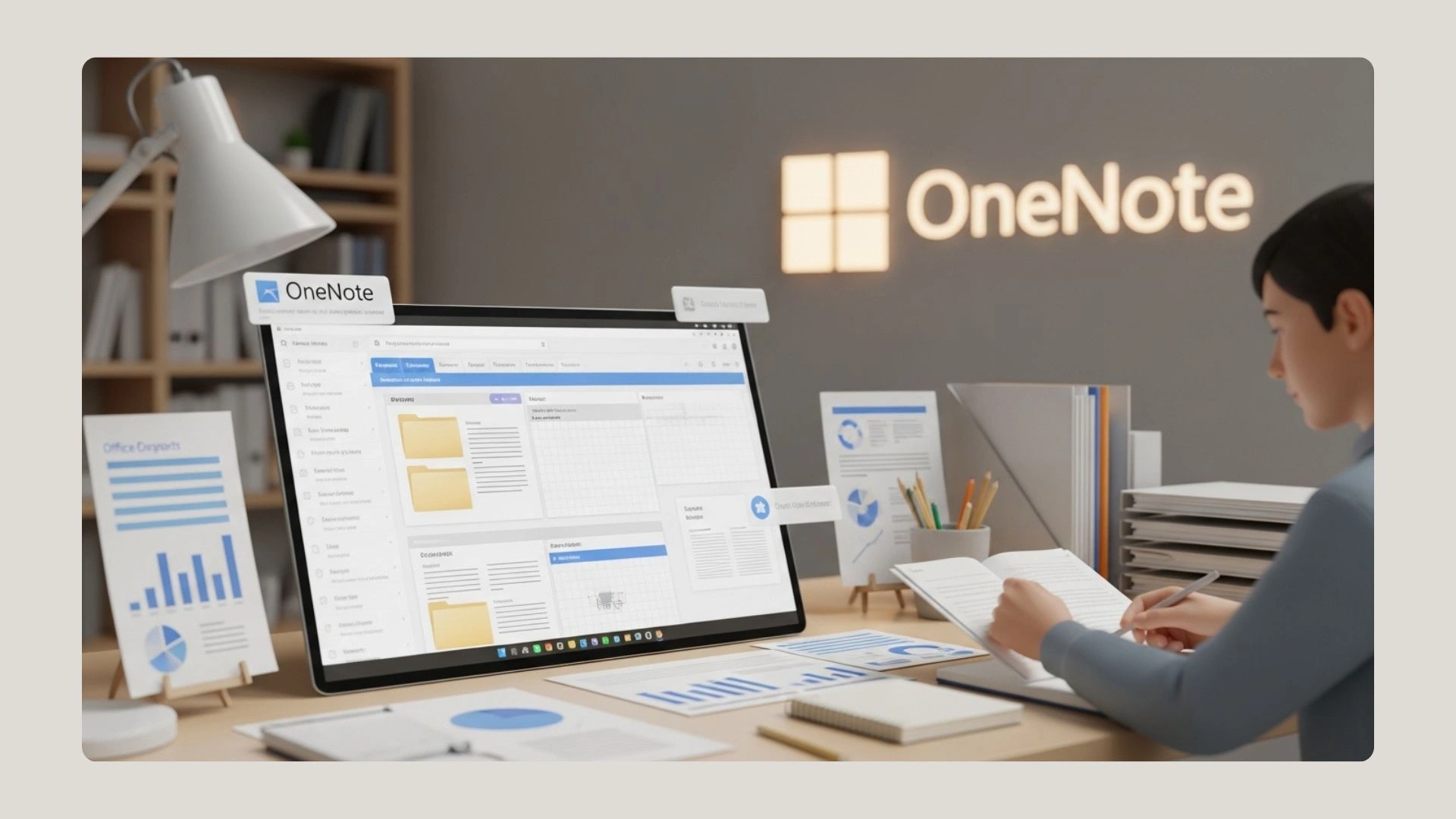
Microsoft OneNote
It is more of a type of structured note-taker. Microsoft’s OneNote is a digital notebook with ample flexibility and clout. Sections and pages in a notebook layout help students keep order in their thoughts, and integration with Microsoft Office allows for some enhanced utility. Whether taking notes during a class or organizing research materials, OneNote will be beside you.
Quizlet
Quizlet is important in revision and to enhance subsequent memory. It allows students to create personalized flashcards or choose from millions of pre-made sets on different subjects. The interactive study modes of this app, such as “Learn” and “Match,” respond to the progress made by a user’s, helping them retain information better and easier to prepare for the exams.
Wolfram Alpha
Wolfram Alpha is an indispensable tool for most students in their quest to deal with complex mathematical problems. This computational search engine can do advanced math, produce graphs, and provide industry explanations in one step, making it just the right support for math, science, and engineering discipline students. The special step-by-step feature of solution determination in Wolfram Alpha becomes an inherent understanding of hard, challenging concepts.
Forest
A very important thing for learners is to stay focused at a time when numerous distractions are at bay. Having that function, Forest allows students to keep off their phone screens and focus on their jobs by planting virtual trees while studying. As long as the student is focused, the tree will grow. In a very long study session, they could end up with their own forest.
Grammarly
In fact, for academic success, good writing skills are needed. Grammarly allows students to enhance their writing in real-time contexts with checks for grammar, spelling, and punctuation. It further provides the style of the student’s essays, documents, reports, or emails. With integration across various platforms, such as web browsers and word processors, it becomes very easy to use in any writing context.

Khan Academy
Khan Academy is an extremely resourceful website when it comes to education. It has video lessons, practice exercises, and personalized learning dashboards for the individual in multiple subjects, all for free. Whether students struggle with math, science, or history, Khan Academy does not compromise; quality content can supplement classroom learning for better comprehension and exam preparation.