Before diving into the technical aspects, it’s crucial to understand what chat app development entails. A chat app allows users to send and receive messages in real-time, and can include features like text messaging, video calls, file sharing, and more. Whether you’re creating a messaging app for Android or a web-based video chat app, the core functionalities remain the same.
What Is a Chat App?
A chat app is a software application designed to facilitate communication between users through text, voice, and video. It enables users to engage in real-time messaging, allowing for instant exchange of information and interactive conversations.
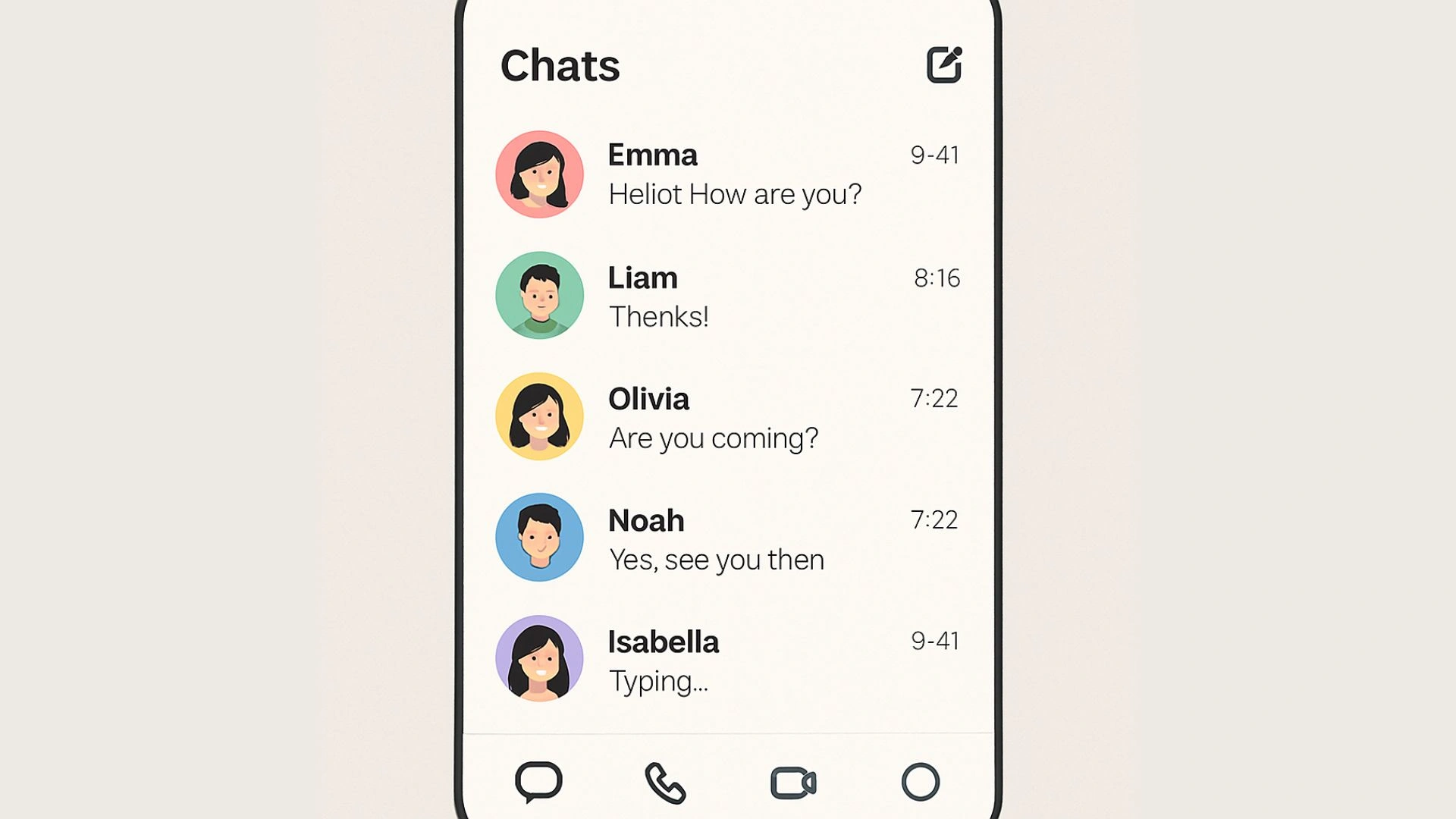
Typical core capabilities of a chat app include one-on-one messaging, group chats, voice and video calls, and push notifications to alert users of new messages. Chat app development focuses on creating seamless user experiences to enhance connectivity and engagement, making it easier for individuals to communicate efficiently in various contexts.
At the heart of any chat app is its ability to send and receive messages instantly. This requires a robust backend that can handle real-time data transmission efficiently. Understanding how to manage data flow between clients and servers is essential. You also need to ensure messages are stored securely and can be retrieved quickly when needed.
User experience is critical in chat apps. Your app should be intuitive, with easy navigation and a design that enhances user interaction. Features like typing indicators, read receipts, and user presence status can significantly boost engagement by making the communication process more interactive and transparent.
As your user base grows, your app should be able to handle increased traffic without compromising performance. This involves optimizing server resources, employing load balancing, and ensuring that your database can scale. Latency should be minimized to provide a seamless user experience, even under heavy usage.
Security Considerations
Security is a paramount concern in chat apps, as they handle sensitive user data. Implementing encryption protocols, secure authentication processes, and regular security audits are necessary to protect user information and maintain trust.
Platform-Specific Challenges
Developing for different platforms presents unique challenges. Android development might require dealing with diverse device specifications, while web development involves ensuring cross-browser compatibility. Understanding these challenges can help in making informed decisions during the development process.
Key Features of a Chat App
To make your chat app successful, you should include the following features:
User Authentication and Security
Secure login and registration processes are fundamental. Implementing multi-factor authentication can add an extra layer of security. Ensure that user passwords are stored securely, using techniques such as hashing and salting.
Real-Time Messaging
Instant sending and receiving of messages is crucial. Consider using protocols like WebSockets for persistent connections, enabling real-time data exchange. Ensure that your architecture supports message delivery guarantees to prevent message loss.
Push Notifications
Alerts users of new messages, keeping them engaged even when they’re not actively using the app. Tailor notifications to be context-sensitive, providing relevant information that prompts users to return to the app.
Multimedia Sharing
The ability to send images, videos, and files enhances the chat experience. Implement compression algorithms to manage file sizes and optimize bandwidth usage. Ensure that multimedia content is stored securely and can be retrieved efficiently.
Group Chats
Supporting multiple participants in a single conversation is essential for social interaction. Implement features such as group admins, topic threads, and moderation tools to enhance group chat management.
Video and Voice Calls
Optional but highly recommended, these features can set your app apart. Use technologies like WebRTC for peer-to-peer connections, ensuring low latency and high-quality audio/video streaming.
User Status and Presence
Display whether users are online or offline, as this can affect communication dynamics. Implement presence detection efficiently to minimize server load while providing accurate status updates to users.
Message History and Archiving
Storing and retrieving past conversations is crucial for user reference. Implement efficient indexing and querying mechanisms to handle large volumes of data, ensuring quick access to chat history.
These features will not only make your app more appealing but also enhance user engagement.
3 Ways to Make a Chat App in 2026
Build from Scratch
This approach involves using development tools like Android Studio for mobile apps or web frameworks such as React and Vue.js for web applications. By building from scratch, developers have full control over the backend, allowing for customization of features and performance optimizations according to specific needs.
Use Messaging APIs or SDKs
For a quicker development process, developers can utilize messaging APIs or SDKs such as Twilio, Sendbird, or Stream. These tools provide pre-built functionalities, allowing developers to integrate messaging services without having to create them from the ground up, thereby saving time and resources.
Use a No-Code Native App Builder:
Another approach is to leverage no-code platforms like nandbox, which allow users to create native chat apps using visual configuration tools. This option enables individuals without extensive technical skills to build functional apps by configuring elements visually, streamlining the development process.
How to Make a Chat App in Android
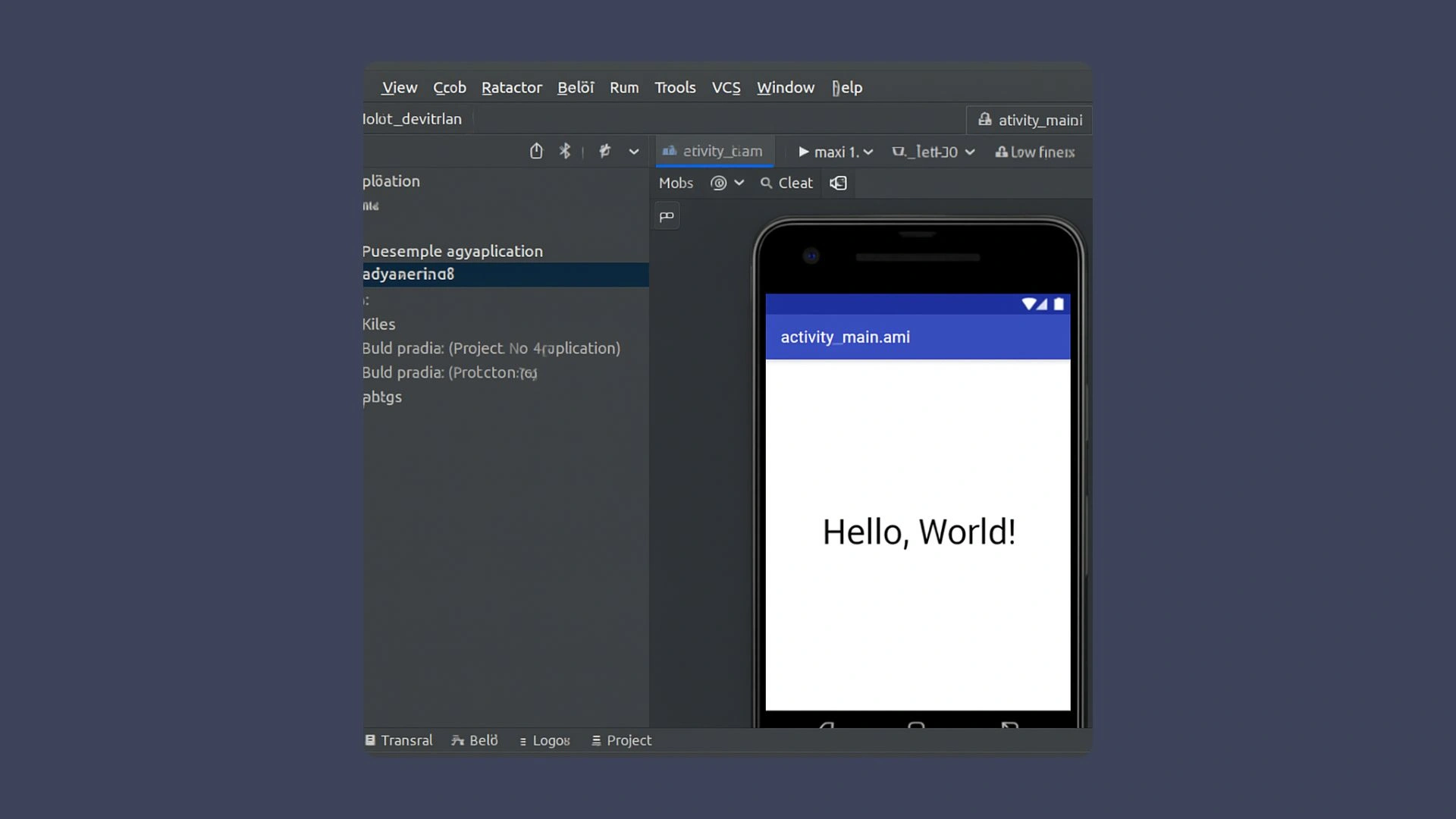
Creating a chat app for Android involves using Android Studio as your primary development environment. Begin by setting up a new project and configuring the essential details like app name and package. Focus on designing a user interface that adheres to Android’s Material Design guidelines for a clean and intuitive look.
Implement user authentication using Firebase Authentication to secure sign-ups and logins. Integrate Firebase Realtime Database for real-time messaging and Firebase Storage for multimedia support. Utilize Firebase Cloud Messaging to enable push notifications, keeping users engaged even when the app is inactive.
Once development is complete, prepare your app for publication on the Google Play Store. Create a developer account, follow submission guidelines, and optimize your app for better visibility and downloads. This process ensures a robust chat application that meets user expectations and leverages real-time communication capabilities effectively.
How to Make a Video Chat Web App
Building a video chat web app involves utilizing web technologies like HTML, CSS, and JavaScript, along with backend technology for real-time communication. Choose a web framework such as React, Angular, or Vue.js to streamline development and ensure a responsive layout.

For user authentication, implement secure methods using libraries like Passport.js, considering options like OAuth for third-party logins. Enable real-time video chat by utilizing WebRTC for peer-to-peer connections, ensuring low latency and a high-quality user experience.
To enhance communication, integrate socket.io for real-time text messaging alongside video functionality. This includes features such as message delivery receipts and typing indicators to improve user interaction.
Testing across different browsers is vital to ensure consistent performance. Deploy your application using a reliable hosting service like Heroku or AWS to make it live and facilitate easy updates. Following these guidelines will help create a functional and user-friendly video chat web app.
How Much Does It Cost to Make a Chat App?
The cost of developing a chat app can vary significantly based on the approach taken. Here are three primary categories:
Building from Scratch
This method typically requires a budget ranging from $20,000 to $100,000 or more, depending on the complexity of the app, the hourly rate of developers, and the amount of time needed for design, development, and testing. Custom features and robust security protocols can increase costs.
Using Messaging APIs
When utilizing messaging APIs or SDKs, such as Twilio or Sendbird, costs can range from $5,000 to $30,000. These tools often come with subscription fees and usage-based pricing, allowing developers to save on initial development time while still providing essential chat functionalities.
Using No-Code App Builders
Platforms like nandbox offer a no-code approach, allowing individuals to create chat apps without extensive technical skills. Costs for these platforms can vary but typically range from $100 to $5,000, depending on the features and capabilities required. No-code solutions can significantly reduce both the development time and budget.
Best Practices for Chat App Development
To ensure your chat app is robust and user-friendly, consider the following best practices:
Prioritize Security
Protect user data with encryption and secure authentication methods. Regularly update your security protocols to address emerging threats and vulnerabilities. Conduct regular security audits to ensure compliance with industry standards.
Optimize for Performance
Minimize latency and ensure smooth operation even with high user traffic. Implement performance monitoring tools to identify bottlenecks and optimize resource usage. Consider using content delivery networks (CDNs) to speed up data delivery.
Focus on User Experience
Design an intuitive interface and provide clear instructions for users. Gather user feedback to identify areas of improvement. Implement accessibility features to ensure your app is usable by individuals with disabilities.
Regularly Update and Improve
Continuously gather user feedback and update your app to fix bugs and add new features. Stay informed about the latest trends and technologies in app development to keep your app competitive. Implement a robust update mechanism to roll out changes smoothly without disrupting user experience.
Conclusion
In summary, understanding how to make a chat app involves recognizing the various approaches to development. You can choose to build from scratch using tools like Android Studio or web frameworks, granting you full control over customization and backend features. Alternatively, using messaging APIs or SDKs can speed up development by integrating pre-built functionalities, making it a time-efficient option. Lastly, no-code app builders enable individuals without extensive technical skills to create apps through visual configuration tools, significantly reducing development time and costs.
Whichever method you choose, it’s essential to prioritize scalability and ensure your technical resources can handle increased user traffic while maintaining performance and reliability. This strategic focus will help your chat app meet evolving user needs and expectations effectively.
Q&A
What are the core components needed to enable real-time messaging in a chat app?
You need a robust backend that manages real-time data flow between clients and servers, secure and fast message storage/retrieval, and a transport that supports instant updates. The guide recommends using WebSockets for persistent connections, implementing message delivery guarantees (e.g., acknowledgments/retries), and minimizing latency through optimized server resources, load balancing, and a scalable database. Push notifications keep users engaged when the app is inactive.
When should I use WebSockets versus WebRTC?
Use WebSockets for real-time text messaging and events like typing indicators, read receipts, and presence—any scenario needing a persistent, low-overhead channel between client and server. Use WebRTC for low-latency, high-quality peer-to-peer audio/video streaming. In practice, a video chat app often pairs WebRTC for media with WebSockets (or similar) for signaling and text chat.
How do I ensure security for users and their data?
Implement encryption protocols, secure authentication, and regular security audits. For login, use strong methods like multi-factor authentication and store passwords with hashing and salting. Secure multimedia storage and transmission, keep dependencies updated, and periodically review your security posture to address emerging threats. The Android path suggests Firebase Authentication; on the web, Passport.js and optional OAuth streamline secure sign-ins.
How can I scale my chat app and keep latency low as the user base grows?
Design for scalability with load balancing, efficient server resource usage, and a database that can scale. Reduce latency via real-time transports (e.g., WebSockets), compression for multimedia, and performance monitoring to spot bottlenecks. Use CDNs to speed content delivery and implement efficient presence detection so status updates don’t overload servers. Test under heavy usage and optimize iteratively.
What platform-specific challenges should I expect on Android versus the web?
On Android, you’ll face device and OS fragmentation, so test across multiple devices/versions and follow Material Design for a consistent UI. The guide suggests Firebase for authentication, real-time data, storage, and push notifications, plus Play Store preparation and ASO for publishing. On the web, ensure cross-browser compatibility (e.g., test with BrowserStack), choose a suitable framework (React/Angular/Vue), implement WebRTC for video and socket.io for text, and deploy reliably on platforms like Heroku or AWS.