In today’s fast-paced digital world, creating an Android app doesn’t have to be a daunting task. The evolution of technology, particularly with the emergence of no-code platforms like has democratized app development, making it accessible to virtually anyone. Whether you’re an entrepreneur eager to bring your business idea to life or an individual interested in app development, the barriers are lower than ever before. This article will guide you through the process of easy Android app development and explore the benefits of using no-code app builders.
 Understanding No-Code App Builders
 Understanding No-Code App Builders
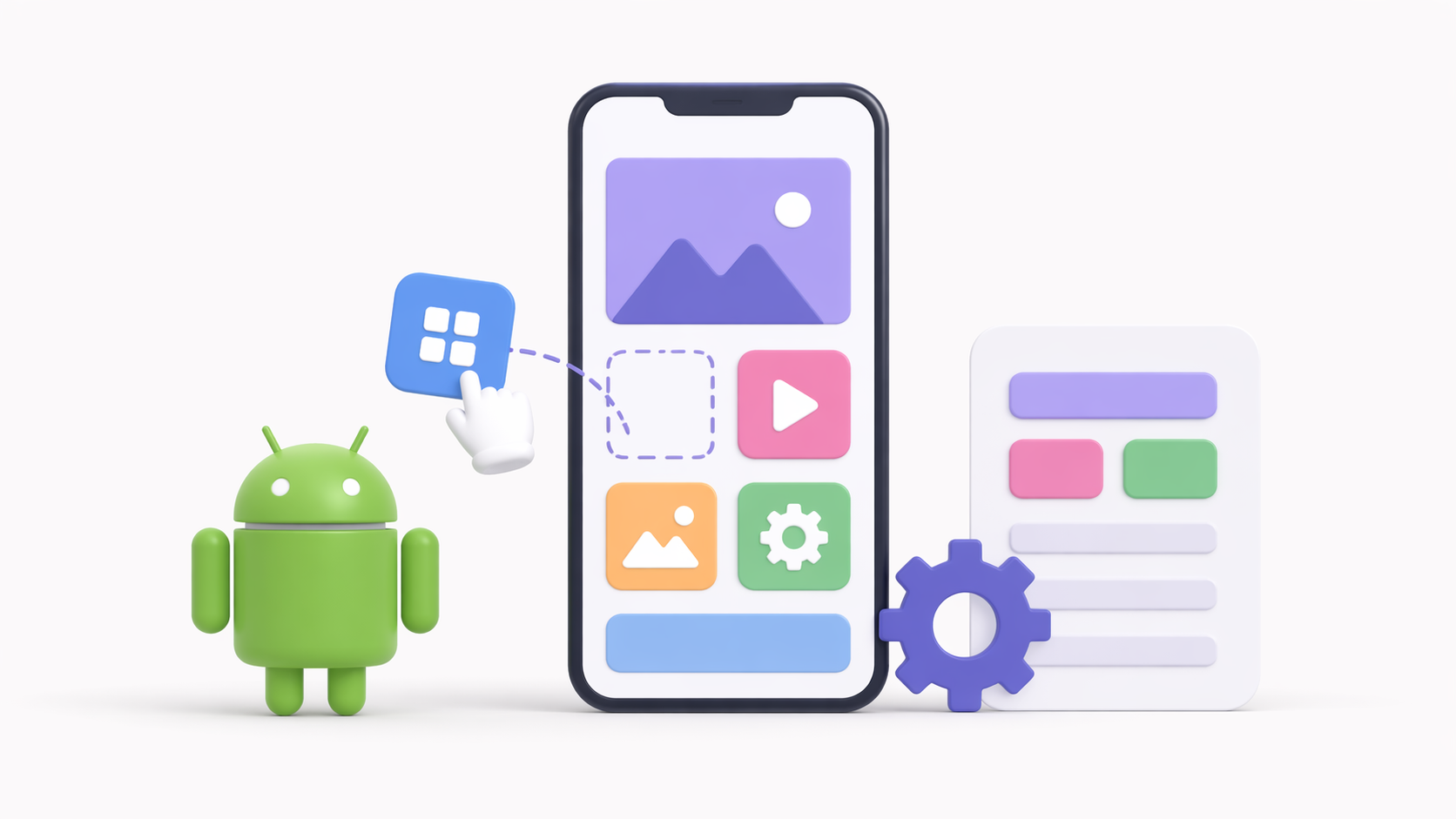
Before diving into the specifics of Android app development, it’s essential to understand what no-code app builders are and how they work. No-code platforms allow you to create fully functional apps without writing a single line of code. They offer intuitive drag-and-drop interfaces, pre-built templates, and customizable components, making app creation simple and efficient. This approach not only saves time but also opens up the field to those without a technical background.
No-code platforms are revolutionizing the way apps are built by providing a toolkit that anyone can use. These platforms eliminate the complexities traditionally associated with software development, making it possible to focus on creativity and innovation. By leveraging pre-existing components, users can mix and match features to create unique applications tailored to specific needs. This empowers individuals and businesses to quickly iterate and refine their app ideas, ensuring they can adapt to user feedback and market demands promptly.
Why Choose No-Code App Builders?
- Ease of Use: No-code platforms are designed with user-friendliness in mind. They provide a straightforward way to build apps, eliminating the need for extensive programming knowledge. This accessibility encourages experimentation and creativity, as users are not bogged down by technical hurdles.
- Cost-Effective: Developing an app traditionally can be costly, especially for small businesses or individual developers. No-code solutions reduce development costs by minimizing the need for a dedicated development team. This financial advantage is crucial for startups and small enterprises looking to maximize their resources.
- Faster Development: With pre-built modules and templates, you can create apps quickly, speeding up the time to market. This rapid development cycle is essential in today’s competitive landscape, where getting your product to users swiftly can make or break your success.
- Flexibility: No-code platforms offer a wide range of customization options, allowing you to tailor your app to meet specific needs. This flexibility ensures that your app can evolve alongside your business, accommodating new features and functionalities as required.
Is Android App Development Easy?
The question “Is Android app development easy?” depends largely on the approach you take. Traditional Android development involves learning programming languages like Java or Kotlin, which can be challenging for beginners. Mastering these languages requires time, patience, and a strong commitment to learning. However, using no-code platforms simplifies the process significantly, bypassing the need for complex coding.
With no-code platforms, the focus shifts from coding to design and functionality. Users can concentrate on the user experience and app aesthetics without worrying about the underlying technical infrastructure. This shift not only accelerates the development process but also enhances the quality of the final product by allowing developers to prioritize the end-user experience. Consequently, more people can participate in app development, fostering a diverse range of applications that cater to various needs and preferences.
Exploring No-Code Native App Builders
 Exploring No-Code Native App Builders
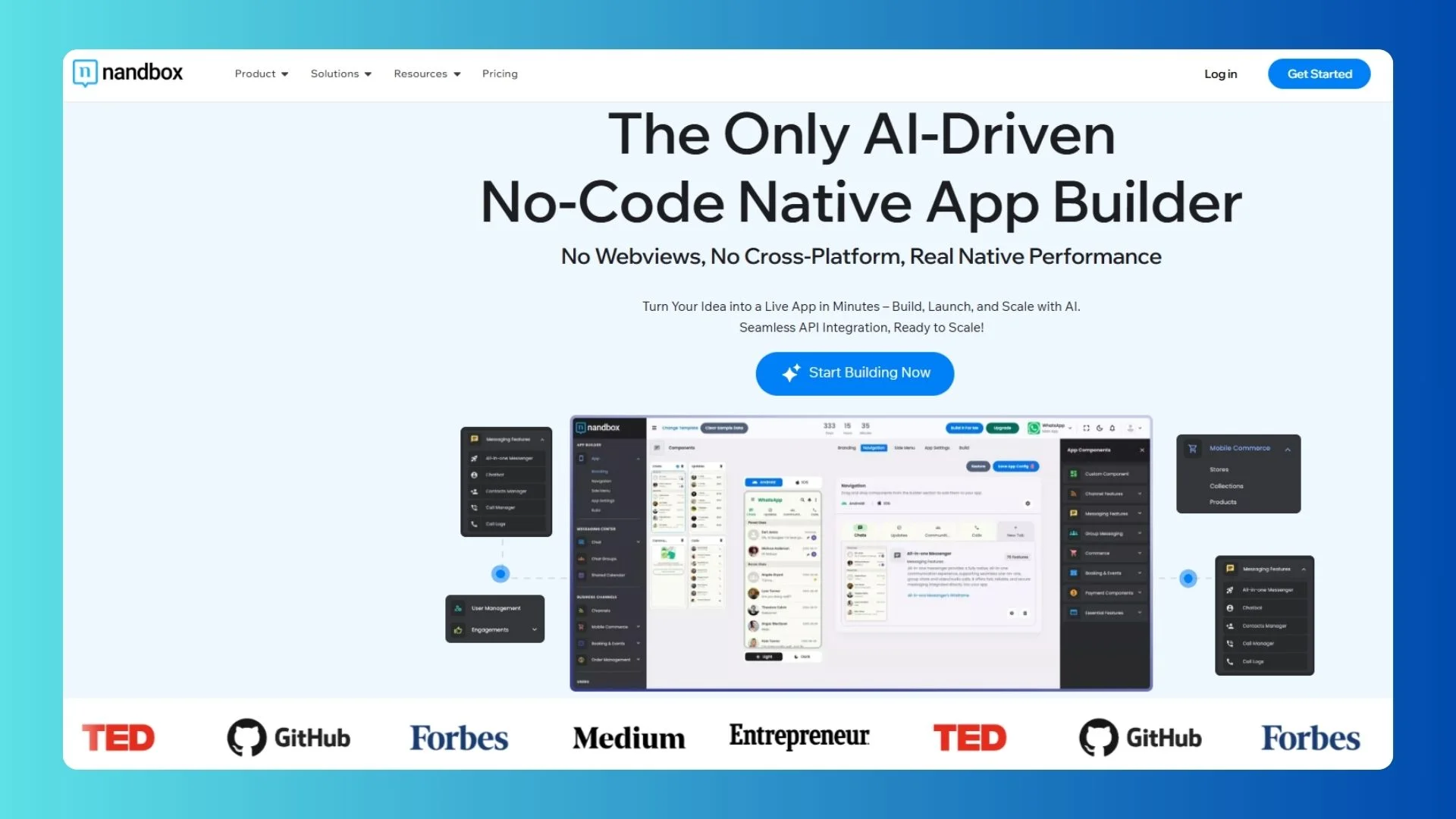
No-code platform enables you to create native Android apps effortlessly. An example of one of the no-code platfroms is nandbox, which provides a robust set of tools that cater to both novice and experienced developers. Let’s delve into its features and see how it scan make you tands out.
Key Features
- Native App Builder: Unlike hybrid app builders, nandbox allows you to create native Android apps. Native apps are known for their superior performance and seamless integration with device features. This results in a smoother, more reliable user experience, which is crucial for user retention and satisfaction.
- Comprehensive Templates: alot of no-code app builders offers a variety of templates catering to different industries and app types. Whether you’re building a social media app or an e-commerce platform, you’ll find a template that suits your needs. These templates act as a springboard, providing a solid foundation upon which you can build and customize your app.
- Drag-and-Drop Interface: The platform’s intuitive interface allows you to drag and drop components, making app development a breeze. This user-friendly design empowers users to experiment with different layouts and features, encouraging creativity and innovation.
- Real-Time Updates: You can make changes to your app and see them reflected in real-time, ensuring your app is always up-to-date. This capability is invaluable for maintaining relevance and responsiveness in a dynamic market.
- Scalability: As your app grows, native no-code app builders provides the infrastructure to support increased traffic and additional features. This scalability ensures that your app can accommodate growth without compromising on performance or user experience.
Hybrid vs. Native No-Code App Builders
When choosing a no-code app builder, it’s essential to understand the difference between hybrid and native apps. Hybrid apps are developed using web technologies and wrapped in a native container, while native apps are built specifically for a particular platform. This distinction has significant implications for app performance and user experience.
- Performance: Native apps generally offer better performance as they are optimized for the platform they run on. This optimization results in faster load times, smoother animations, and a more responsive interface, all of which contribute to a superior user experience.
- User Experience: Native apps provide a more seamless user experience, with better access to device features. This integration allows for functionalities like push notifications, GPS, and camera access, enhancing the app’s capabilities and user engagement.
- Development Complexity: While hybrid apps may be easier to develop initially, native apps offer long-term benefits in terms of performance and user satisfaction. Investing in a native app can pay off through improved user retention and app longevity.
Easy Way to Learn Android App Development
For those interested in learning Android app development, no-code platforms are an excellent starting point. They provide a hands-on approach to understanding app structure and functionality without the complexity of coding. This approach is ideal for beginners, offering a low-pressure environment to explore and learn.
By starting with a no-code platform, aspiring developers can gain insights into the app development process, from design to deployment. This foundational knowledge is invaluable, providing a stepping stone to more advanced development techniques. Additionally, no-code platforms foster a sense of accomplishment, as users can see their ideas come to life quickly and easily.
Getting Started with No-Code App Builders
- Sign Up: Create an account on the no-code platforms to begin your app development journey. The registration process is straightforward, allowing you to start building almost immediately.
- Choose a Template: Select a template that aligns with your app’s purpose. This will serve as the foundation for your app. With a wide range of templates available, you can find one that closely matches your vision, saving time on initial design.
- Customize Your App: Use the drag-and-drop interface to add features, change layouts, and personalize your app to fit your brand. This customization ensures that your app stands out and meets the specific needs of your audience.
- Test Your App: Use the platfroms’ testing tools to ensure your app functions smoothly across different devices. Rigorous testing is crucial for identifying and fixing issues before your app goes live, ensuring a polished final product.
- Launch: Once you’re satisfied with your app, publish it on the Google Play Store and share it with the world. This final step is the culmination of your efforts, allowing your app to reach a wide audience and make an impact.
 by Daniil Komov (https://unsplash.com/@dkomow)
Benefits of Quick App Development
Quick app development is a significant advantage of using no-code platforms. It allows businesses to respond rapidly to market demands and test new ideas without lengthy development cycles. This agility is crucial in a fast-paced digital economy, where consumer preferences and market conditions can change overnight.
Advantages for Small Businesses
- Rapid Prototyping: Quickly create prototypes to validate ideas and gather user feedback. This iterative process helps refine your app based on real-world insights, improving its chances of success.
- Adaptability: Easily make adjustments to your app based on user insights and changing market trends. This flexibility ensures that your app remains relevant and competitive, even as the market evolves.
- Competitive Edge: Stay ahead of competitors by launching new features and updates swiftly. By leveraging no-code platforms, small businesses can punch above their weight, competing with larger companies that have more resources.
Conclusion
Android app development doesn’t have to be intimidating, especially with the advent of no-code platforms like nandbox. These tools make it possible for anyone, regardless of technical expertise, to create high-quality, native Android apps. Whether you’re a business owner looking to expand your digital presence or an aspiring developer eager to learn, no-code app builders offer an accessible and efficient path to app creation.
By embracing no-code technology, you can focus on what matters most: delivering a seamless user experience and driving your business forward. No-code platforms eliminate traditional barriers, allowing you to innovate and adapt swiftly. So why wait? Start your app development journey today and discover the ease and power of no-code solutions. With the right tools and mindset, the possibilities are endless.