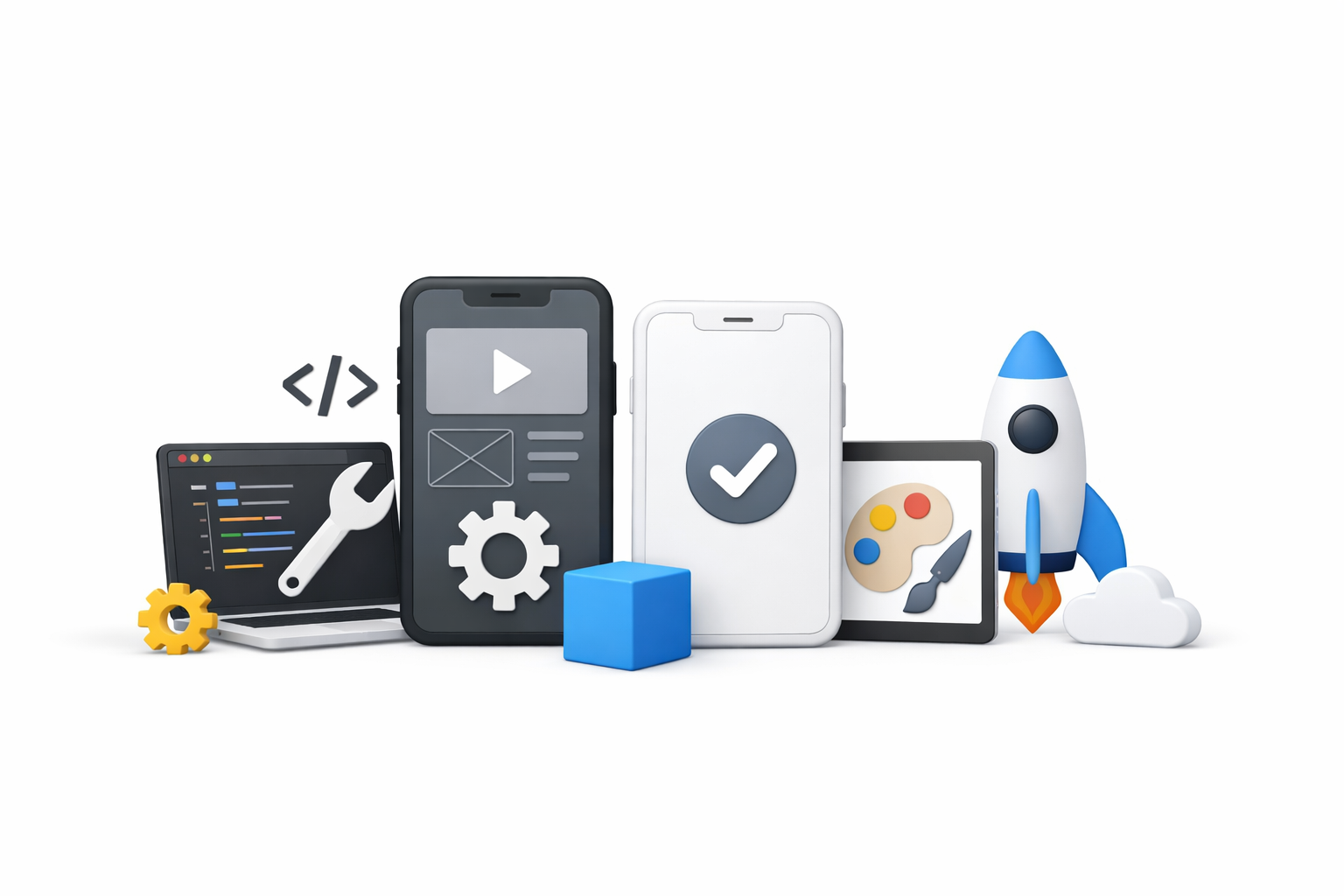
Creating and managing mobile applications can be a daunting task, especially if you’re just starting out. Fortunately, there are numerous app creation tools and mobile app development tools available that make the process simpler and more efficient. Whether you’re developing for iOS, Android, or both, choosing the right mobile software solutions can significantly impact your app’s performance and user experience. In this article, we’ll explore some of the best tools for mobile app development to help you make an informed decision.
Before diving into specific tools, it’s essential to understand what mobile app development tools are. These are software solutions that developers use to create, test, and deploy mobile applications. They can range from integrated development environments (IDEs) to frameworks and libraries that provide pre-written code to facilitate the development process. Collectively, these app development tools span app development platforms, mobile app frameworks, development toolkits, and other mobile development software.
Summary
This article surveys top tools for building and managing mobile apps across iOS and Android, including cross-platform frameworks (Xamarin, React Native, Flutter), core IDEs (Android Studio, Xcode, Visual Studio Code), web-based frameworks (Ionic, PhoneGap), and broader app development platforms (nandbox, Appcelerator, BuildFire), plus multi-platform/game-focused options (Unity, Corona SDK). It highlights key trade-offs—single codebase efficiency, native performance, web-tech flexibility, and no-code speed—along with testing and deployment support. The takeaway: match cross-platform tools and the best mobile app development tools to your goals, budget, and skills to streamline development and deliver high-quality user experiences while staying current with evolving technologies.
Cross-Platform Mobile App Development Tools
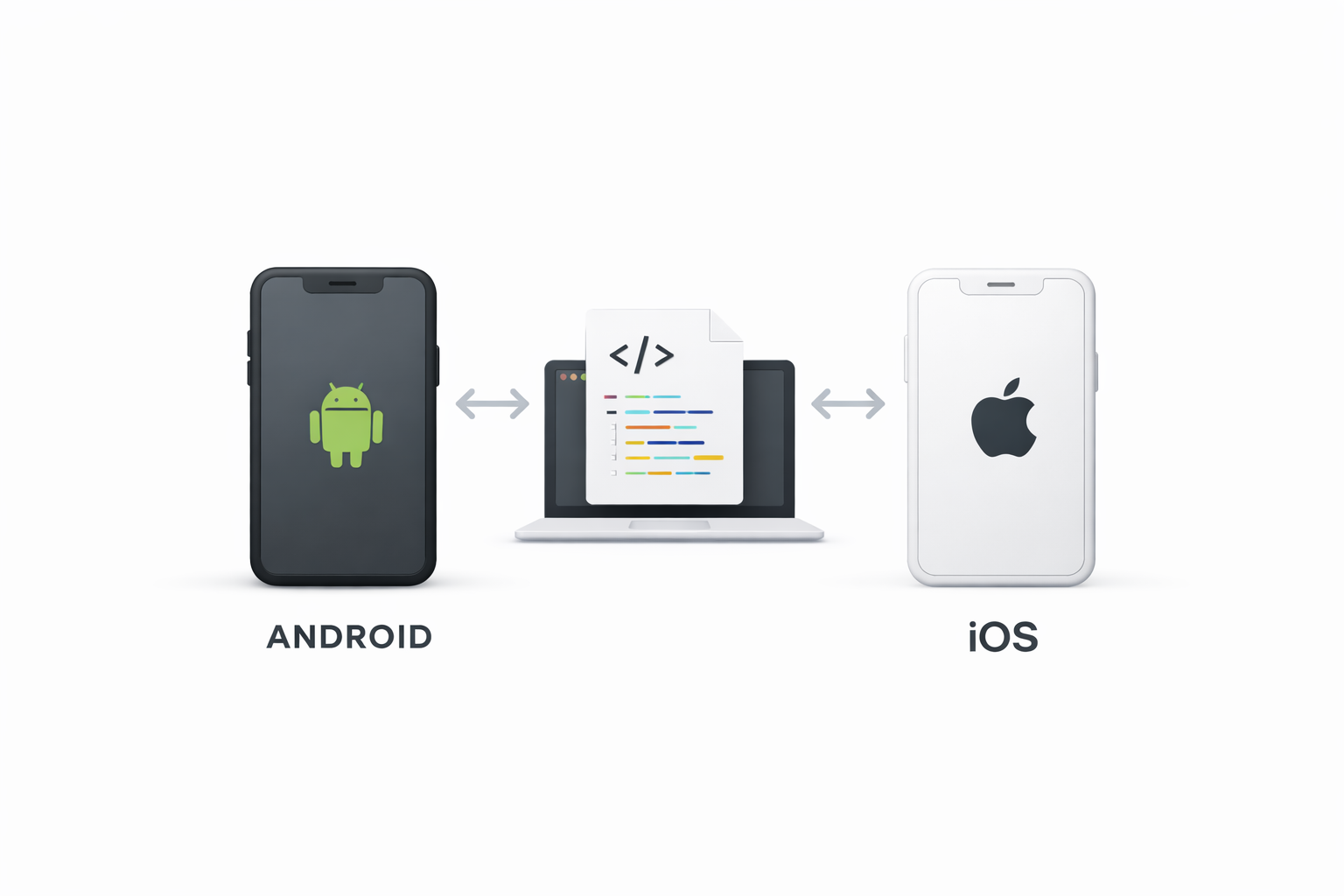
Cross-platform tools allow developers to create applications that work on multiple operating systems, such as iOS and Android, using a single codebase. These cross-platform mobile app development tools can save time and resources, as you don’t need to write different code for each platform.
Xamarin
Xamarin is one of the most popular cross-platform mobile app development tools. It uses C# and .NET to create apps with a native look and feel. Xamarin allows developers to share up to 90% of their code across platforms, making it an efficient choice for cross-platform development.
React Native
Developed by Facebook, React Native is a widely-used framework that allows developers to build mobile apps using JavaScript and React. It provides a rich set of UI components and enables developers to create truly native apps with a single codebase.
Flutter
Flutter, developed by Google, is a UI development toolkit for building natively compiled applications for mobile, web, and desktop from a single codebase. Flutter’s hot reload feature allows developers to see changes in real-time, which speeds up the development process.
Best Tools for Mobile App Development
Choosing the right tools is crucial for the success of your mobile app. Here are some of the best tools for mobile app development—often considered among the best mobile app development tools—for different needs and skill levels:
Android Studio
Android Studio is the official IDE for Android app development. It provides a robust set of tools for coding, debugging, and testing Android applications. As foundational mobile development software, its built-in emulator allows developers to test apps on different Android devices without needing physical hardware.
Xcode
Xcode is Apple’s official IDE for iOS app development and a cornerstone of iOS mobile app development tools. It includes a suite of tools for designing, coding, and testing apps for iPhone, iPad, and Mac. With Xcode, developers can build apps using Swift or Objective-C.
Visual Studio Code
Visual Studio Code is a lightweight yet powerful code editor developed by Microsoft. It supports numerous programming languages and provides extensions for mobile app development, making it a versatile choice for developers across stacks and cross-platform tools.
Mobile App Frameworks
Mobile app frameworks provide developers with a structured foundation to build applications. They include pre-written code, components, and tools that simplify the development process.
Ionic
Ionic is an open-source framework for building cross-platform mobile apps using web technologies like HTML, CSS, and JavaScript. It offers a library of mobile-optimized UI components and tools for seamless integration with other popular frameworks like Angular and React.
PhoneGap
PhoneGap, also known as Apache Cordova, is an open-source framework that allows developers to create mobile apps using HTML, CSS, and JavaScript. It provides access to native device features through plugins, making it easier to build feature-rich applications.
App Development Platforms
App development platforms offer a comprehensive suite of tools and services for building, testing, and deploying mobile applications.
nandbox
nandbox is a powerful native no-code app builder that allows users to create fully functional mobile applications without any coding knowledge. This platform provides a user-friendly interface that empowers businesses and individuals to design, customize, and launch their apps quickly. With nandbox, users can take advantage of its extensive library of features, including push notifications, user authentication, and in-app purchases, all while ensuring a smooth user experience. Its drag-and-drop functionality simplifies the app creation process, making it an ideal choice for those looking to enter the mobile app market without technical expertise. nandbox supports publishing apps for both iOS and Android, enabling creators to reach a wider audience effortlessly.
Appcelerator
Appcelerator is a platform that enables developers to build native apps using a single JavaScript codebase. It provides a range of tools for app development, including an IDE, SDK, and cloud services for managing apps.
BuildFire
BuildFire is an app development platform that offers a no-code solution for creating mobile apps. It features a drag-and-drop interface and a range of customizable templates, making it ideal for businesses and individuals without coding experience. As one of the best app builders for non-developers, it accelerates delivery without deep technical setup.
by Zulfugar Karimov (https://unsplash.com/@zulfugarkarimov)
Multi-Platform Mobile App Development Tools
Multi-platform tools are designed to streamline the development process by allowing developers to create apps that work on multiple devices and operating systems. These multi platform mobile app development tools can reduce duplication and speed time to market.
Unity
Unity is a powerful development platform primarily used for creating games but also supports mobile app development. It allows developers to build 2D and 3D applications with rich graphics and interactive experiences.
Corona SDK
Corona SDK is a cross-platform framework for building mobile apps and games. It uses Lua, a lightweight scripting language, and provides a range of built-in features, including physics engines and animation libraries, to create engaging applications.
Conclusion
Choosing the best app tools for creating and managing mobile applications depends on your specific needs, budget, and technical expertise. Whether you’re looking for cross-platform solutions, frameworks, or full-fledged app development platforms, there’s a tool out there that can help you achieve your goals.
By leveraging the right mobile app development tools, you can streamline your development process, save time, and create high-quality apps that provide a seamless user experience. Consider experimenting with different tools for mobile app development to find the ones that best fit your development style and project requirements.
Remember, the mobile app landscape is constantly evolving, and staying updated with the latest tools and technologies will ensure your apps remain competitive in the market.
Frequently Asked Questions
How should I choose the right tool for my mobile app project?
Match tools to your goals, budget, and skills. If you need one codebase for iOS and Android with strong performance, consider cross-platform frameworks (Xamarin, React Native, Flutter). If you prefer web technologies and rapid UI development, Ionic or PhoneGap are good fits. For games or graphics-heavy, interactive experiences, look at Unity or Corona SDK. If you want an all-in-one platform with services (IDE, SDK, cloud), Appcelerator can help. Non-coders can move quickly with a no-code platform like nandbox. Also consider testing and deployment support—Android Studio and Xcode include robust tools and emulators—and stay current as technologies evolve.
What’s the difference between Xamarin, React Native, and Flutter?
All three enable cross-platform development from a single codebase, but they differ in languages and approach. Xamarin uses C# and .NET and can share up to 90% of code across platforms, delivering a native look and feel. React Native uses JavaScript and React to build truly native apps via a rich set of UI components. Flutter is Google’s UI development toolkit that compiles to mobile, web, and desktop, featuring fast iteration with hot reload and a consistent, high-performance UI layer.
Which IDE or editor should I use for mobile development?
Use Android Studio for Android—it’s the official IDE with powerful coding, debugging, and an integrated emulator. For iOS (and macOS), use Apple’s Xcode to design, code, and test apps in Swift or Objective-C. If you prefer a lightweight, flexible setup, Visual Studio Code is a versatile editor with extensions for mobile development across stacks.
How do Ionic and PhoneGap compare to native cross-platform frameworks?
Ionic and PhoneGap (Apache Cordova) use web technologies (HTML, CSS, JavaScript) and access device features via plugins, making them ideal for teams with web expertise and for rapid UI development. In contrast, frameworks like Xamarin, React Native, and Flutter target more native-like performance and look-and-feel, often resulting in a closer-to-native user experience.
I’m not a developer—can I still create a mobile app?
Yes. No-code app builders like nanbdbox offers a no-code, drag-and-drop platform with customizable templates, making it accessible for businesses and individuals without coding experience. If you do have some development background and want a unified JavaScript approach plus cloud services, consider Appcelerator for building native apps from a single codebase.
![How to Update Your Phone Number in nandbox Messenger [Tutorial]---](https://nandbox.com/wp-content/uploads/2018/06/Introducing-nandbox-Messenger.webp)