
Online Courses (ID: 180061204)
Create your own e-learning app without coding with this E-learning App Builder Template and give your students an easy way to learn online on both Android and iOS. This ready-made e-learning mobile app template helps you launch your online courses app in just minutes with no coding needed. 
99/200  Selected Features.

Android Version (for Android phones)

Is This E-Learning App Builder Template Right for You?

This E-learning App Template is perfect for schools, teachers, and education centers that want to launch their own e-learning mobile app without coding. 
We designed this E-Learning App Builder Template to help you create your own e-learning mobile app to engage more students and deliver educational courses online on both Android and iOS. The E-Learning App Builder Template offers everything you need in one place. It includes an all-in-one messenger with private chats, large group chats, voice calls, and even video calls. It also includes a video upload feature. As a result, you can upload lectures or even import videos from YouTube directly in your e-learning mobile app. 

Additionally, this e-learning template offers an advanced booking system with calendar integration. This allows students to book classes and check their schedules any time. On top of that, it has a built-in media center and file-sharing features. As a result, students and teachers can easily access their courses, save and share them, and even upload documents, photos, videos, and audio files.

Our Recommendation

Please note: This E-Learning App Builder Template is a perfect starting point for your online courses app. You can also fully customize it to match your school vision and teaching style. 

If you want to launch your own e-learning app, grow your education business, and engage more students, this E-learning App Builder Template is for you. 

Sign up now and build a native iOS and Android e-learning app without coding!

Wireframe
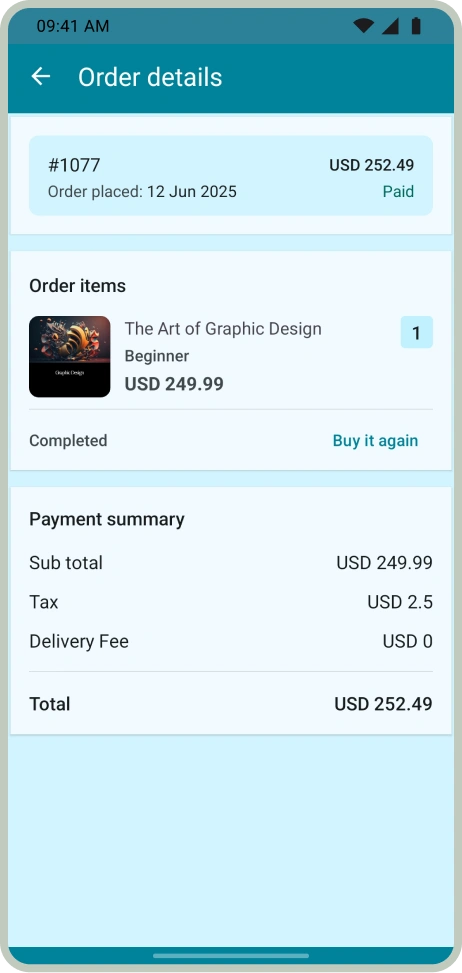
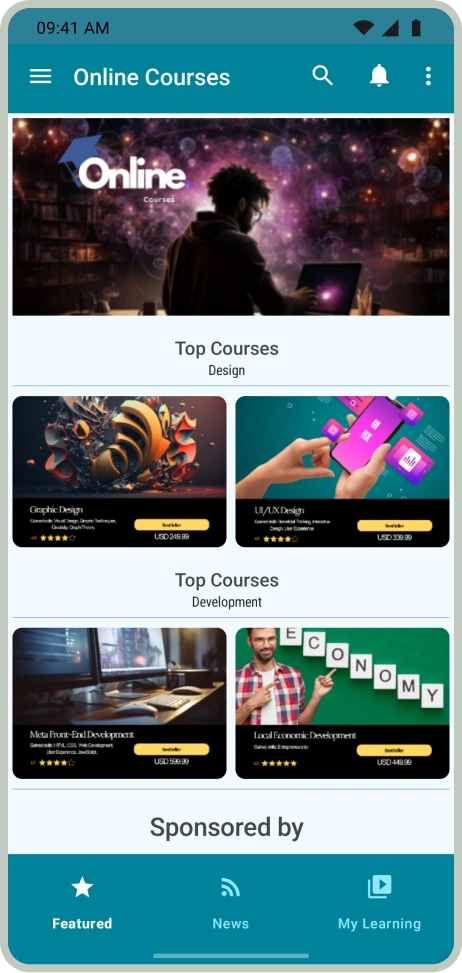
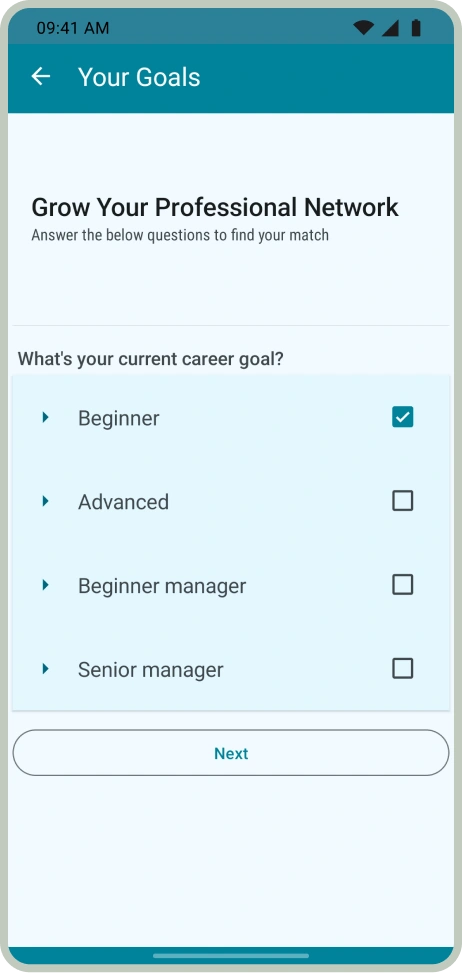
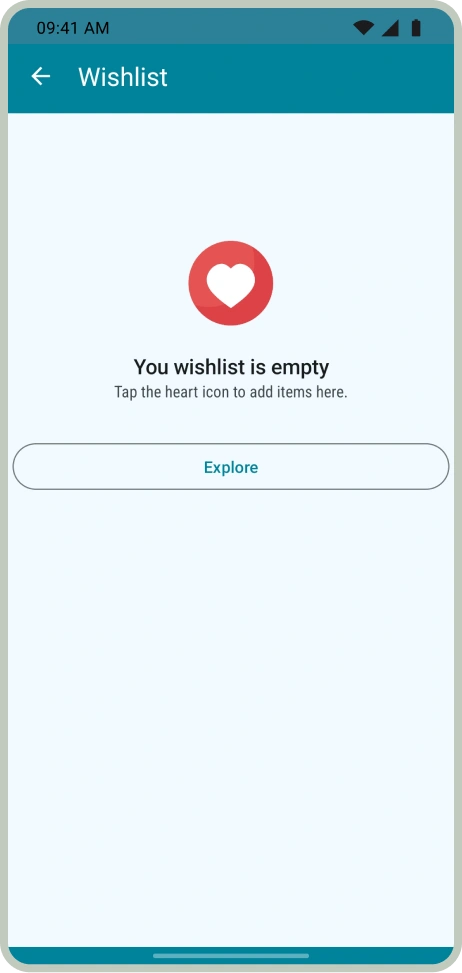
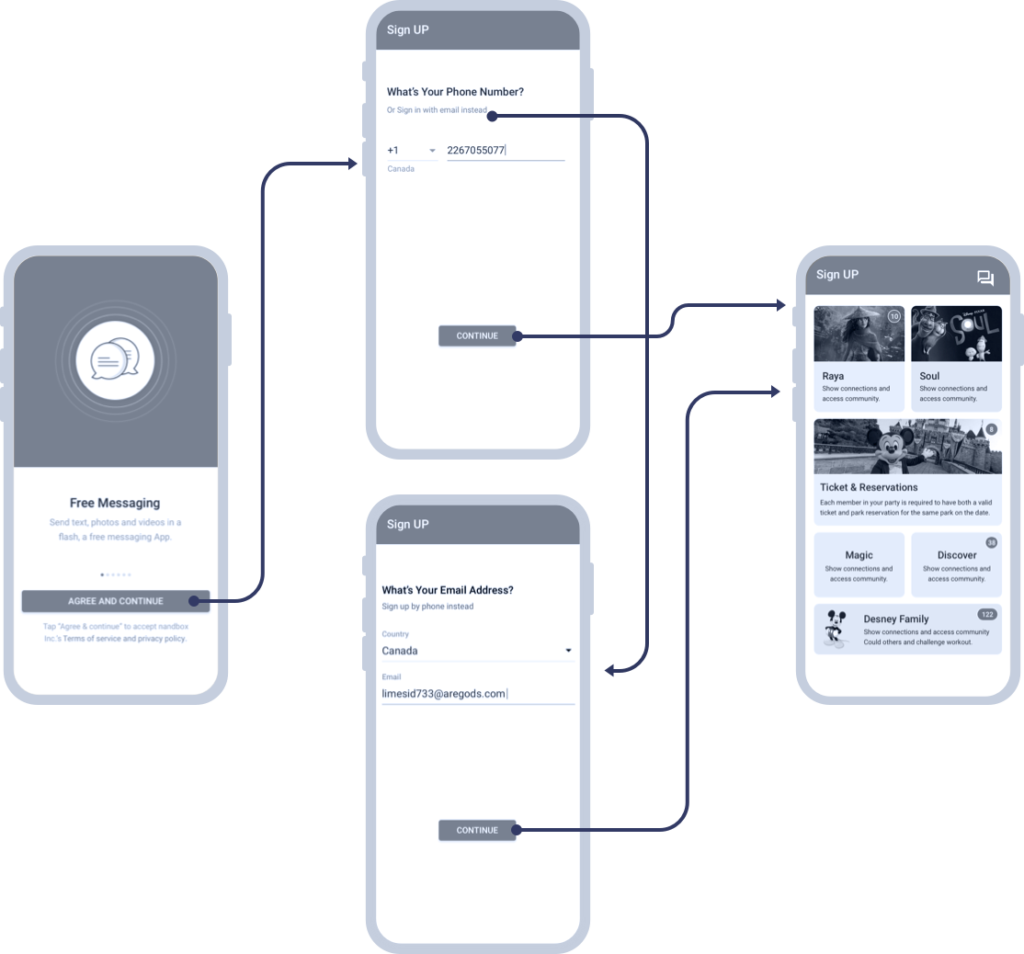
You can check all screens of this template by clicking on a view wireframe button.

 a replica of Threema and build a fast, reliable, and secure native messenger. Connect people through instant text & media messages, crisp & clear video & audio calling, channels with unlimited subscribers, and groups that can hold up to 50,000 members Create a replica of Threema and build a fast, reliable, and secure native messenger. Connect people through instant text & media messages, crisp & clear video & audio calling, reliable, and secure native messenger.Connect people through instant text & media messages, crisp & clear video & audio calling, channels with unlimited subscribers, and groups that can hold up to 50,000 members Threema and build a fast, reliable, and secure native messenger.

E-Learning App Template Main Features

video1

Video Uploads

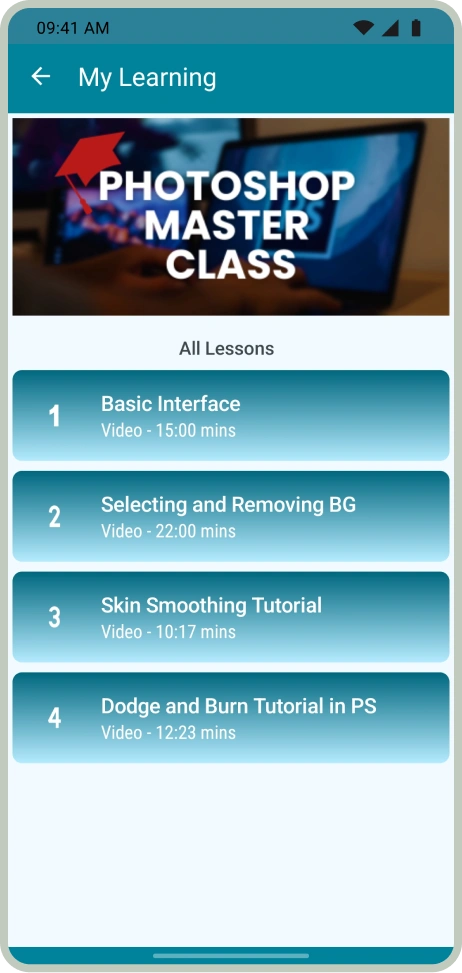
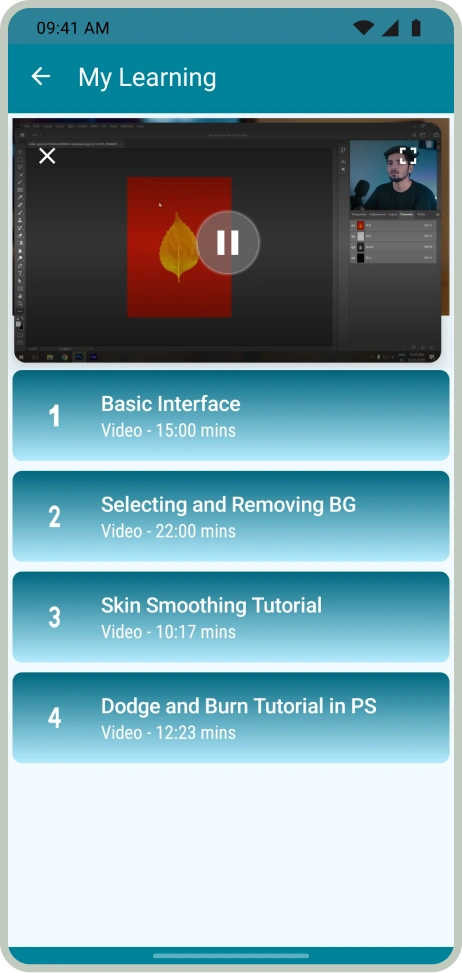
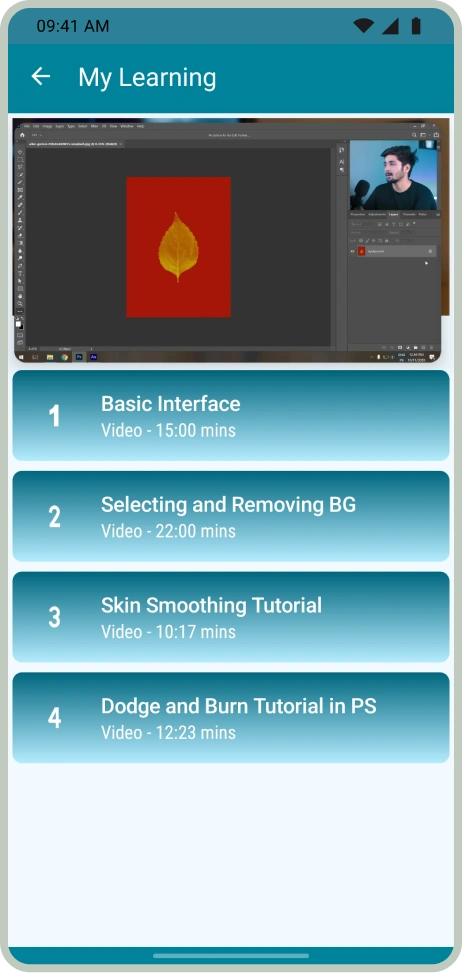
Upload your course videos directly or import them from YouTube so students can watch lessons anytime inside your e-learning mobile app.

Fully-operational-Store1

Fully Operational Store

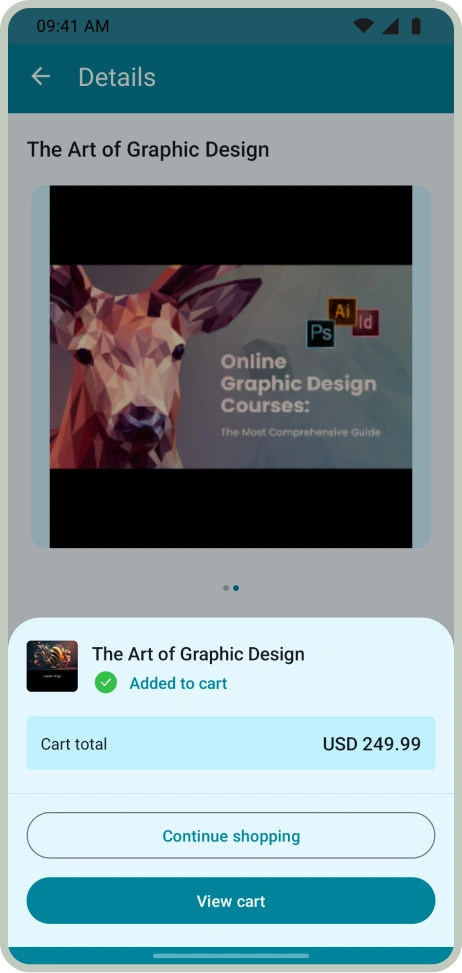
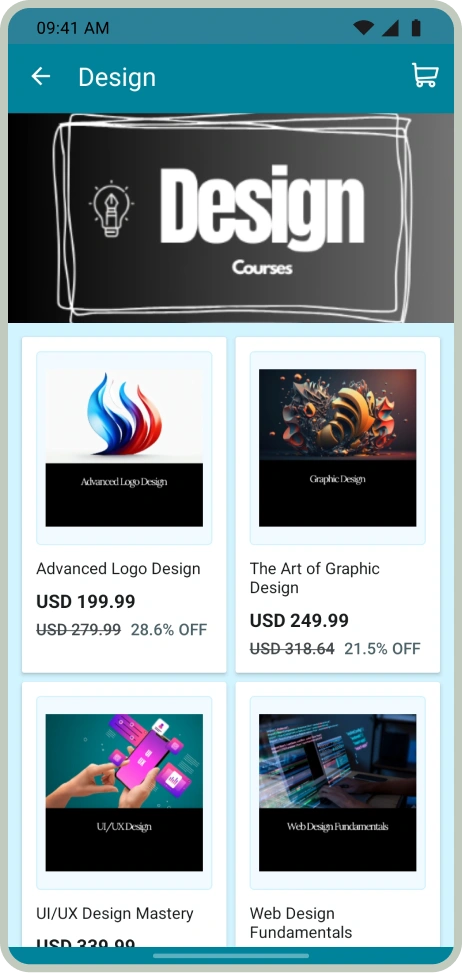
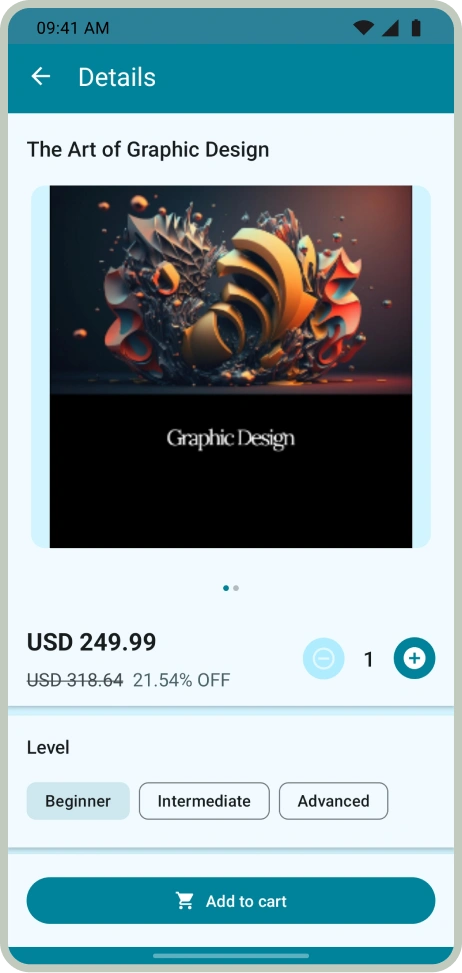
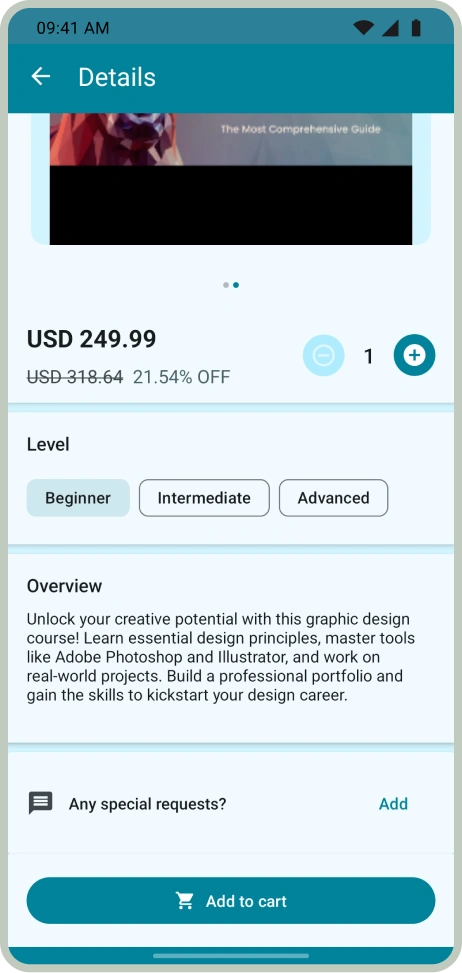
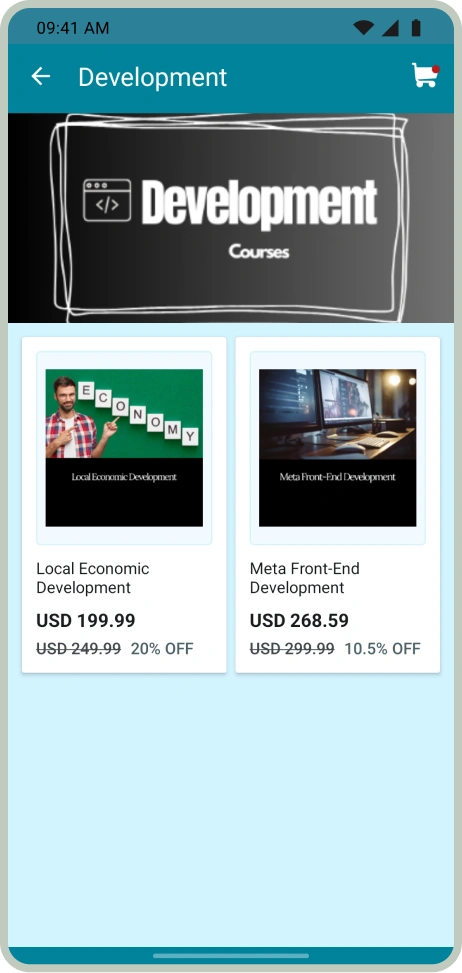
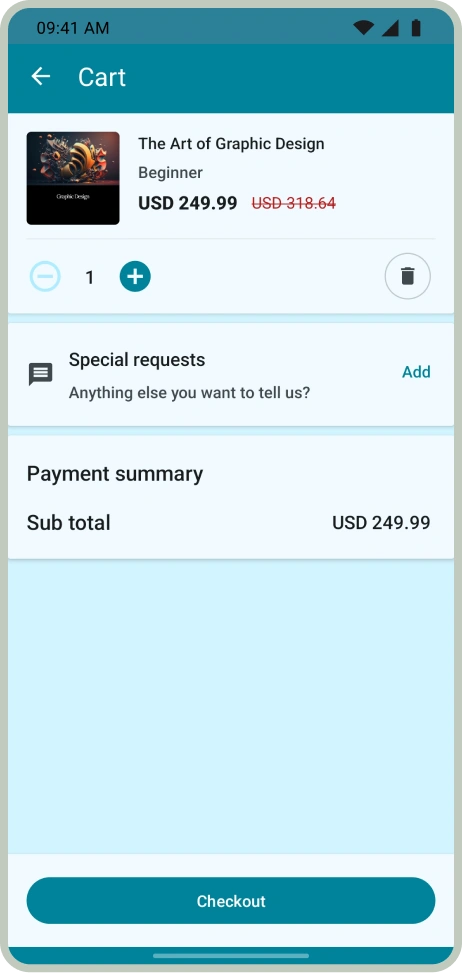
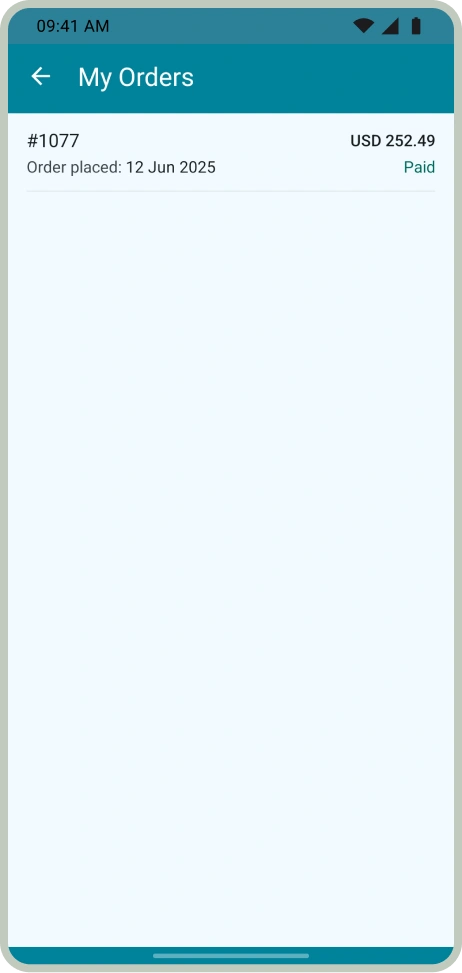
Make it easy for you students to browse courses and enroll with the built-in store feature. Add unlimited courses with images, descriptions, and prices.

World-class-Payment-Provider1

Secure Payment Gateways

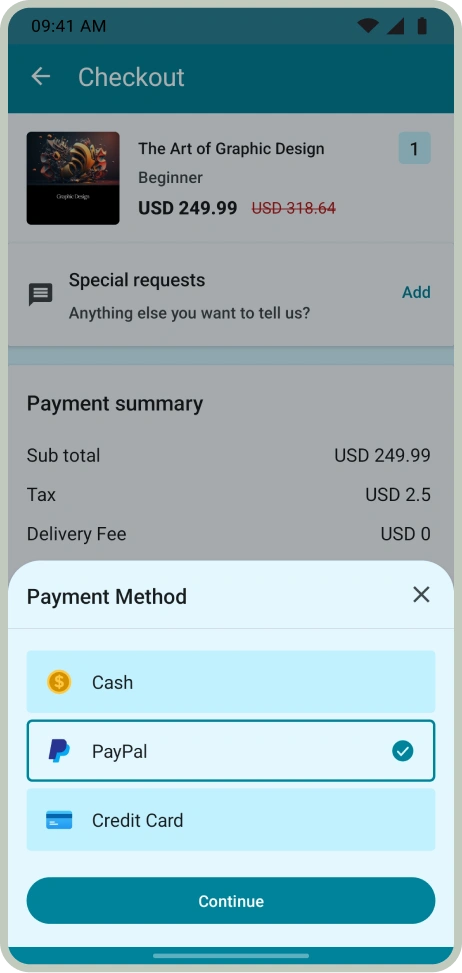
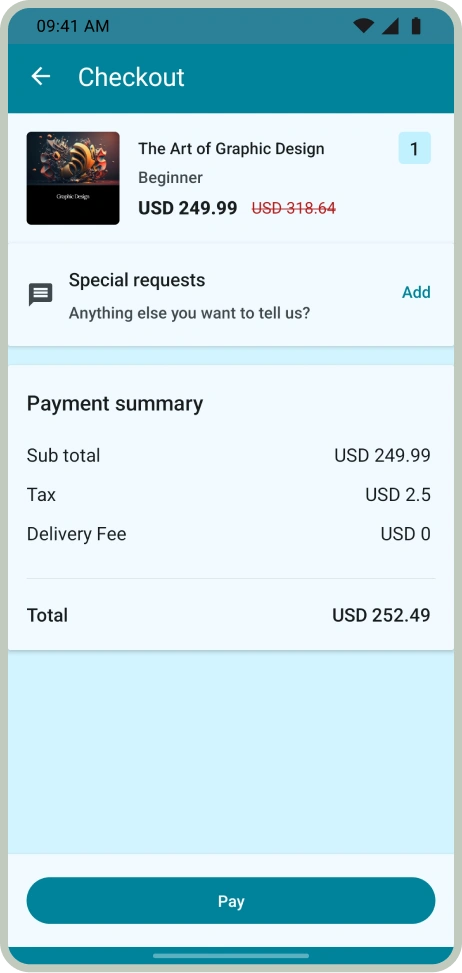
Offer a trusted checkout experience with secure payment gateways like Stripe and PayPal so students can pay with confidence.

Newsfeed1

Interactive Newsfeed

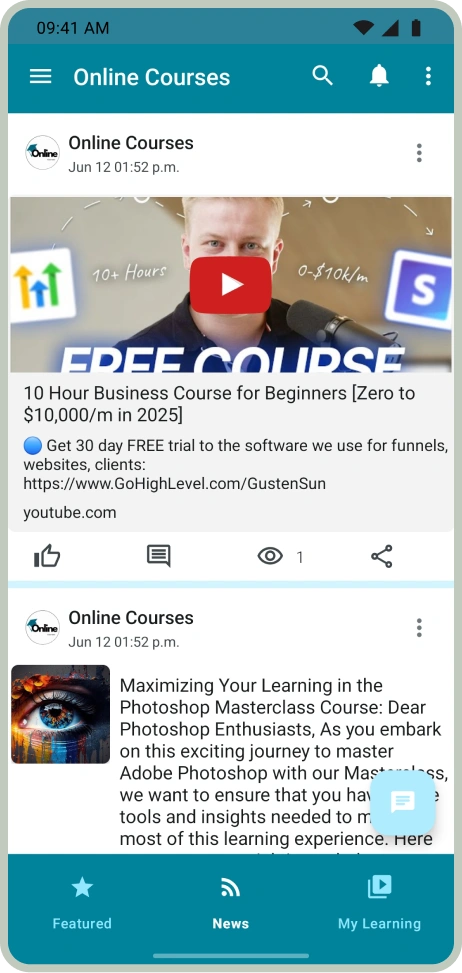
Keep your students updated with an interactive newsfeed feature where you can share updates, new courses, and important announcements in real time.

iOS Version (for iPhones & iPads)

What Are the Benefits of Using this E-Learning App Builder Template?

  • If you want to build an e-learning app but don’t know how to code, this template is for you. This E-Learning App Builder Template helps you launch your own e-learning mobile app on both Android and iOS. 
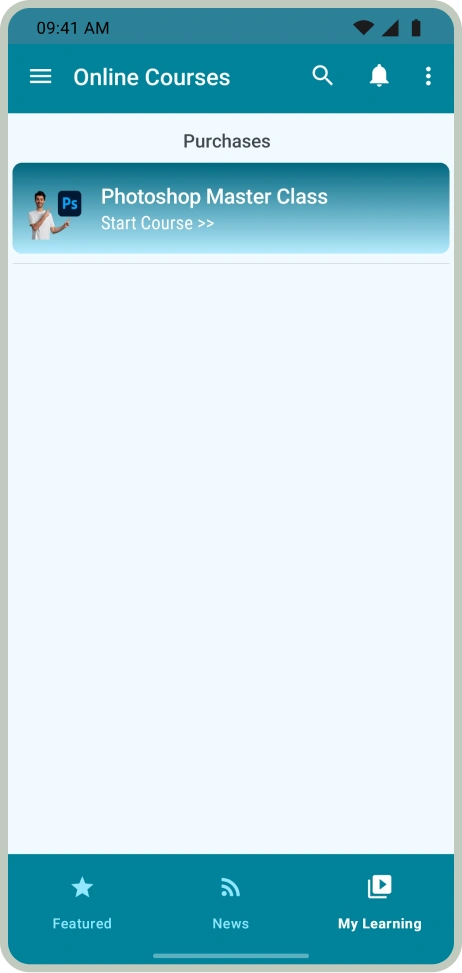
  • If you want to give your students an easy way to access courses from one place, this template is a perfect starting point. This e-learning mobile app template allows you to add unlimited courses with images, descriptions, and prices. This feature helps students browse, select, and enroll directly from your e-learning app. 
  • To offer an engaging learning experience, this template has a built-in video upload feature. You can directly upload your course videos or even import them easily from YouTube. As a result, students can watch lessons anytime inside your e-learning mobile app.
  • To keep your students connected, this template has a built-in all-in-one messenger. The E-Learning App Builder Template includes secure private chats, large group chats that can hold up to 50,000 users, and even voice and video call features. 
  •  If you want to create your own e-learning mobile app with secure payments without coding, this template is for you. The E-Learning App Builder Template allows you to provide trusted and secure checkout. It supports multiple secure payment gateways like credit cards, debit cards, Stripe, and even PayPal. 
More Benefits
  • To keep your students engaged and updated, this E-learning App Builder Template has an interactive newsfeed. This feature allows you to share updates, new courses, and important announcements in real time. 
  • If you want to build a native iOS and Android e-learning app complete with all the essential features on a budget, then nandbox Professional Plan is the best choice. This plan gives you everything you need to offer the learning experience, including an all-in-one messenger, large group chats, video uploads, calendars, interactive newsfeeds, secure payment gateways, and much more.
  • To allow your student to access all their learning materials from one place, this template provides a media center and file-sharing feature. Both teachers and students can easily access, upload, and save all types of files in one place, including documents, videos, images, and audio files. 
  • If you want your students to enjoy a simple booking experience, this E-learning Mobile  App Template is for you. The template includes a smart booking system with calendar integration. This allows students to easily book their classes and check availability and schedules in real time. 
  • If you want to reach more students, this E-learning Mobile App Template comes with a QR code feature. Students can easily scan the QR code to download your app or even unlock special personalized offers. 
  • To attract more students naturally and build more trust, the Invitation feature lets your users invite their friends to download your app instantly.

Start with this template if it matches your vision for your app.

E-Learning App Builder FAQs: How to Create Your Own E-Learning Mobile App?

How can I create an e-learning mobile app without coding?

You can easily create an e-learning mobile app without coding using nandbox no-code native app builder. nandbox offers a pre-made E-learning App Builder Template and an App Builder GPT, so you can launch a native iOS and Android online courses app complete with video uploads, secure chats, a media center, and more in just minutes.

What’s the best e-learning app builder to create an online course app without coding?

nandbox no-code native app builder is the best e-learning app builder for launching an e-learning mobile app on both Android and iOS. It offers a pre-made e-learning app template that includes secure chats, video uploads, a media center, secure payments, and much more. 

How do I publish my e-learning mobile app to the Google Play Store and Apple App Store?

With nandbox e-learning app builder template, you can launch your own e-learning mobile app on both Android and iOS. 

Once you subscribe to the professional plan or the premium plan, nandbox has a specialized team that will help you publish your app on the Google Play Store and the App Store. The team will guide you through the steps needed to ensure that the app is live on both stores.

How to keep students engaged and updated in my e-learning app?

nandbox e-learning app builder offers a pre-made online courses app template. This e-learning app template includes an interactive newsfeed where you can share updates, announcements, and new lesson alerts in real time. It also includes private chats, group chats, and channels so students and teachers can communicate easily, share ideas, and stay connected inside your e-learning app. 

How to add course videos to my e-learning app without coding?

With the nandbox e-learning app builder, you can easily upload your course videos directly to your app or import them from YouTube. The e-learning mobile app template allows your students to watch lessons anytime.

How to add features to my e-learning mobile app without coding?

nandbox no-code e-learning app builder offers a simple drag-and-drop interface where you can add advanced native app features like chats, secure payments, smart booking systems, media sharing, and much more in just one single tap. 

All trademarks, logos and brand names are the property of their respective owners. All company, product and service names used in this website are for identification purposes only. Use of these names, trademarks and brands does not imply endorsement.

© 2015 - 2023 nandbox ® Inc. All Rights Reserved. Technology protected by